Getting the transcript
Reading the captions from YouTube. A video nobody has opened here before takes 10 to 30 seconds; this page fills in on its own.
Reading the captions from YouTube. A video nobody has opened here before takes 10 to 30 seconds; this page fills in on its own.
Manware · @IAmManware
Words
1,410
Runtime
7:11
Speaking pace
196wpm
Reading time
6min
196 words per minute, between the 181 median and the 201 75th percentile of 349 measured videos. That distribution comes from the 349-video hook study.
Opening (first 30 seconds)
When I first installed VS Code, wrote hello world, and clicked this button, the output was just there. Then instead of explaining how it happened, the instructor just moved on to the next code, and I felt betrayed. Like, how does my code control my hardware? I wondered how humans just took some rocks and sand and turned them into machines that browse the internet, and YouTube videos, and create the most mathematically perfect jiggles. So, I just assumed things were just too complicated for a noob like me to understand. They are not. By the end of
98 words, the words spoken in the first 30 seconds at 196 words per minute.
Free, no signup. See how the first 30 seconds hold attention, with rewrites.
Sentence shape
| Measure | This transcript |
|---|---|
| Sentences | 77 |
| Average words per sentence | 18.3 |
| Longest sentence | 56 words |
| Questions asked | 6 |
What this transcript is
Every word below is the caption track YouTube publishes for this video, pulled from the video itself and reproduced unchanged. It is not Prepublish's writing, not a summary, and not a re-transcription: it is the video's own published captions. English captions, generated automatically by YouTube, in the video’s original language. Source: the video on YouTube. A channel that would rather this page did not exist can ask for its removal through the contact page, and it is removed.
No Script X-ray for this video: YouTube shows a Most replayed graph only once a video has enough views.
When I first installed VS Code, wrote hello world, and clicked this button, the output was just there. Then instead of explaining how it happened, the instructor just moved on to the next code, and I felt betrayed. Like, how does my code control my hardware? I wondered how humans just took some rocks and sand and turned them into machines that browse the internet, and YouTube videos, and create the most mathematically perfect jiggles.
So, I just assumed things were just too complicated for a noob like me to understand. They are not. By the end of this video, you'll know exactly how that code controls your hardware. You might have seen people explain how your code is compiled, whatever that means, into assembly, then into binary, but that is the wrong way of learning. The correct way is to start from what we already know, which is electricity on and electricity off.
So, some dude came along and said, "Actually, that electric switch can do math really fast." They actually started by using fancy light bulbs as switches to create the first computers. We'll see how in just a second. And later they invented transistors, which are way smaller and can flip billions of times per second. Okay, so how can zap and no zap do math and jiggle that ass? Luckily for us, this guy casually discovered Boolean algebra in 1847 in his basement.
So, if we create this very simple circuit using two transistors that takes two inputs, zap or no zap, or one and zero, then it returns a zap only when both inputs are zap. This he called an AND [music] gate. An OR gate also takes two inputs, but returns one if either of the inputs is a zap. The XOR gate returns one only if the inputs are different. The NOT gate just reverses the input. Now, the absolutely crazy thing that scientists discovered is that by only using these four gates, we can perform complex math really fast, create entire computers, and eventually create the most mathematically perfect jiggles.
You see how? First, look at this XOR gate. It's a little more complicated, but it takes two inputs, uses one AND and an XOR gate, and returns the sum of the two inputs. 1 + 0 is 1, 0 + 1 is also 1, and 1 + 1 is 2 to the power of 1, which is 2. This was called a half adder. But adding 1 and 0 is not really that useful. If you want to add more digits, we actually need a third input to this circuit. Look in binary addition, when we add 1 + 1, we add a carry over to the next operation and add all the three together.
This is why we have three inputs and two outputs in our next circuit, which we call a full adder. Now, if we place two full adders sequentially, we can pass the carry out from the first operation to the next operation. And congratulations, you just created a two-bit adder that can add two-digit binary numbers. Now, take four adders sequentially and we just created a four-bit adder. This is how addition is solved by Zap switches and really simple circuits.
Okay, we'll get to the really interesting stuff in just a second. But we can similarly create subtraction, multiplication, and other arithmetic circuits. And this is what an ALU or an arithmetic logic unit inside a CPU does. You give it two numbers and a flag denoting which operation to perform, and it outputs the result just like [music] a calculator. Okay, simply getting the result of a calculation is very useful for 1940s standards, but there's currently no way to save these results.
Also, we have to manually input all the numbers in binary ourselves, which is painfully slow even by 1940s standards. This brings us to the second fundamental part of a CPU, registers. Your physical transistor can also just hold a bit if it's on or off. If we place eight of them together, we can store eight bits of information. Let's call that a block. It can now hold any value from 0 to 255. Now, if we replicate this block multiple times and give each one a unique name, this is what we call a register.
Now, we can store any values in these registers, allow the ALU to pick values from these registers, add them, and store the result in this register. And congratulations, that was your first assembly instruction. An assembly instruction typically has an operation mode, two source registers, and a destination [music] register. The part of the CPU that orchestrates this whole instruction that is retrieving two values assigning tasks to the ALU and storing its output back is done by the control unit or CU which is the third fundamental piece of a CPU.
But currently our CU doesn't actually understand an assembly instruction. We've kind of hard-coded and told the CU that this binary sequence means add the next two bytes will be the input registers and the next byte will be the output register. And I don't know about you guys, but I would be rather unemployed than write code in binary. And because that would be a massive loss to the field of computer science, scientists created an assembler to translate assembly code into binary instructions.
So now that we have the superpower of writing an assembly instruction, we can suddenly do one extremely powerful thing, write multiple assembly instructions and run it one after the other to perform much more complex operations very fast. But how do we execute multiple instructions in a sequence? And how do we go from just arithmetic operations to writing for loops and conditional statements? This segment is where everything comes together in a very satisfying way.
We create a new register for just storing our instructions and call it the instruction register. I know, genius nomenclature. But also to keep track of which instruction to execute next, let's also have a program counter which shows the currently executing instruction and then automatically increments it by one so the CU knows we need to execute the next instruction. Okay, so our CU first fetches this instruction, decodes it and executes it by storing one here.
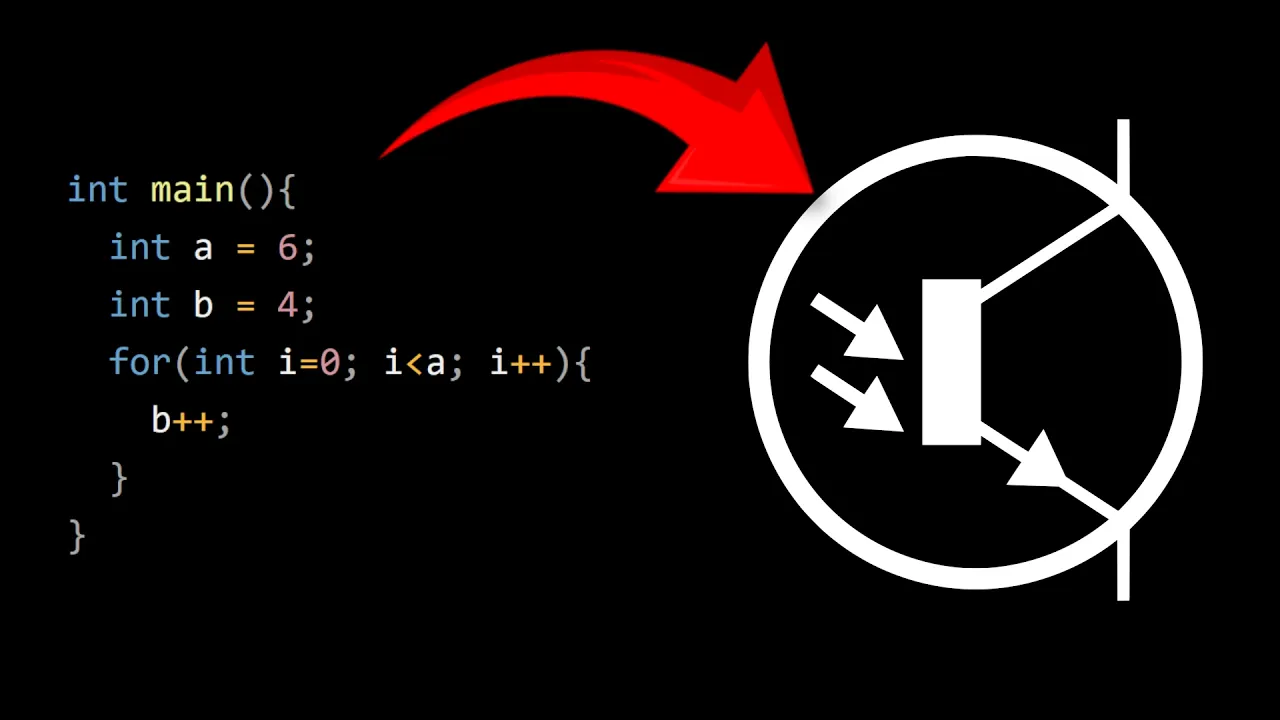
The counter increments, CU fetches this instruction, decodes it and executes it by storing two here. Then it fetches the values in both these registers, sends it to the ALU with the add flag and stores the output to this register. Next, it picks a value from this register and sends it to the ALU with an increment flag that simply increments the number by one. And this is approximately what this C code compiles to. But like, what's even the point of program counter if it always just increments by one?
That's where conditional operators and for loops [music] come in. This assembly code will tell the program counter to jump to instruction four every time after executing instruction seven and jump to the instruction nine only if the above condition is satisfied. Modern CPUs are made of billions of nano-sized transistors that form logic gate circuits that are intricately fabricated and made of registers, ALUs, CUs, caches, etc. that all form one core of a CPU.
Every line of code you write, every app you open, every GTA 6 jiggle is just a set of instructions that gets compiled into assembly and become electric signals that race across billions of transistors performing trillions of calculations every second even while you're watching this video. You now know how we tricked a pile of rock and sand into doing math for us and will CPUs [music] capable of browsing the internet, watching Man Bear videos, subscribing to him, and playing games of course.
But understanding how graphic card shows graphics or how every mouse movement is translated instantaneously into moving pixels or how your PC shares live data across the globe in milliseconds or how songs are recorded and stored in binary and how video games work because of everything combined together are questions that require their own PhDs. So if you liked or disliked the video, I would love to make this into a full series.
Please let me know in the comments. I'll be linking some resources and cool stuff in the description and thanks for watching Man Bear.
The words are the caption track's own and nothing is reworded or re-transcribed. Paragraph breaks are placed between sentences so the text reads as prose.
Free tools for your own script. No signup, no login.
Paste your draft and see where viewers are likely to drop off, with a rewrite for each weak line.
Paste the first 30 seconds of your own draft for a hook score and rewrites.
Check your draft against YouTube's advertiser-friendly guidelines before you record it.
Read this channel's public videos and transcripts, and download a writing brief for it.
| Sentences containing a number | 8 |
Most used terms
Filler phrases
9 in total: actually 4 · like 4 · kind of 1.
A literal whole-word count of the same phrase list the Prepublish browser extension uses, so a phrase inside another word is not counted and a phrase used in its ordinary sense still is. It is a count and not a judgement.