Getting the transcript
Reading the captions from YouTube. A video nobody has opened here before takes 10 to 30 seconds; this page fills in on its own.
Getting the transcript
Reading the captions from YouTube. A video nobody has opened here before takes 10 to 30 seconds; this page fills in on its own.
Charting Made Easy · @easy_charting
Words
1,948
Runtime
13:17
Speaking pace
147wpm
Reading time
8min
147 words per minute, below the 160 25th percentile of 349 measured videos. That distribution comes from the 349-video hook study.
Opening (first 30 seconds)
Hi everyone. In this video, I'll show you how to create an incident report in Point Clicker. To begin with, a few words about the incident reports. So, the incident reports are documents that you need to create when something extraordinary happened to a resident or between residents. Uh this includes falls, elopments, wandering, conflicts between residents, medication errors and many more. Usually your facility will list the cases when the incident report needs
74 words, the words spoken in the first 30 seconds at 147 words per minute.
Free, no signup. See how the first 30 seconds hold attention, with rewrites.
Sentence shape
| Measure | This transcript |
|---|---|
| Sentences | 127 |
| Average words per sentence | 15.3 |
| Longest sentence | 119 words |
| Questions asked | 20 |
| Sentences containing a number | 3 |
Most used terms
Filler phrases
112 in total: uh 53 · like 17 · right? 16 · kind of 8 · um 6 · actually 5 · basically 4 · you know 2 · I mean 1.
A literal whole-word count of the same phrase list the Prepublish browser extension uses, so a phrase inside another word is not counted and a phrase used in its ordinary sense still is. It is a count and not a judgement.
What this transcript is
Every word below is the caption track YouTube publishes for this video, pulled from the video itself and reproduced unchanged. It is not Prepublish's writing, not a summary, and not a re-transcription: it is the video's own published captions. English captions, generated automatically by YouTube, in the video’s original language. Source: the video on YouTube. A channel that would rather this page did not exist can ask for its removal through the contact page, and it is removed.
No Script X-ray for this video: YouTube shows a Most replayed graph only once a video has enough views.
Hi everyone. In this video, I'll show you how to create an incident report in Point Clicker. To begin with, a few words about the incident reports. So, the incident reports are documents that you need to create when something extraordinary happened to a resident or between residents. Uh this includes falls, elopments, wandering, conflicts between residents, medication errors and many more. Usually your facility will list the cases when the incident report needs to be filed.
One very very important thing about incident reports that you need to know before even started starting is that incident report is a document document for your administration and for your facility risk management. It's not a document that should be on a residence chart. Uh so why do I say this? So basically in the incident report you describe how the incident happened like what was the root causes like uh why why this why this person fell or why for example they wondered and this information is essentially for your risk manager for your facility.
This is not for the resident for the physician for anyone else or even for lawyers. So it's a very important legal thing because as soon as you start explaining incident details in resident chart where you document their care, you expose yourself and the facility to a legal risks in case the there is some legal shenanigans. Lawyers can use incident information against the facility. This is very important. I'll I'll stress it further.
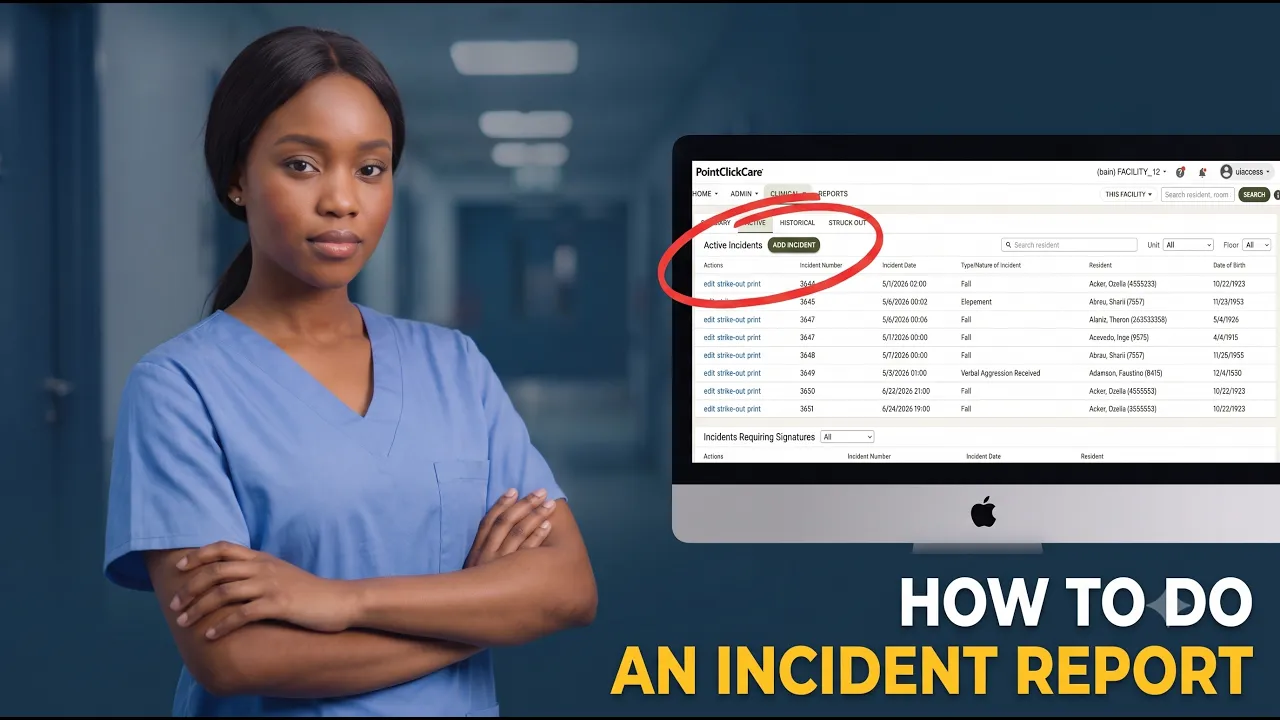
But let's start and find the risk management module first. So you need to go to clinical here in care management there is a risk management. So this summary has the current incidents going on um and what types of them are happening. Let's go to active. This is a list of active incidents and let's add a new incident. U let's take a let's select a current residence. Let's take Ozella for example, our favorite one. Uh incident date.
Let's say it happened uh I don't know one 1:00 a.m. Uh then we need to select a nature type of incident. So usually your facility will have policies explaining to this right. So let's for the for a simple one. There are many many many types here. Let's take a fall for example and the resident location would be resident room and the person uh making the report is us access. Okay, let's save it. Okay, from this point on the incident is kind of saved.
So it's there's already incident with a number, right? And uh as I said this is a very important legal distinction. This is a document only for your facility management and administration. So they can find how they can find the root cause and how to fix this incident. That's why in the bottom it says self evaluative privilege document. So it's not for everyone. Okay. But at the same time uh we've um this as I said the incident point already exist right?
But in order for to make your colleagues life easier I mean so they can so the risk manager or facility manager can debug this and can make sure this doesn't happen this kind of instance don't happen in the future you need to add as much details as possible. So it might sound like a boring work but it's actually quite important to add as many details as possible in the incident report. How to do that? So first of all uh there are a couple of tabs right and we'll go through all of them and I explain which one means what.
Uh so instant description nursing description uh so I'll add some very short descriptions here so just you understand how it works right so so first of all the incident was not witness was not witnessed right so we don't we don't click that so I came into the room and they were on the floor cool description they said they want to go meet their Good. Uh, immediate actions taken. Vitals taken. Uh, give something to drink.
Drink. Uh, put them back to bed. Right. Uh, here there is like uh also two tick box. If residents cannot give the the some information about the incident, you take this. And if they were taken in the hospital, you take this. Okay, let's say save. Uh, next one, injuries. So in this injury sections, so there are two big sections sections here. Injuries observed at the time of incident and injuries reported post incident.
Two different things, but in the end this um so in the end this is the same thing, right? So here go here you put in what you found immediately after you located them right for and let's add an injury. Uh let's say that they had a bruise on their uh on the left shoulder rear. Right? So so here like number nine on this little guy you can see where this happened. Right? So we say they had a bruise there when they fell.
This is how you add an add an injury. So if you need add if there's multiple injuries, you can press this button one more time. Then you need to describe the level of pain that the resident is experiencing right now. There are two ways, right? If they can so either you ask them like 0 to 10, how much in pain you are or you use a pay ad. So that's something you learn in nursing school how to use it. But is essentially a way to describe a person pain without asking them to.
Let's let's assume that we've uh that they they they told they told us uh that they there's like a four out of 10 uh level of consciousness alertic supercom. So here you describe let's say they were alert mobility uh let's say they're embilitary with assistance so they need a they need a walker for example uh mental status here you enter so here oriented too. So basically whether they can recognize who other people are whether they can recognize where they are whether whether they can recognize what time is it and whether they recognize what what's happening to them right so classic oriented to things yeah let's say they were oriented to everything okay save good uh now to factors factors here you have what was in the environment Right?
Uh let's say for example that we came into their room and we saw that you know we actually they asked us for a chair some time ago. We put a chair in their room and now they stumbled upon this chair because they tried to walk from their bed right. So there was a furniture predisposal psychopysiological like what happened to them recently? Okay. Let's say they were recently they had a flu and whether there was a predisposal situation.
Right? So something happened before this uh situation that kind of prompted it, right? So here again with in this note section also try to add something more detailed, right? So let's add this story here. So a resident asked for a chair in the room and we put it there. Then probably at night they tripped over this chair, right? It's a it's a good signal for example to a facility management that okay, we need to review how do we actually add furniture to residence rooms.
Okay, let's save this as well. Uh cool statements. Uh kind of self-explanatory. If there was a person helping you with the incident, you can add them there, right? So usually whether there was like another nurse or another like maybe physician saw this right so basically and there you write what they saw you know this incident as we said no one saw this so we don't add any statements uh action okay agencies people notified so here you enter who was notified and like what's the relation they have to to the resident right so this could be physician.
This could be an authority, this could be the family members, right? But you simply put how you notified them and uh like when did you do that uh this notification uh progress note? Yeah, again very important about progress note. So this progress note uh this goes so this information actually will go into resident chart. Very important. So if you create this resident node, let's take a specified type. Um let's do node type specified for example, right?
And here for example, you don't you shouldn't in any case describe the incident here. You should describe that uh resident had a bruise on the shoulder. We treated it with ice. So we shouldn't explain that. Oh, we put a chair in their room or oh, they asked for a chair and and then they tripped over it. This doesn't belong to the resident chart. What belongs to the resident chart is only the information about resident condition and the care provided, right?
So, you can uh add this in the uh in the in the chart, right? It will show on the report if you want to. So here you create you press sign and also your facility will also tell you whether you need or not need to add progress notes. Some sometimes progress notes added automatically. So it depends on your facility configuration. Uh okay triggered userdefined assessments. Uh we don't have any but uh it's basically whether we need to do additional assessment after this incident like to make sure that nothing nothing serious has happened.
Uh and this so these things also you need to if for example if you need to review a care plan uh you need to take this if there is something really really unusual happening also also uh take this and if there is like a a change in the care plan required which kinds for a care conference then you take this uh there's additional free form notes screen right so here you can just add a free form text about this incident usually You don't need it too much because you've kind of if you already have filled in the factors and the statements and explain the injuries and you don't really need to add information here.
Okay. And then the last one is signatures. Uh if you don't see your name here or your position here, you don't really need to sign anything because you already are the author of this report. So it's obvious that that you are um kind of making this report. So you've already kind of signed under it. Uh yeah. So uh you can after you've done everything you can go to incident list. So your incident will be now in an active incident.
The problem is like it's a very uh it's very strange kind of UX in uh in point click care but you actually need to scroll this down and then you'll see your current incident right so it happened so this happened like today certain time right and you can edit this incident and bring you again to this like edit form uh or you can print or you can print the information about this current recent incident or you can strike it out.
That's pretty much how to add incident report into point click care. Um yeah, ask your questions in the comments if you have any. Uh other other than that, wish you don't have to use that too often. I wish you don't have that many incidents, but otherwise good luck using point click care. Uh yeah, peace.
The words are the caption track's own and nothing is reworded or re-transcribed. Paragraph breaks are placed between sentences so the text reads as prose.
Free tools for your own script. No signup, no login.
Paste your draft and see where viewers are likely to drop off, with a rewrite for each weak line.
Paste the first 30 seconds of your own draft for a hook score and rewrites.
Check your draft against YouTube's advertiser-friendly guidelines before you record it.
Read this channel's public videos and transcripts, and download a writing brief for it.