Getting the transcript
Reading the captions from YouTube. A video nobody has opened here before takes 10 to 30 seconds; this page fills in on its own.
Getting the transcript
Reading the captions from YouTube. A video nobody has opened here before takes 10 to 30 seconds; this page fills in on its own.
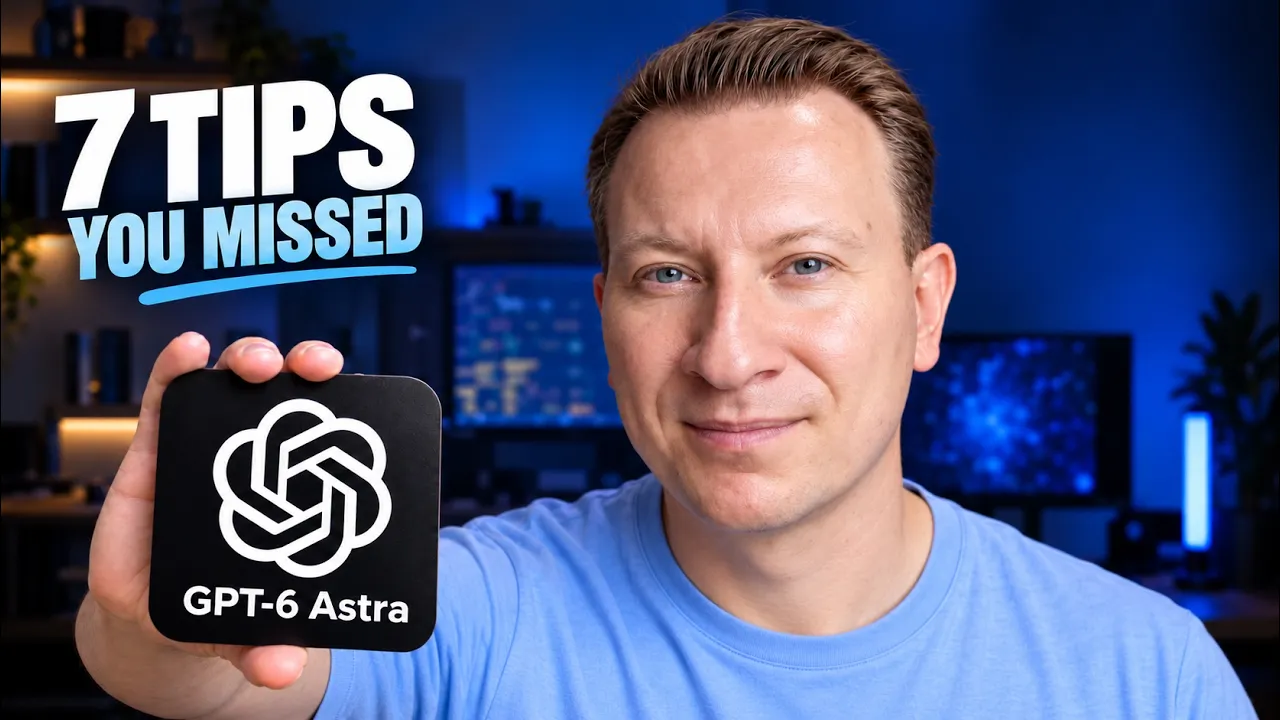
proflead · @proflead
Words
806
Runtime
5:51
Speaking pace
138wpm
Reading time
3min
138 words per minute, below the 160 25th percentile of 349 measured videos. That distribution comes from the 349-video hook study.
Opening (first 30 seconds)
You've upgraded to GPT-6 Astra, but did you also upgrade the instructions you gave it? OpenAI published a guide on prompts and skills, and some of its advice is easy to miss. In today's video, we're going to talk about seven things I would recommend you to check, especially if you use ChatGPT Astra and Codex. And before we jump in, make sure to subscribe to my channel, click
69 words, the words spoken in the first 30 seconds at 138 words per minute.
Free, no signup. See how the first 30 seconds hold attention, with rewrites.
Sentence shape
| Measure | This transcript |
|---|---|
| Sentences | 75 |
| Average words per sentence | 10.7 |
| Longest sentence | 24 words |
| Questions asked | 2 |
| Sentences containing a number | 2 |
Most used terms
Filler phrases
8 in total: like 6 · actually 2.
A literal whole-word count of the same phrase list the Prepublish browser extension uses, so a phrase inside another word is not counted and a phrase used in its ordinary sense still is. It is a count and not a judgement.
What this transcript is
Every word below is the caption track YouTube publishes for this video, pulled from the video itself and reproduced unchanged. It is not Prepublish's writing, not a summary, and not a re-transcription: it is the video's own published captions. English captions, generated automatically by YouTube, in the video’s original language. Source: the video on YouTube. A channel that would rather this page did not exist can ask for its removal through the contact page, and it is removed.
No Script X-ray for this video: YouTube shows a Most replayed graph only once a video has enough views.
You've upgraded to GPT-6 Astra, but did you also upgrade the instructions you gave it? OpenAI published a guide on prompts and skills, and some of its advice is easy to miss. In today's video, we're going to talk about seven things I would recommend you to check, especially if you use ChatGPT Astra and Codex. And before we jump in, make sure to subscribe to my channel, click like, and if you're ready, then let's get started.
This article was published on OpenAI website 11th of September, Rethinking Skills and Prompts for GPT-6 Astra. Let's dive in into details, and I highlight for you seven things you should know about. The first point is about telling Codex what finished means. In the bad example, we only say, "Create an invoice." But should it write a draft or save finished file? It's so ambiguous. The good example explains the result we want.
Create the invoice, check the totals, save the PDF, and report missing information. For coding task, you could ask it to run the app and check the change feature before returning. Specific permission boundaries. This point is about telling Codex what it can do and when it's need to approval. The bad example says, "Ask me before That can interrupt ordinary work. The good example allows Codex to edit the local invoice and check its totals, but it must ask before sending it to anyone.
Choose the action you want to approve and name them clearly. A focused skill trigger. This point about helping Codex choose the right skill. The skill description tells us when that skills applies. The bad example say our invoice skill is useful for anything about business, money, or documents. That could include many related tasks. The good example says to use it when creating or updating invoices. Keep the description focused on the job the skills actually handles.
The next point is about relevant skill references. This point is about which extra instructions a skill needs to read. Imagine a skill with separate guides for invoice and expense reports. The bad examples tells Codex to read every guide whenever the skills runs. The good examples tells to read the invoice guide for invoices and expense guide for expense reports. Keep the main skill file short and explain where to find the details for each task.
The next one, reading rules tied to the task. This point is about project instructions in agents.md file. This rules guide Codex when it works in your project. The bad example require reading the UI and deployment guides before every change, even a small button update. Good example connect each guide to relevant work. The UI guide for interfaces change and the deployment guide for deployment work. Keep required guidance and make sure the document are current.
Check with purpose. This point is about checking the work without repeating checks for no reason. The bad example required brief full test runs after every edit, even when the test pass. The good example keeps required tests if the change cause a failure, fix it, and return the affected tests. Another point is an audit before edits. This point is about asking Astra to help review your instructions. The bad example simply asked it to make everything shorter.
That could remove an important rules. The good example ask for specific suggested change based on open AI guide. While keeping project requirements, checks, and approvals. Here's what I would do after this video. Start with the instructions you actually use. In normal prompt, explain what the finished result should look like and which action need your approval. skills.md Check that description clearly says when to use the skill.
If it has several workflows, explain which reference files each one needs. agents.md Review rules that apply across your project. Look for unnecessary reading steps or repeated checks. While keeping important requirements. You don't need to change all three. Pick one instruction that cause confusion or extra work. Ask Astra to suggest an important using open AI article. The link I will leave under the description for this video.
Review the suggestion, make one change, and try familiar task again to see whether it helps. If you don't have skills or an agents.md file yet, start with clear prompt. You can use this advice right away. And that's it. I hope you really, really like this video. If you do, please click like. If you don't like this video, it's okay. You still click like and share with me your feedback and comments below. Subscribe to my channel if you haven't subscribed yet.
Share this video with other people. It's super important. And make sure to watch my other tutorials because they're really useful. And I hope to see you, yes, you in my next video. Thank you. Bye.
The words are the caption track's own and nothing is reworded or re-transcribed. Paragraph breaks are placed between sentences so the text reads as prose.
Free tools for your own script. No signup, no login.
Paste your draft and see where viewers are likely to drop off, with a rewrite for each weak line.
Paste the first 30 seconds of your own draft for a hook score and rewrites.
Check your draft against YouTube's advertiser-friendly guidelines before you record it.
Read this channel's public videos and transcripts, and download a writing brief for it.