Getting the transcript
Reading the captions from YouTube. A video nobody has opened here before takes 10 to 30 seconds; this page fills in on its own.
Getting the transcript
Reading the captions from YouTube. A video nobody has opened here before takes 10 to 30 seconds; this page fills in on its own.
Where viewers went back to watch this video again, from YouTube's public Most replayed graph, lined up with what was said at that moment.
Most replayed moment #1
7:046.2x the video's typical replay level
new position. Then finally taskwe and we will wait between our min and our max values. And now if we go and we click play,
Said at 6:58
Most replayed moment #2
2:324.0x the video's typical replay level
are actually able to run it inside of the model. So I'm going to take everything that's inside of the old animate script, move it into this new script, and then I'm going to go into the script, Ctrl A, select everything, Ctrl X, cut it, and then paste it.
Said at 2:26
Most replayed moment #3
2:163.2x the video's typical replay level
I add in a new script, well, a script has a handy feature called run contacts. And if we change that to client, and you notice once I do that, it changes the script to blue. So it looks just like a local script. It operates like a local script, but it's got the bonus that we
Said at 2:09
The graph counts replays. It does not show where viewers stopped watching.
Words
1,500
Runtime
8:42
Speaking pace
172wpm
Reading time
6min
172 words per minute, between the 160 25th percentile and the 181 median of 349 measured videos. That distribution comes from the 349-video hook study.
Opening (first 30 seconds)
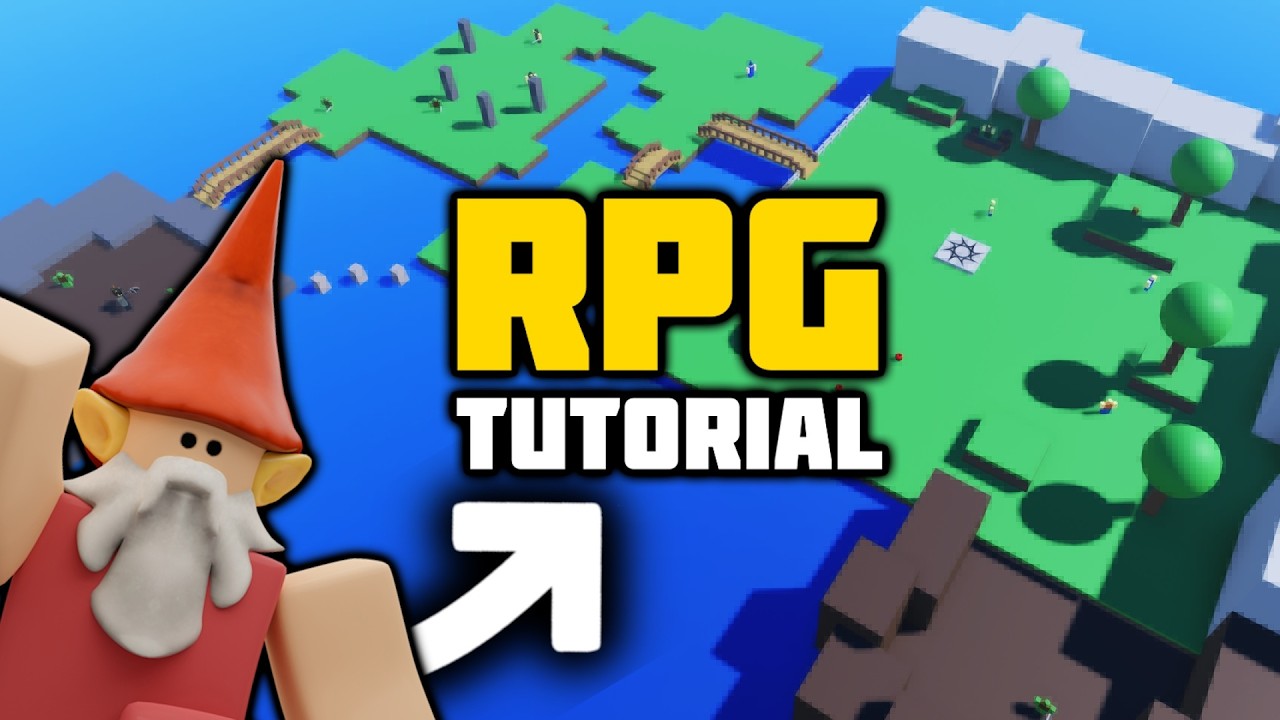
Hello, my fellow Mnomes. Have you ever wanted to make an RPG game inside Roblox? Then this is the video for you. If you've seen any of my tutorials, then you probably have a good idea of how this is [music] going to go. We're going to be developing this entire game from an empty base plate file, creating one mechanic at a time until we have this complete template RPG game. We've got a working dialogue system, quest logic when objectives, a working shop, enemies,
86 words, the words spoken in the first 30 seconds at 172 words per minute.
Free, no signup. See how the first 30 seconds hold attention, with rewrites.
What this transcript is
Every word below is the caption track YouTube publishes for this video, pulled from the video itself and reproduced unchanged. It is not Prepublish's writing, not a summary, and not a re-transcription: it is the video's own published captions. English captions, generated automatically by YouTube, in the video’s original language. Source: the video on YouTube. A channel that would rather this page did not exist can ask for its removal through the contact page, and it is removed.
Hello, my fellow Mnomes. Have you ever wanted to make an RPG game inside Roblox? Then this is the video for you. If you've seen any of my tutorials, then you probably have a good idea of how this is [music] going to go. We're going to be developing this entire game from an empty base plate file, creating one mechanic at a time until we have this complete template RPG game. We've got a working dialogue system, quest logic when objectives, a working shop, enemies, weapons to fight with, and more.
And we'll be doing this one video at a time. If you're new to scripting, then I always recommend checking out some of my beginner tutorials first, which will help ease you into this. And why not sign up to the Gnome Code Academy, which will support you along the way, giving you access to early videos as they come out in the series, and you'll get the complete template files from every video. But without further ado, let's get building.
Okay, so we're here in a brand new base plate. I can hit play. And as you can see, this is pretty boring. There's nothing to do in this world. So, I think what I want to do is I want to add some people, some NPCs. I'll head over to the avatar tab, click character, and I can add in let's go for an R six uh block avatar. Very nice. Little gray man has appeared. Mr. rig. Why don't we call him red? And Fred needs some colors as well.
So, if I I go through and I could edit all of these body colors. But if I delete the default one and uh re add one in, it gives me some nice colors to work with straight away. That looks a bit more friendly. Now, if I go and click play now, well, Fred's just going to stand there. Come on, Fred, do something. So, not only is he not moving, well, he's not animated either. We want him to look like a real person rather than a a cardboard cutout of one.
So, if I stop the game and if we go inside him, we notice it automatically adds in this local script called animate. Um, now this won't actually uh work. It's a local script. It can't run inside of the model. But if I add in a new script, well, a script has a handy feature called run contacts. And if we change that to client, and you notice once I do that, it changes the script to blue. So it looks just like a local script.
It operates like a local script, but it's got the bonus that we are actually able to run it inside of the model. So I'm going to take everything that's inside of the old animate script, move it into this new script, and then I'm going to go into the script, Ctrl A, select everything, Ctrl X, cut it, and then paste it. delete the hello world and paste it into the new one. Okay, so now the old one that said animate should be completely empty and your new one should be filled with all the new stuff.
So we'll delete the old one called animate and we've got this new script that we can rename to animate. Now if I click play, we should notice the tiny little bit of motion. You see his shoulders moving about a little bit. If I give him a push, if I can push him, you can see his legs start to move and he looks a bit like he's actually another player in the game now. So, that's a good start. Now, we just want him to actually move around.
But before we do that, a quick word from our sponsor who made this video possible. And if you're looking to create a career on Roblox, they're well worth knowing about. Introducing the Geek. I think it's Geek. It might be Geek IQ, but we'll go with Geek. the Geek Integration Network. It's a completely free platform that can help connect your Roblox game with big brands that could help boost your revenue. Lots of top developers like Badimo and Voldex are already there.
And I've actually already signed up too with my game Teddy. But now they're opening applications to even more developers. So, if you have a game with at least 75,000 total visits, this platform can help you connect with a huge brand like Walmart or NASCAR for a collaboration. Once you're approved and you have an account, you'll then get your own personal dashboard with insights into all the games you've created and help you get discovered by brands using Geek to find Roblox experiences and the developers behind them.
So, if you're looking to boost your Roblox career, then check out the Geek Integration Network. So, I'm going to add in Wh's my camera gone? There it is. I'm going to add in yet a another script. And I'm going to want a couple of variables I'm going to want to set up. First one is the original position. So that's the script dot parent dot humanoid root part. So the position that we're in when we spawn in. Let's set a range for how far we want him to be able to wander.
We'll set this to 10. And then we'll set a minimum time he can idle of say half a second and a max time of 3 seconds. Oh, we won't 3.5. And then also I need the humanoid as well. So the humanoid is the script.oid. And oh added in a P there. Delete that one. And now I've got all of this. I'll write a quick little loop. I'll say while true do. So it's going to keep running forever this loop. And we'll just check that we actually have a rig.
So if script parent so the parent of this script being Fred and if Fred is still within the workspace then it's fine. And humanoid.health is greater than zero. Now if for some reason we don't have a rig anymore then we will break out of this loop. But otherwise, let's move ourself forward using the humanoid move to method. And that needs location, a vector 3 value. So in order to create my value, I'm going to have an random X and a Z value.
So I want him to move somewhere randomly forwards or backwards or side to side. Obviously, he's not going to be able to move on the Y. I don't want him to fly up into the sky or anything like that. So we're going to have a x value which is going to be a random value. So math.random and we're going to use the start position that we took earlier, our original position dox minus the range. So the random value will be somewhere between 10 minus the original and plus range.
So that's our x and we're going to do the same thing for the zed. So changing this to zed and this and this. And so then our move to we can say vector 3 dot new supply the x the y is zero and our zed. Finally we'll just say humanoid domove to finished and wait there until we finished getting to that new position. Then finally taskwe and we will wait between our min and our max values. And now if we go and we click play, we should see Fred stood about there.
And he's going to wander off here. And he's only going to go within 10 studs of where we placed him. Right. So he's not going to suddenly end up slowly creeping over to the edge of the map. He's just going to keep pretty close to the spawn. And I can try and push him around and stuff, but he's going to keep moving back to his position. Pretty awesome. And if we wanted to add in another guy, we could just duplicate this.
And this guy could be called uh Joe. And maybe we'll give him a uh red top to distinguish Joe. And then we can have two NPCs and they're both moving to different random positions. Pretty cool. Uh we've now got a little bit of life into our world. And that is it for episode 1. Hopefully you should have a working NPC system just like this one, which we're then going to be able to build on in future episodes. If you've had any troubles with this one, then feel free to rewatch the video through.
Head over to our Discord for some help, or of course, the template file for this video is over to download in the Gnome Code Academy. But otherwise, I'll see you all in the next video. Thank you for watching and goodbye. >> [music] >> Heat.
The words are the caption track's own and nothing is reworded or re-transcribed. Paragraph breaks are placed between sentences so the text reads as prose.
Free tools for your own script. No signup, no login.
Paste your draft and see where viewers are likely to drop off, with a rewrite for each weak line.
Paste the first 30 seconds of your own draft for a hook score and rewrites.
Check your draft against YouTube's advertiser-friendly guidelines before you record it.
Read this channel's public videos and transcripts, and download a writing brief for it.
Sentence shape
| Measure | This transcript |
|---|---|
| Sentences | 117 |
| Average words per sentence | 12.8 |
| Longest sentence | 41 words |
| Questions asked | 3 |
| Sentences containing a number | 9 |
Most used terms
Filler phrases
21 in total: like 8 · actually 6 · uh 6 · um 1.
A literal whole-word count of the same phrase list the Prepublish browser extension uses, so a phrase inside another word is not counted and a phrase used in its ordinary sense still is. It is a count and not a judgement.