Getting the transcript
Reading the captions from YouTube. A video nobody has opened here before takes 10 to 30 seconds; this page fills in on its own.
Getting the transcript
Reading the captions from YouTube. A video nobody has opened here before takes 10 to 30 seconds; this page fills in on its own.
Red Stapler · @RedStapler_channel
Words
599
Runtime
3:46
Speaking pace
159wpm
Reading time
3min
159 words per minute, below the 160 25th percentile of 349 measured videos. That distribution comes from the 349-video hook study.
Opening (first 30 seconds)
This is my local AI setup. 24 gigs of VRAM from two budget GPUs paired with 32 gigs of system RAM, a total of around 50 gigs usable memory. But in this video, we're going to run an 85 gigs model on it, a model nearly double our total memory capacity. And to my surprise, it actually achieves a very acceptable speed of 22 tokens per second while still delivers great output results. Check it out in this video. Qwen
80 words, the words spoken in the first 30 seconds at 159 words per minute.
Free, no signup. See how the first 30 seconds hold attention, with rewrites.
Sentence shape
| Measure | This transcript |
|---|---|
| Sentences | 30 |
| Average words per sentence | 20.0 |
| Longest sentence | 55 words |
| Questions asked | 0 |
| Sentences containing a number | 17 |
Most used terms
Filler phrases
3 in total: actually 2 · like 1.
A literal whole-word count of the same phrase list the Prepublish browser extension uses, so a phrase inside another word is not counted and a phrase used in its ordinary sense still is. It is a count and not a judgement.
What this transcript is
Every word below is the caption track YouTube publishes for this video, pulled from the video itself and reproduced unchanged. It is not Prepublish's writing, not a summary, and not a re-transcription: it is the video's own published captions. English captions, generated automatically by YouTube, in the video’s original language. Source: the video on YouTube. A channel that would rather this page did not exist can ask for its removal through the contact page, and it is removed.
No Script X-ray for this video: YouTube shows a Most replayed graph only once a video has enough views.
This is my local AI setup. 24 gigs of VRAM from two budget GPUs paired with 32 gigs of system RAM, a total of around 50 gigs usable memory. But in this video, we're going to run an 85 gigs model on it, a model nearly double our total memory capacity. And to my surprise, it actually achieves a very acceptable speed of 22 tokens per second while still delivers great output results. Check it out in this video. Qwen 3.8 Flash Next was launched 2 weeks ago and it's already the new open weights flagship.
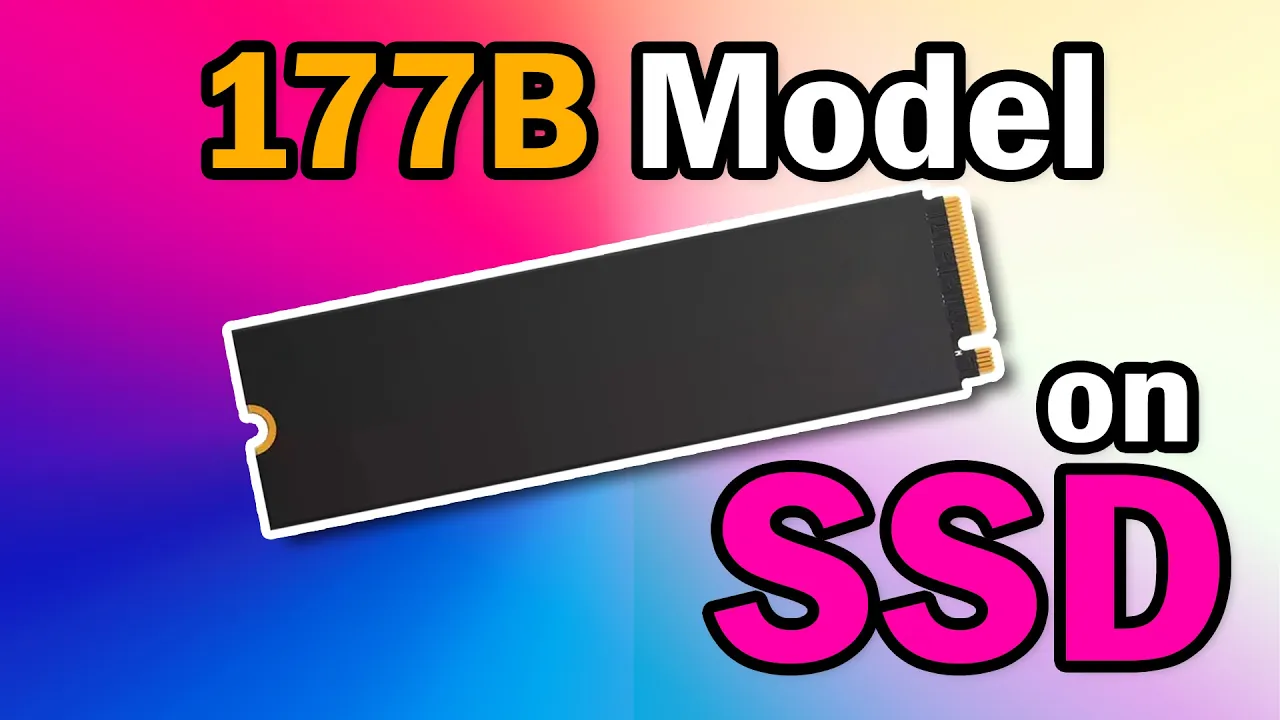
Its intelligence index is right up there with frontier models like Opus 4.8 and GPT Terror. However, with a total size of 177B parameters, even the smallest 1-bit quant takes up around 72.5 gigs, which might seem out of reach for anyone without expensive hardware. Fortunately, Qwen 3.8 Flash Next features a brand new architecture, an embedded N-gram lookup table. The 177B parameter total is actually a combination of 125B core model weights and a 51B N-gram table.
While the core model layers need the fastest memory speed possible, the N-gram component is simply a lookup table. And in theory, streaming it directly from an SSD shouldn't slow us down much, hopefully. For this test, I'll be using Atomic Chat's IQ4XS quant. On paper, the actual memory requirement is 45.8 gigs for the model weights versus 39.1 gigs for the N-gram table. Technically, we should be able to fit the core model into our VRAM and RAM while still leaving enough room for a decent context window.
I'll start the llama.cpp server with the following flags: a 4-bit KB cache set to a 100,000 context length, offloading 32 layers to system RAM, and enabling lazy mode along with load mode none to force llama.cpp to read the N-gram table from the SSD instead of putting it in swap file or virtual memory. And since we're pushing our memory resource to the limit, Linux sometimes auto kill the server for using too much RAM.
I have to prevent this by using tune command and set the Llama server OOM score to minus 1,000. After the server is up and running several test prompts, here are the results. To my surprise, despite offloading more than half of the model weights to RAM and the N-gram table to the SSD, it still runs at 22 tokens per second. Even with a long context of 76,000 tokens, the average speed stays at a very acceptable 14 tokens per second.
Unfortunately, if you run this on Windows, the generation speed drops by about 20% bringing it down to roughly 16 tokens per second and around 10 tokens per second at long context lengths. And since we're using the 4-bit IQ quant, the model retains most of its original accuracy while delivering fantastic outputs. Before we end this episode, I'm still surprised that I can run a model with frontier level intelligence at a 100,000 context 4-bit quant on my poor hardware. >> [music] >> The big takeaway here is that offloading the N-gram table to an SSD didn't slow us down nearly as much as expected.
So, don't be discouraged by total parameter numbers when you see this type of model architecture. Always look into the actual core model size first. I think the embedded N-gram could probably become the new standard architecture for open-source AI in the future. [music] Let me know your thoughts in the comments and don't forget to subscribe for more local AI updates. Thanks for watching and see you in the next episode.
The words are the caption track's own and nothing is reworded or re-transcribed. Paragraph breaks are placed between sentences so the text reads as prose.
Free tools for your own script. No signup, no login.
Paste your draft and see where viewers are likely to drop off, with a rewrite for each weak line.
Paste the first 30 seconds of your own draft for a hook score and rewrites.
Check your draft against YouTube's advertiser-friendly guidelines before you record it.
Read this channel's public videos and transcripts, and download a writing brief for it.