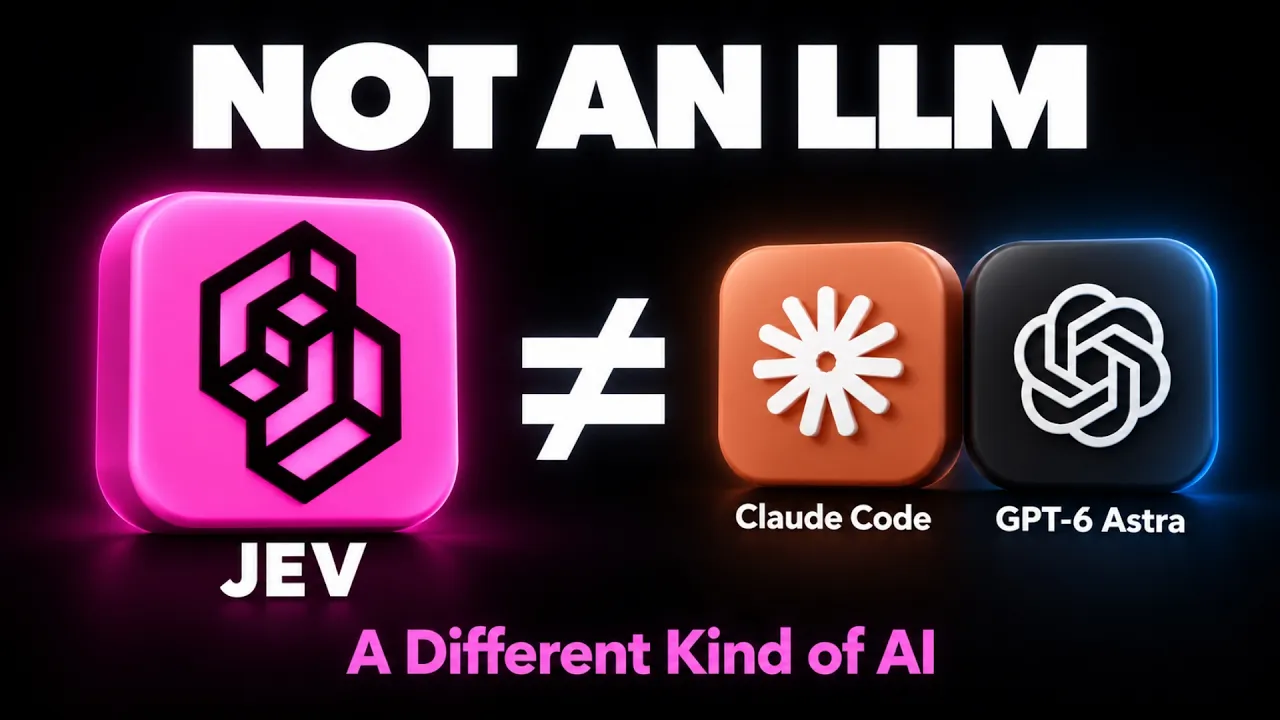
JEV Is NOT an LLM — Here’s What It Actually Does transcript
Zubair Trabzada | AI Workshop · @AI-GPTWorkshop
Words
1,945
Runtime
9:29
Speaking pace
205wpm
Reading time
8min
205 words per minute, above the 201 75th percentile of 349 measured videos. That distribution comes from the 349-video hook study.
Opening (first 30 seconds)
They are lying to you about Jev. Jev is not what you think. Half the things I'm seeing on Twitter, on YouTube is completely fake. People claiming that they built an app with Jev, they built this with Jev. Somebody actually claimed that they rebuilt Tesla's self-driving with Jev. That couldn't be more wrong. You can't build anything with Jev. Jev is not a large language model, it's not Claude Code, it's not GPT-6 Astra, but it is an incredibly important piece of AI technology. So, in this video I'm going to break down in the simplest way I can what Jev actually
103 words, the words spoken in the first 30 seconds at 205 words per minute.
Sentence shape
| Measure | This transcript |
|---|---|
| Sentences | 102 |
| Average words per sentence | 19.1 |
| Longest sentence | 79 words |
| Questions asked | 19 |
| Sentences containing a number | 17 |
Most used terms
- jev21
- ai13
- jeff13
- traffic12
- claude11
- decision11
- gpt11
- astra10
- code10
- claude code9
- inside9
- uh9
Filler phrases
59 in total: like 21 · right? 18 · uh 9 · actually 4 · kind of 4 · you know 2 · I mean 1.
A literal whole-word count of the same phrase list the Prepublish browser extension uses, so a phrase inside another word is not counted and a phrase used in its ordinary sense still is. It is a count and not a judgement.
What this transcript is
Every word below is the caption track YouTube publishes for this video, pulled from the video itself and reproduced unchanged. It is not Prepublish's writing, not a summary, and not a re-transcription: it is the video's own published captions. English captions, generated automatically by YouTube, in the video’s original language. Source: the video on YouTube. A channel that would rather this page did not exist can ask for its removal through the contact page, and it is removed.
Transcript
They are lying to you about Jev. Jev is not what you think. Half the things I'm seeing on Twitter, on YouTube is completely fake. People claiming that they built an app with Jev, they built this with Jev. Somebody actually claimed that they rebuilt Tesla's self-driving with Jev. That couldn't be more wrong. You can't build anything with Jev. Jev is not a large language model, it's not Claude Code, it's not GPT-6 Astra, but it is an incredibly important piece of AI technology.
So, in this video I'm going to break down in the simplest way I can what Jev actually is, when to use it, and exactly how to use it alongside things like Claude Code and GPT-6 Astra. All right, let's jump right in. All right, so I'm going to go ahead and explain what Jev is, and then afterwards I'm going to come back and show you guys these demos that I built with GPT-6 Astra that showcases the power of Jev. And then I'm also going to give you guys this uh PDF guide about what Jev is, so that way you can take a look at it on your own time.
Again, the link of this is going to be in the description as well. It goes through all the details, important details, and then also a few example prompts that you can utilize uh GPT-6 Astra and Claude Code to build kind of example apps that showcases the power of Jev. And like I said, I'm going to show you how you can install or use Jev inside your Claude Code and GPT-6 Astras of the world. All right, so the simplest way I can describe Jev is that it's the type of AI that decides but does not write.
Now, let me explain what that means. Because so far we're all used to ChatGPT or Claude or Claude Codes of the world, where we're given an input and it thinks about it and then gives us an output in text or a solution to a problem, right? Jev doesn't do that. Jev's is essentially a decision layer. You give it a situation and it gives you the odds, right? So, let's say you hand Jev something to look at, let's say an email plus a few questions with a few fixed answer, and it hands back a percentage for each one.
There is no writing, there is no output. It gives you yes or no, or it gives you odds, like pick one out of these multiple choices, or it can also rate something, right? Let's say how upset are they on a scale of 1 to 10, right? It gives you, uh, you know, 5.5 or 6.6 or whatever it may be. And then also, like I said, gives you a percentage answer as well, like 10%, 20%, depending on what, uh, uh, decision you're asking it to do, right?
So, it's like a sorter for every answer with a percentage. And therefore, it's incredibly fast and incredibly cheap. So, they claim that it's up to 200 times faster than a lot of the large language models, and it's very cheap. And it makes sense because it only has inputs since there's no output, right? So, if you're used to the traditional AI models, the pricing, you would see that they price their models per million input tokens and per million output tokens.
In this situation, there's only input, and like I said, it's incredibly cheap and incredibly fast because of the fact that all it's doing is making a decision. You can think of it as a traffic cop, right? It's very cheap, it's instant, and it's decisive. All right, so a good example of this would be something, uh, like this situation here. So, I built this using, uh, GPT-6 Astra. Again, this was not built with Jeff. Jeff cannot build anything.
So, I used this app or I built this app. It's kind of a rush hour under control, which is essentially a simulation of a city that are main city that has a bunch of buildings. It has a park in the center. On the left-hand side, there's a sports arena, and then right here, there's a hospital as well. So, there's traffic coming in from all different directions. So, what this is doing is now allowing Jeff. So, if I say, "Let Jeff drive," what this is doing is now simulating this situation where there's traffic coming from all sorts of directions, and Jeff's job is to make decision instantly and as quickly as possible to let traffic through at different directions to make sure nothing gets stuck or, uh, there's no traffic jam, right?
So, this is a perfect example of what this model is capable of and the decision-making of it. So, you can see right here on the right-hand side, Jeff responds. By the way, this is happening in real-time. So, Jeff is responding in under 100 milliseconds, right? Sometimes 130, 150, but it's extremely quick depending on the situation. You can click on each intersection and it shows you exactly what's going on in that intersection, how fast it's making those decisions because again, it's being presented with a set of decisions, multiple choice, right?
Like for instance, let this car in let that car out and it's deciding in almost real-time on what to do. Now, if you were to put this in a large language model or give this decision to a large language model, what it would do is actually evaluate the input, it would think about it, and then based on that situation, it would give an output and then make that decision. So, that process takes a very long time. I mean, not a very long time in the as we think of it, but when it comes to things like traffic or when it comes to things that requires instant decisions like trading for instance or traffic control, whether it's air traffic or ground traffic, those milliseconds count, right?
The ability to make those quick decisions is going to be the difference between a huge traffic jam versus a traffic that flows smoothly. So, that's why there's like these scenarios where you can introduce uh it says shake things up, right? I can click on close a road. So, it's going to go ahead and close a particular road and this is going to increase introduce now a new variables, right? It's going to increase a new situation where now we're telling Jeff, all right, now that particular section is closed, therefore, you need to be able to decide instantly what to do to make sure that the traffic jam doesn't happen.
Now, again, these are choices. We're presenting it with a bunch of different choices and it's quickly able to make that decision. We're not telling it to evaluate this entire thing and come up with a solution for us, right? This is kind of the difference between your normal AI models versus Jeff. So, a lot of things that are built, they're not built with Jeff. So, when you see demos on YouTube or Twitter, when people claim that they are building things with Jeff, that's completely wrong because it's not capable of building, like I said.
However, you can use this inside things like Claude code or GPT-6 Astra to build the app for you and have Jeff sit in the middle as the decision layer when it comes to choices like this because that's what it's really good at and that's what it's made for, essentially, right? All right, so in order to use this inside your GPT-6 Astra or your Claude code, not inside, essentially, with GPT-6 Astra and Claude code, it's very simple to do.
So, all you have to do is head over to TypeSafe.ai. And now, I think before there was like a waitlist, now you can anybody can join and create an account. So, go ahead and create an account. And then once you create an account, you can head over to the playground. So, let me just make sure I accept the copy and terms here. You can head over to the API keys here and then go ahead and create a new API key. And then afterwards, all you have to do is just go back to your GPT-6 Astra or Claude code.
And honestly, the simplest, if you're non-technical, the safest way, obviously, to do it is to put your API key inside the environment variable, but if you don't know anything about environment variable, just go ahead and just paste your API key to your GPT-6 Astra inside your Code X app and just have it connect to your Jeff to there. Very, very simple and it's very easy to do that that way. Like I said, that's not the safest way, but as long as you're using it inside your local computer, then you should be fine.
And same thing with Claude code, you can do that very easily. Now, if you're not part of that, let's say for some reason you're still on the waiting list, another way to do it is actually to head over to Vercel, vercel.com, and then you can also create a account there because you can use pretty much the same method by creating an API key because you'll be able to have access to Jev via vercel.com, and then also OpenRouter is another easy way to do that as well, right?
So, that's that's how you can have access to that. Now, for instance, what are the examples? So, this is my AI second brain. This is Jarvis, my AI assistance. So, I incorporated this inside my Jarvis AI assistant because before when I was asking it to pull up something, right? Before when I was asking it to pull up some kind of a you know, my notes or a particular file for my client, then Jarvis would be able to look that up.
It would use a model like Opus 5 or something like that to think about that process and then go ahead and sort that out and give me the matching results to what I'm asking. Now, with Jev, what it's going to do is just going to make that decision a lot faster. It's going to make everything a lot quicker. So, that way the response is faster. The quick decision of when to use what is where Jev comes in, right? So, that's where you can use this essentially inside your own AI second brain or AI assistant or AI employees.
By the way, I'm going to do a second video on that, like a more detailed video because I'm going to incorporate a lot a lot of some of the features of Jarvis with Jev, so that way it becomes a better and faster AI assistant with the AI second brain there. So, that's going to be coming in next. Anyways, well, I don't want to make this video too long. Hopefully, you guys found that helpful. I'm going to put all of the resources in the description of the video completely for free for you guys, so that way you can have access to all of this.
Let me know if you have any comments questions in the comments below. Thanks for watching. Again, make sure you like and subscribe because I'm going to be creating more videos on this and in the future, so you don't want to miss. Thanks for watching, and I'll see you on the next one.
The words are the caption track's own and nothing is reworded or re-transcribed. Paragraph breaks are placed between sentences so the text reads as prose.
Use this transcript
Three free tools that work on the material around a video like this one. No signup, no login.
Hook Analyzer
Paste the first 30 seconds of your own draft for a hook score and rewrites.
Policy Pre-Flight
Check your draft against YouTube's advertiser-friendly guidelines before you record it.
Channel Skill Generator
Read this channel's public videos and transcripts, and download a writing brief for it.