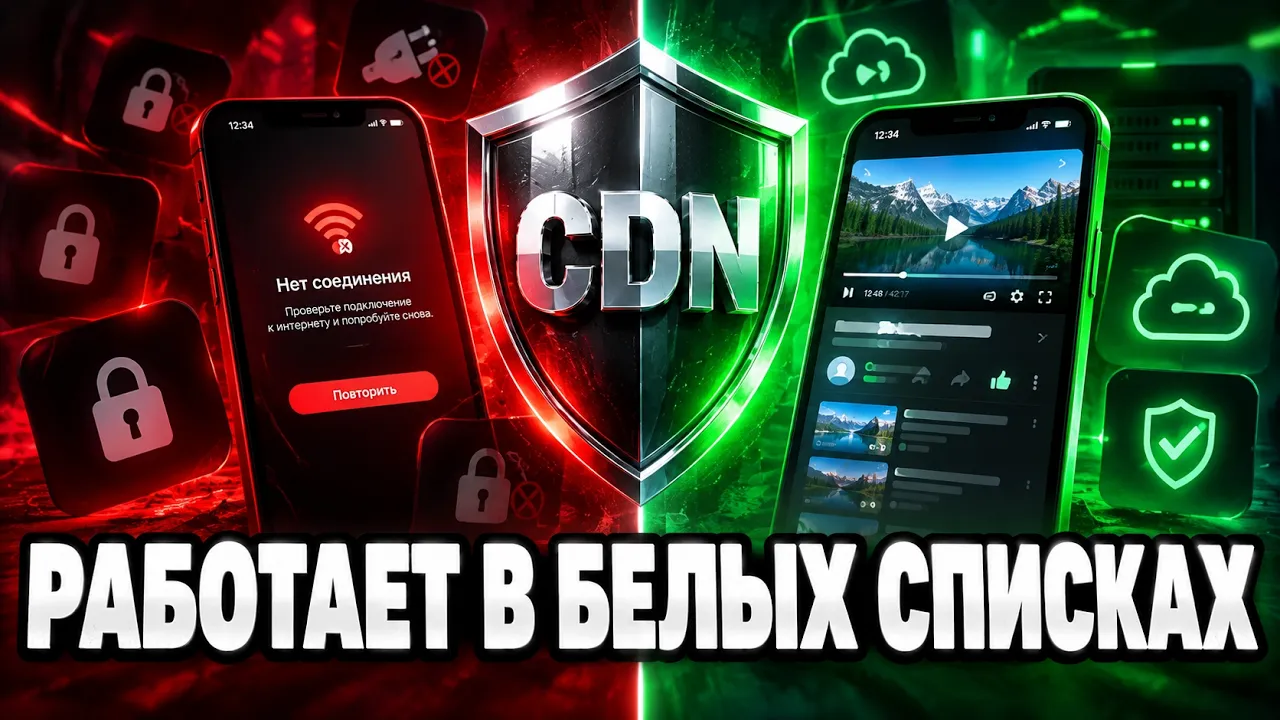
Свой VPN который обходит БЕЛЫЕ СПИСКИ. transcript
HREN · @hrenn
Words
1,563
Runtime
8:41
Speaking pace
180wpm
Reading time
7min
180 words per minute, just under the 181 median of 349 measured videos. That distribution comes from the 349-video hook study.
Opening (first 30 seconds)
Under a whitelist system, a regular VPN fails because the provider can see that the server IP you are trying to reach is not in the allowed ranges. A server with a clean IP is quite expensive and not cost-effective, even for a commercial VPN service, let alone if you only need it for yourself and a few others at most. It is fortunate that many state organizations have servers with clean IP addresses at their disposal and even provide access to some of them. I am not talking about
90 words, the words spoken in the first 30 seconds at 180 words per minute.
Sentence shape
| Measure | This transcript |
|---|---|
| Sentences | 118 |
| Average words per sentence | 13.2 |
| Longest sentence | 43 words |
| Questions asked | 0 |
| Sentences containing a number | 8 |
Most used terms
- cdn21
- server16
- node13
- create11
- domain9
- panel9
- certificate8
- ip8
- created7
- subdomain7
- vps7
- servers6
Filler phrases
2 in total: actually 2.
A literal whole-word count of the same phrase list the Prepublish browser extension uses, so a phrase inside another word is not counted and a phrase used in its ordinary sense still is. It is a count and not a judgement.
What this transcript is
Every word below is the caption track YouTube publishes for this video, pulled from the video itself and reproduced unchanged. It is not Prepublish's writing, not a summary, and not a re-transcription: it is the video's own published captions. English captions, generated automatically by YouTube, in the video’s original language. Source: the video on YouTube. A channel that would rather this page did not exist can ask for its removal through the contact page, and it is removed.
Transcript
Under a whitelist system, a regular VPN fails because the provider can see that the server IP you are trying to reach is not in the allowed ranges. A server with a clean IP is quite expensive and not cost-effective, even for a commercial VPN service, let alone if you only need it for yourself and a few others at most. It is fortunate that many state organizations have servers with clean IP addresses at their disposal and even provide access to some of them.
I am not talking about regular VPS and VDS. It is almost impossible to get a server with the necessary IP there; I am talking about CDNs. CDN stands for Content Delivery Network. Actually, it is meant for something entirely different. Large services and streaming platforms have a lot of traffic. And as a rule, it comes from different points on the planet. In this case, if you host all the content on a specific cluster of servers, everything will be fine for people who are relatively close to that cluster.
For other people, loading the same content will take much longer, so the content is spread across a network of servers, and the user connects to the one closest to them so the video loads quickly instead of dragging across half the world. Yandex and Selectel servers are physically located in Russia and are on the TSPU whitelists as infrastructure for legal services; otherwise, half of the legal websites would go down along with them.
In this scheme, your phone doesn't connect to your server in another country, but to a regular domain that resolves to a Russian CDN. To the operator, it's just a person watching a Russian streaming service, and the CDN is just an intermediary. It doesn't know what is inside. You supposedly register a site with a CDN where the origin is your VPS . The CDN faithfully proxies the GET requests, and the fact that encrypted VPN traffic is actually traveling in the body of those requests is a detail it doesn't look into.
True, VPN traffic can still be tracked by its characteristics, and CDN providers will regularly block your resources. In principle, you should view them as consumables. You created a CDN resource , set it up, it got banned after a few weeks, you created another one, and so on in a cycle. In general, it requires a certain amount of effort and time. For personal use, it would be better and cheaper to buy a subscription to someone's VPN, for example, mine.
After all, it bypasses whitelists in most cities. To test how it works, you will have a full week of a free trial period . The first month after that costs only 100 rubles. There are no traffic volume limits, and the service does not record any logs with your personal information . First, you need to find servers. I bought two in order to install the panel and the node separately. After registering in the Yandex Cloud panel, you will need to create a billing account and link a card.
All new users are given a grant of 4,000 rubles. It can be spent on any cloud products, including CDN. DNS configuration will look a bit different than last time. You will need to create 5 A records. The "panel" and "sub" records point to the panel server, while "node", "cdn", and "vps" point to the node server. Make sure to check that proxying is disabled. You can check which IP the domain is using with ping or the nslookup command.
Wait a few minutes for the records to update. After that, in the cloud panel, under "All services ," select Certificate Manager. Create a Let's Encrypt certificate with any name and your CDN domain. Click create, and the certificate will be processed for some time. This usually takes about 10 minutes. In the meantime, let's create a CNAME record with the values generated by the certificate. Now that the certificate status is "Issued," you can go to the Cloud CDN via "All services." Do not change the source type.
The source domain name is your VPS domain. The source protocol should be set to HTTPS. Also, enable "Set SNI manually." Enter the VPS domain twice here, in the hostname and header value fields. In the domain name field, enter the CDN subdomain. Here, specify that you need to use the newly created certificates and don't change anything else. On the next tab, be sure to disable caching. In the HTTP headers tab, select all client request methods.
And on the last one, leave everything as it is. In the created resource, at the very bottom, are the values for the CDN subdomain. At the domain registrar, you need to change this record, switching the type to CNAME and the value to this string. You cannot edit the record here. So I will just delete it and create a new one. Now that the CDN resource is configured, we can work on the servers. Let's log into both via SSH and update the system.
After that, run the automatic installation script for 3 X-UI. On the server with the panel, install only the panel and, obviously, the Caddy web server. Enter the domains for the panel, subscriptions, and the node in order. The script requires it in any case, but will ask if it is okay that it is linked to a different IP. On the second server, select the installation of only the node and the Nginx web server. Here , again, you need to specify the node domain and the IP of the server with the panel.
Now you can proudly log in and create a node with the IP address of the node server. Add the profiles and save. It should say that the node is operational. Copy the Secret Key from its parameters and paste it into the script. Set the generation method to AEAD. Now the node is successfully connected, so it's time to create a test user. Creating a user is always the same. Any name, subscription duration, and the squad they belong to.
And now we have only one squad. Let's log back into the node server to create a certificate for the VPS subdomain using certbot. By the way, I’ve collected all the commands you’ll need to enter in an MD file on my Telegram channel. Just copy them, fill in your own details, and paste. Once the certificate is created, you need to go to the Docker Compose config to specify the paths to the certificate files in the Volumes block.
Well, that’s it for this part. Save and exit. In the same directory as the Docker Compose file, there’s an Nginx config. You need to insert another block into it. This is the virtual server config for the VPS subdomain. To apply the changes, you need to force a restart of the Docker containers. Excellent, Docker came back up without any issues. For a button for the new connection to appear in the client, you first need to add it.
You can create a new profile for this, or just tweak the one you already created. Add a new inbound here and save it. Let’s go to nodes to delete the old node; we won't be needing it. And in the CDN node, you need to add the new inbound we just created. Save. And we’re on the final stretch. In the Internal Outbounds tab, go to default and add the CDN inbound to it. In the Hosts tab, create a new one. The name can be anything you want the button to be called in the app.
The address is your CDN subdomain. Port 443 . Next, go to advanced settings. Here, for the SNI and host values, set your CDN subdomain again. In the path field, enter "upload files". In the Security dropdown, select TLS, and for ALPN, select h2 and http/1.1. Fingerprint can be anything. As I said at the beginning , the CDN only accepts GET requests. And to make everything work properly, we need to tell the client to send packets using only this method.
This is done in the XHTTP config. Just insert one rule and that’s it. You can check the state of the entire pipeline by pinging the "upload files" endpoint on the CDN subdomain. If everything is fine, the server should return a 404 status. This means the request traveled the entire path from start to finish. The server just doesn’t know what to do with this specific request. Well, now you can test this miracle. I live in a whitelist zone, so nothing works for me on mobile data.
The standard Xray VLESS Reality setup I configured in the last video doesn't help either. And it only works properly on Wi-Fi. But thanks to CDNs, we can easily watch , for example, YouTube. It is clear that this method is not a panacea; it doesn't work everywhere or for everyone . It depends on the region, the specific location in a city, your ISP, the TSPU firmware version, the time of day, the alignment of celestial bodies, your daily horoscope, and many other things we cannot control.
However, in a truly large number of regions, the CDN is still breathing, and quite steadily at that.
The words are the caption track's own and nothing is reworded or re-transcribed. Paragraph breaks are placed between sentences so the text reads as prose.
Use this transcript
Three free tools that work on the material around a video like this one. No signup, no login.
Hook Analyzer
Paste the first 30 seconds of your own draft for a hook score and rewrites.
Policy Pre-Flight
Check your draft against YouTube's advertiser-friendly guidelines before you record it.
Channel Skill Generator
Read this channel's public videos and transcripts, and download a writing brief for it.