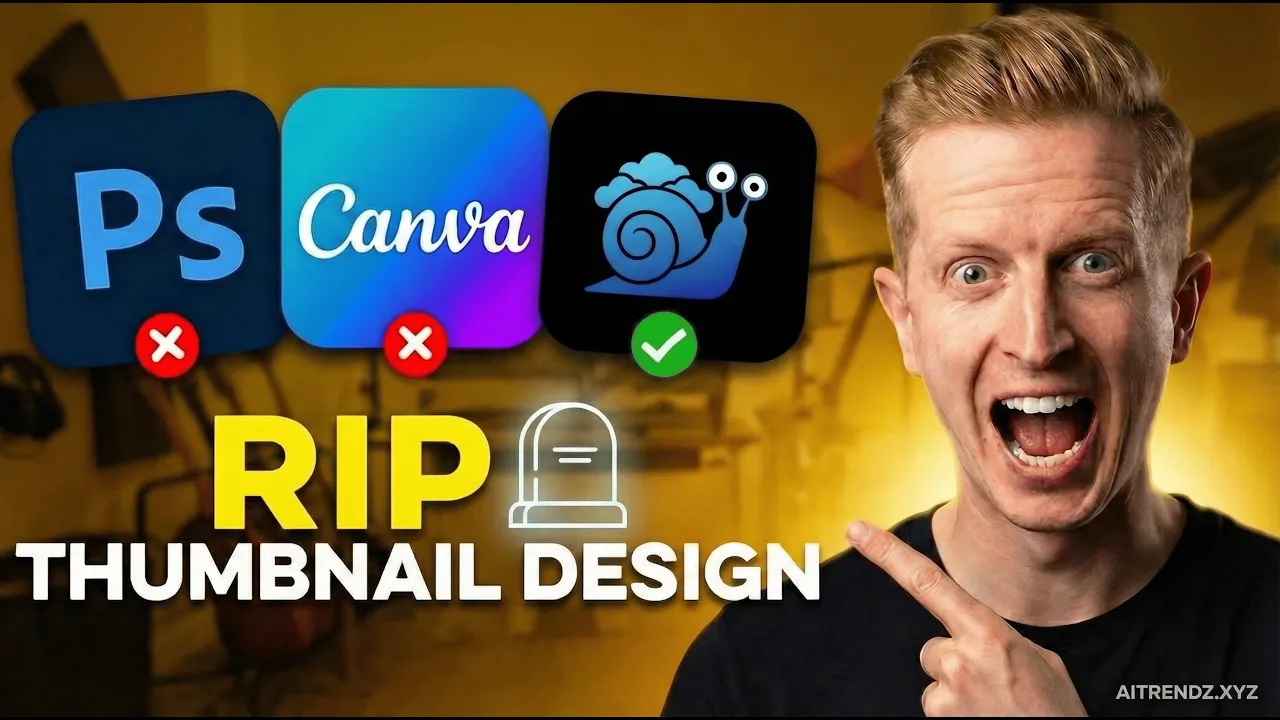
RIP Canva & Photoshop! THIS AI Thumbnail Generator Does Everything! transcript
René Remsik · @aitrendz
Words
1,690
Runtime
9:30
Speaking pace
178wpm
Reading time
7min
178 words per minute, just under the 181 median of 349 measured videos. That distribution comes from the 349-video hook study.
Opening (first 30 seconds)
If you're still making your YouTube thumbnails or real covers with Photoshop or Canva, you're literally wasting your time because you could be creating killer thumbnails like this with just one AI tool. And in this video, I'm going to show you how. So, if you don't know who I am, I am an AI creator with over 800,000 followers across social media like YouTube, Instagram, or Facebook, Tik Tok, etc. I use AI to create real covers like this. You can check my Instagram or even my YouTube
89 words, the words spoken in the first 30 seconds at 178 words per minute.
Sentence shape
| Measure | This transcript |
|---|---|
| Sentences | 124 |
| Average words per sentence | 13.6 |
| Longest sentence | 38 words |
| Questions asked | 4 |
| Sentences containing a number | 11 |
Most used terms
- music27
- thumbnail23
- video16
- youtube16
- click13
- thumbnails13
- ai12
- create12
- text11
- seconds9
- generate7
- upload7
Filler phrases
22 in total: like 14 · literally 3 · right? 3 · kind of 1 · you know 1.
A literal whole-word count of the same phrase list the Prepublish browser extension uses, so a phrase inside another word is not counted and a phrase used in its ordinary sense still is. It is a count and not a judgement.
What this transcript is
Every word below is the caption track YouTube publishes for this video, pulled from the video itself and reproduced unchanged. It is not Prepublish's writing, not a summary, and not a re-transcription: it is the video's own published captions. English captions, generated automatically by YouTube, in the video’s original language. Source: the video on YouTube. A channel that would rather this page did not exist can ask for its removal through the contact page, and it is removed.
Transcript
If you're still making your YouTube thumbnails or real covers with Photoshop or Canva, you're literally wasting your time because you could be creating killer thumbnails like this with just one AI tool. And in this video, I'm going to show you how. So, if you don't know who I am, I am an AI creator with over 800,000 followers across social media like YouTube, Instagram, or Facebook, Tik Tok, etc. I use AI to create real covers like this.
You can check my Instagram or even my YouTube channel. And it's all done with this one AI tool called Sky Snail. It's your viral AI thumbnail designer and you can create engaging thumbnails like these in just seconds with no prompting, no design skills whatsoever. Guys, there's a giveaway for one yearly plan for free for the best comment on this video. So before you finish the video, go ahead and comment what you think and like this video. and the best comment with the most likes will win one yearly plan for free and the winner will be picked on March 31st.
Let's go. So, the first thing you need to do is go to skys.io and then log in. After you log in and you're inside, you will see all your projects here under my project. And let's [music] create our first thumbnail. So, click on new thumbnail. And here you can describe your thumbnail or you can upload a YouTube link or also upload a file. But let's use YouTube video because this is probably the easiest thing [music] ever.
So let's go ahead on YouTube and find a video we're going to create a thumbnail for. So I'm going to go on this YouTube channel of Jonathan Mast because he's not really using thumbnails a lot. I want to show him why he should be using Sky Snow. So you can see he didn't really upload any thumbnail. He just [music] used a screenshot from his video. So if we're going to take this video, you can just copy the link and put it here.
Now you're going to create a project and it will create a project [music] where you can pick templates for your YouTube thumbnail. So here are also templates for real covers or thumbnails for your YouTube. And this is great because you don't need to prompt anything. You just pick a template that [music] you like. So, let's say I like this template that's called statement. I'm going to go ahead and I'm going to choose one of these avatars here, which you can add anytime, [music] right?
So, if you're creating it for Jonathan, we have to take his profile picture and put it in Sky Snail. [music] So, you have to go here and add an avatar. Then, you're going to upload an image and upload his profile picture there. [music] I already added his avatar here. So, I'm just going to click on his, choose the template, and click on generate. Now, it only takes a few seconds and AI will generate your thumbnail considering the YouTube video.
Everything that's been said in the video, it will transcribe it and then it will create information about it that will be used for creating this thumbnail. So if you click on this info here, you can see the summary from the video here that you can copy paste anytime or you can see these title suggestions for the YouTube video. This one was already published so you don't need that. But when you upload a file, it will automatically give you title [music and snorts] suggestions.
So you can also open the transcript here or delete the project. But you can see the first thumbnail here. [music] It took his face nicely. And there is this beautiful title right here. If you want to use it, you can just go ahead and click download. And if you want to edit anything about the thumbnail, you just click on edit. And let's say I want to change the color of the text. So I'm going to say change the yellow color on the text to red color.
And [music] let's click on apply edit. And and let's just wait a few seconds until we get [music] the revision. And boom. This is our updated thumbnail. So, I just changed the color of the text in [music] seconds. But you can do anything. Okay. If I want, I can add a hat on his head or I can change the text totally. [music] So, let's try that. I'm going to say change the title [music] text to AI mastery 2026. And let's try and regenerate [music] it again.
So this is a very useful feature because AI doesn't always create a perfect thumbnail on the first try. So you can always edit small details that you want about the thumbnail and it literally takes a few seconds instead of creating it for 30 or 60 minutes in Canva. And here's our thumbnail. It nailed the text perfectly. So now I can just go ahead and download and it's done. So this is how you can create thumbnails in seconds.
And let me show you different template for example. And now I'm going to try text behind object. So just click on that one and [music] click generate. Okay. And if you prefer more engaging thumbnails, it created one like this. You can [music] see AI skills behind him. And it looks really engaging, much better than the video without a thumbnail. Right now he will get probably hundreds of more clicks on his videos if he starts using Skysell.
And if you don't like any of these thumbnails, you can always click on it and delete [music] it from here. And boom. Now, let me show you more examples. So, here I uploaded an AI influencer image and chose this template and it made this image. [music] And so, if you don't like anything about the image, you can see I changed [music] the color of the text, right? It went from blue to red. And I also changed the text. So here it was linkad in OS content waterfall media company and [music] here you can see it's personal brand temporary peak viral again.
Okay so all the text is editable colors font anything that you can imagine and then I even made this real cover with her face. All you have to do is upload your avatar here and then choose from these templates any one that you like. And nonetheless, and it's also worth saying that this is just like 17 thumbnails and there will be tens of them in the next few weeks. If you want to check all your avatars, you can click here in the left menu.
These are the avatars that are in my profile. And if you want to delete any of them, just go to your account and you can delete them here by clicking on this X and it's gone. Now, if you don't want to create your thumbnail from a YouTube video or a file, but from a prompt, just click on new thumbnail and add your description or even transcript of the video here. So, let's say I'm just going to type in this one sentence and let's see what we can create.
So, create a project. And now I'm going to choose this template and I'm going to choose my avatar of course. So, let's hit generate and [music] let's see in a few seconds. Okay. And there is our thumbnail. So, let's have a look. I kind of like the crazy face because [music] it's just engaging. You know, when you're scrolling on YouTube, you're just looking for something that will catch your eye. And this may be it. But of course, maybe the first generation of the thumbnail is not what you wanted.
So, let's try and edit it. Change the text to AI thumbnail hack. Now, apply edit. And let's go. And it's worth saying that these edits are literally even faster than [music] creating your first thumbnail. So while the first thumbnail took about 30 seconds to generate, the edited one, the second one took only 5 seconds. And you don't have to use Sky Snail only for thumbnails. You can also use it to generate passive income.
So if you click on this, it will take you to our affiliate page. You will earn 30% for every referral you bring to [music] us. If you look at here, you could be making about $500 to $600 a month for every 50 referrals. And this is recurring revenue, okay? So, it's not just for one month, but this is for lifetime. So, you will earn money as long as they stay subscribed. And the easiest way to earn with Skyail is if you sign up and put the affiliate link under all your YouTube videos.
You can sell whatever you want in your YouTube videos, right? But if you also add this affiliate link to all your captions, there will be thousands, if not tens of thousands of people clicking on the caption of your YouTube video and they can find the link there. So definitely sign up and you could be earning 30% from all the sales for life. Check our demo here if you want to see exactly how it works. Start generating engaging thumbnails with Skynill.
So go to skys.io io and try this 3-day free trial and the plans start from only 11 bucks a month. So here you have enough credits to pump out even 10 20 [music] videos a month. But if you're considering making a lot of thumbnails, the creator plan will probably be the best for you. And if you're an agency or designer who has clients, you can go on creator premium plan and generate hundreds of thumbnails per month. If you found this AI tutorial helpful, just subscribe for more tips like this.
And let me know what you think in the comments.
The words are the caption track's own and nothing is reworded or re-transcribed. Paragraph breaks are placed between sentences so the text reads as prose.
Use this transcript
Three free tools that work on the material around a video like this one. No signup, no login.
Hook Analyzer
Paste the first 30 seconds of your own draft for a hook score and rewrites.
Policy Pre-Flight
Check your draft against YouTube's advertiser-friendly guidelines before you record it.
Channel Skill Generator
Read this channel's public videos and transcripts, and download a writing brief for it.