Getting the transcript
Reading the captions from YouTube. A video nobody has opened here before takes 10 to 30 seconds; this page fills in on its own.
Getting the transcript
Reading the captions from YouTube. A video nobody has opened here before takes 10 to 30 seconds; this page fills in on its own.
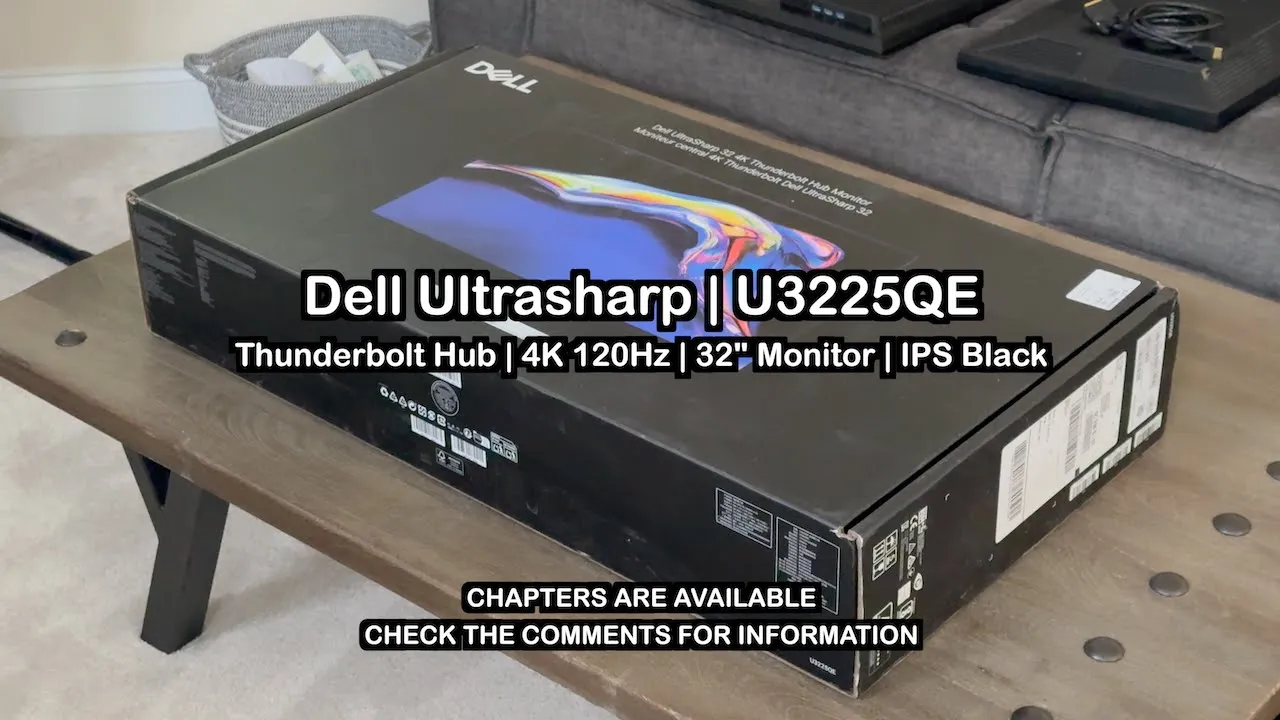
Ruslan Tulupov · @RuslanTulupov
Where viewers went back to watch this video again, from YouTube's public Most replayed graph, lined up with what was said at that moment.
Most replayed moment #1
2:003.7x the video's typical replay level
With the high-quality panel on the Dell, it's actually usable at this resolution. And I finally understand why people use one screen instead of five or six. Everything just fits and I find myself immersed. My other favorite thing vying for favorite spot number two is the
Said at 1:53
Most replayed moment #2
1:362.4x the video's typical replay level
side. I have two things about this display vying for favorite spot number two. One is the Pro Display XDR resolution support. It's no secret that I've been vying to buy a Pro Display XDR for the past few years. This Dell supports running it at 3K, which is 3008
Said at 1:29
Most replayed moment #3
5:081.9x the video's typical replay level
bad HDR performance based on online tests. I don't really use HDR for anything, so I don't really care. But if you care a lot about it, you might want to check out those reviews before you buy this display. I'll take these trade-offs any day of the week to not have burn-in and a million percent peace of mind and my
Said at 5:01
The graph counts replays. It does not show where viewers stopped watching.
Words
1,225
Runtime
6:39
Speaking pace
184wpm
Reading time
5min
184 words per minute, just over the 181 median of 349 measured videos. That distribution comes from the 349-video hook study.
Opening (first 30 seconds)
Maybe it's just when you get a new toy and can't stop playing with it for a few days, but that's exactly how I feel about this Dell screen. Maybe because it's just a new setup and something new and refreshing is always good, but regardless, we don't have an in-depth review or a colorimeter or brightness calibrator device today. What we do have is one man with a microphone who's been doing desk setups for a while telling you about why he really likes his new Dell screen. He's not just
92 words, the words spoken in the first 30 seconds at 184 words per minute.
Free, no signup. See how the first 30 seconds hold attention, with rewrites.
Sentence shape
| Measure | This transcript |
|---|---|
| Sentences | 70 |
| Average words per sentence | 17.5 |
| Longest sentence | 53 words |
| Questions asked | 1 |
| Sentences containing a number | 12 |
Most used terms
Filler phrases
6 in total: like 5 · actually 1.
A literal whole-word count of the same phrase list the Prepublish browser extension uses, so a phrase inside another word is not counted and a phrase used in its ordinary sense still is. It is a count and not a judgement.
What this transcript is
Every word below is the caption track YouTube publishes for this video, pulled from the video itself and reproduced unchanged. It is not Prepublish's writing, not a summary, and not a re-transcription: it is the video's own published captions. English captions, generated automatically by YouTube, in the video’s original language. Source: the video on YouTube. A channel that would rather this page did not exist can ask for its removal through the contact page, and it is removed.
Maybe it's just when you get a new toy and can't stop playing with it for a few days, but that's exactly how I feel about this Dell screen. Maybe because it's just a new setup and something new and refreshing is always good, but regardless, we don't have an in-depth review or a colorimeter or brightness calibrator device today. What we do have is one man with a microphone who's been doing desk setups for a while telling you about why he really likes his new Dell screen.
He's not just talking about spec numbers or stats you can look up on a website or in another YouTube video. He's talking about tangible, digestible, real-world things about this display. We'll talk about the bad part to get it out of the way, the high cost of entry. Where you can get a 32-in 4K panel for around 400 bucks, maybe even 300 for on sale for when it's on sale, it becomes harder to justify the $1,000 price tag.
But those screens are not going to be the same even if the resolution is the same. I've been a working professional for almost 10 years now. I decided it was time to treat my eyes right and buy a premium display. In the next chapter, we're going to talk about what makes this different from a $300 screen and how my eyes feel after using this screen. My favorite thing about this display is the quality of the panel. My eyes do not get tired using it even when it's bright.
I can't say the same thing about using a 42-in OLED TV as my main monitor, where my eyes would get tired using two full-screen windows side by side. I have two things about this display vying for favorite spot number two. One is the Pro Display XDR resolution support. It's no secret that I've been vying to buy a Pro Display XDR for the past few years. This Dell supports running it at 3K, which is 3008 by 1962, which is the Pro Display XDR resolution.
The Pro Display just scales both numbers by two to get the retina resolution. With the high-quality panel on the Dell, it's actually usable at this resolution. And I finally understand why people use one screen instead of five or six. Everything just fits and I find myself immersed. My other favorite thing vying for favorite spot number two is the peace of mind. After buying this display, I realized I made a lot of compromises making an OLED TV work as my main screen.
With the OLED, there was text fringing which made text look weird. On the Dell screen, the colors look terrific. They're vivid without wearing down my eyes somehow. And most importantly of all, there's no burn-in. Paraphrased, I have 100% peace of mind leaving this on at full brightness all day, not making my wallpapers rotate, not getting rid of icons on the screen, not changing button colors, not hiding scroll bars, not having to set a screen saver to appear every few minutes interrupting what I'm doing.
No settings to mess with and just as a whole, it's a huge relief and feels so good to switch back to a normal screen and have that peace of mind. A big difference between this and a $300 screen is that this panel has a 120 Hz refresh rate even at 4K, making everything smooth when you move your cursor or windows around. My favorite thing about this screen is just the high quality. A nice-to-have is all of the rich port functionality that I didn't really need because I use Thunderbolt docks, but having the ports available in the display as well as 2.5 gigabits per second Ethernet is like getting a CalDigit dock inside the display for free with all of the ports it offers.
I left out some analysis of certain features simply because I probably won't use them like the KVM switch. I use the Logitech MX Master Keys and Mouse and those already have switches built in. That being said, let me list some neutral aspects about this display. The Dell is made of plastic, but it feels like higher grade plastic. The stand is sturdy and heavy. The display is not ultra-light and also has some weight to it in case you intend on mounting an auto monitor arm.
With that, that sums up the neutral, and let's move to the cons. Just as I directly told you about what I love, let me honest about what stinks. This isn't a micro LED. This isn't an OLED. Next to the MacBook, you can see the inky blacks on the MacBook Pro screen, and the less dark blacks on the Dell screen. In a dark room, there's IPS glow, which means the black color appears yellowish when viewed at an angle. When the screen is close to your face, the screen is so big that there's a bit of that glow color change already at the angles.
And if you shift your body left or right, it goes away, but then appears at the other corner. These issues are less pronounced when you view nice, bright, and light images on the display. Another thing I don't like is the positioning of the hole in the stand. With respect, what were they thinking? It's way too low, and you can see all of your cables. LG screens have better cable management. The drop-down ports are nice, but the whole thing wobbles when you're pressing in on the buttons to drop the ports.
If you read the reviews online, it has bad HDR performance based on online tests. I don't really use HDR for anything, so I don't really care. But if you care a lot about it, you might want to check out those reviews before you buy this display. I'll take these trade-offs any day of the week to not have burn-in and a million percent peace of mind and my eyes not getting tired. My 32-in LG display that I got for $240 in 2020, 5 years ago, has served me faithfully and reliably.
It has a resolution of 2560 by 1440, and after 5 years, which has worked out to roughly $50 a year, this has been an insane value. And I'll link this display in the description, too. I just wanted to treat my eyes better and take better care of my health, and finally get a premium display. On the main setup, I use the 42-in OLED, which has been put to good use as a guest room TV. It was always the plan to try out the OLED and retire it to the guest room if it doesn't work out as a monitor.
Overall, we shared a personal review of the Dell 32-in 4K Thunderbolt Display. I highly recommend this monitor for eye care and office use. It displays rich and vibrant colors and is a pleasure to use. You might not like the black levels or the IPS glow at certain angles. You can use this display for Final Cut Pro as well, but just be careful if you edit HDR video. I hope this video was useful in some small way, and I appreciate you tuning in.
Thanks for watching.
The words are the caption track's own and nothing is reworded or re-transcribed. Paragraph breaks are placed between sentences so the text reads as prose.
Free tools for your own script. No signup, no login.
Paste your draft and see where viewers are likely to drop off, with a rewrite for each weak line.
Paste the first 30 seconds of your own draft for a hook score and rewrites.
Check your draft against YouTube's advertiser-friendly guidelines before you record it.
Read this channel's public videos and transcripts, and download a writing brief for it.