Getting the transcript
Reading the captions from YouTube. A video nobody has opened here before takes 10 to 30 seconds; this page fills in on its own.
Getting the transcript
Reading the captions from YouTube. A video nobody has opened here before takes 10 to 30 seconds; this page fills in on its own.
Chandler guitar · @Chandlerguitar
Words
2,011
Runtime
14:10
Speaking pace
142wpm
Reading time
8min
142 words per minute, below the 160 25th percentile of 349 measured videos. That distribution comes from the 349-video hook study.
Opening (first 30 seconds)
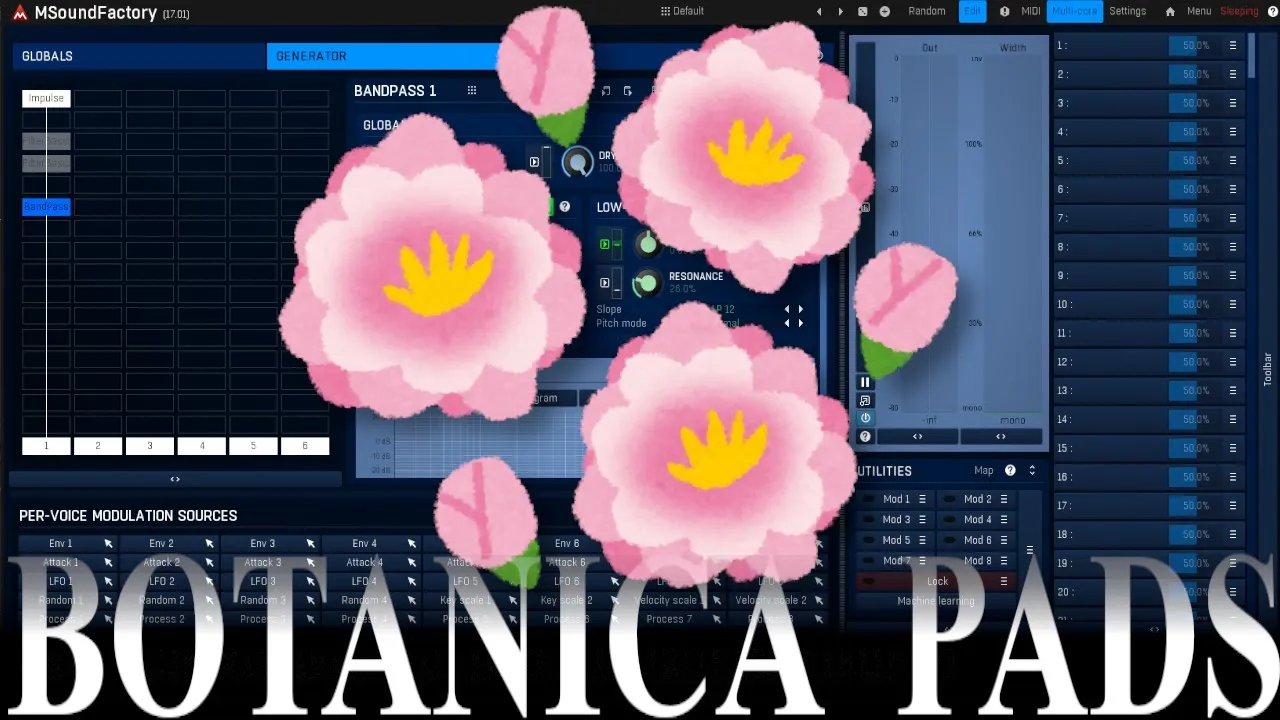
hey I'm back this is Chandler for Mela production and today let's talk about some sound design I'm going to try to make some pads I've been listening to some Banica recently which is a new genre that I just found out about and it's really cool has lots of interesting nature Foley sounds but also some interesting pad sounds so I thought I would try to show how I'm going
71 words, the words spoken in the first 30 seconds at 142 words per minute.
Free, no signup. See how the first 30 seconds hold attention, with rewrites.
Sentence shape
| Measure | This transcript |
|---|---|
| Sentences | 1 |
| Average words per sentence | 2011.0 |
| Longest sentence | 2,011 words |
| Questions asked | 0 |
| Sentences containing a number | 1 |
Most used terms
Filler phrases
69 in total: like 35 · kind of 13 · uh 11 · actually 8 · you know 2.
A literal whole-word count of the same phrase list the Prepublish browser extension uses, so a phrase inside another word is not counted and a phrase used in its ordinary sense still is. It is a count and not a judgement.
Run the check on the words above: where attention is likely to drop, with a rewrite for each weak line. The free check shows the scores and the one issue costing the most.
What this transcript is
Every word below is the caption track YouTube publishes for this video, pulled from the video itself and reproduced unchanged. It is not Prepublish's writing, not a summary, and not a re-transcription: it is the video's own published captions. English captions, generated automatically by YouTube, in the video’s original language. Source: the video on YouTube. A channel that would rather this page did not exist can ask for its removal through the contact page, and it is removed.
No Script X-ray for this video: YouTube shows a Most replayed graph only once a video has enough views.
hey I'm back this is Chandler for Mela production and today let's talk about some sound design I'm going to try to make some pads I've been listening to some Banica recently which is a new genre that I just found out about and it's really cool has lots of interesting nature Foley sounds but also some interesting pad sounds so I thought I would try to show how I'm going to try to make them I'm no expert but hopefully this will be interesting I picked up some of these techniques and I came up with something I thought was perhaps interesting of course this can be used for other things things like maybe ambient sounds or who knows whatever you want but this is what it sounds [Music] like Okay so let's make that sound let's start from the default here so we're going to set the attack at zero and the sustain up at zero also this is just for the global envelope we're we going to do some other things with other envelopes so don't worry about that I'm going to turn the gain down too just because it can get a little bit loud and let's get in here the first thing I'm going to start with is just an oscillator I'm going to create a supera this might seem a little bit counterintuitive but we're going to use some spectral processing to it afterwards so let's turn the voices up it just sounds like this nothing interesting just normal super saw you get any place okay so here in the effect section let's go here and we're going to do some spectral stuff to it now usually people use spectral Gates and that's good but we're going to use the Transformer and that's because there's an easy way to do this we're going to need the spectral settings we're going to adjust that later but for now don't go to the transformation go to the level now this controls how much of each sound level gets through so uh like this is just going to play as you heard it super saw but if we start adjusting this we can re reject certain frequencies or let through certain fre frequencies similar to a gate but you actually have more control here so let's see if I do this add a point here and I'm just going to start moving this around you can hear what [Music] happens so you get those kind of sounds that you might hear in Botanica where it sounds like it's almost underwater and you're hearing those kind of glitches which usually I don't like but for this context I think it sounds good [Music] now to bring those out more we can do this just bend this up like this that's good if you like that if you think you know it's maybe too much and move it down [Music] here I'll put it back just like this [Music] now there's a bit of noise here and like kind of glitches we can decrease or increase that if you want more of it move down here so uh I'm going to set my buffer sze lower so at 512 it's going to be really noisy so that's probably too much for me I can move it up here and sorry if I have 8,000 now we're just getting some kind of like movement and it's not so noisy so I like to air on that side so I usually stick between like maybe 10 24 and this 8,192 let's try [Music] 4,000 to me that's sounding pretty good and next thing let's put on some Reverb because you know everybody needs some Reverb in their life M turbo Reverb just do large spaces try Randy Hall here uh 40% seems good turn up the modulation a bit not too crazy but just so you can hear it now let's hear what this sounds like [Music] and last but not least let's work that envelope so we're going to the volume to zero here drag over envelope one here I wanted to go up to where it was which was think -12 around there like that we're going to set this you can set this however you want uh let's see I'm going to set this let's see half note here do the same thing with I do one there move Su stain down let's hear the [Music] sounds so to me it's giving that kind of like a underwater vibe that I want so if that's cool we just pause that for a second and let's do the second one the second one uses a completely different type of synthesis we're going to use a granular synthesizer so we use the granular s sampler here I'm going to pop this out so I can see it a little bit better I'm just going to go to the default I don't want anything on here uh I might even turn the width down but I'll show you that later so what I like to do is find something organic so we go to these organic tones I want something kind of like a uh almost like a bell sound or xylophone sound something really pure so I'll start looking here see if there's anything in percussion oh for this also so I'm going to turn this right [Music] up number six seems like it's going to work maybe maybe not let's turn the width down for now now let's look at how long this sample is it lasts about 4 seconds I think this is actually good at a th000 what I don't want is I don't want any of the grains hitting the end of this because I have it on clip mode clip it boundary and that's going to cause problems I don't want that now we can just the ra [Music] tier okay now what I want to do is just kind of vary this rate if I play a chord like this it gets very repetitive and a bit annoying so what I'm going to do is go into here choose the random under the lfos I'm going to increase this actually make sure it's up and down so max 500 minimum is probably like a 50 or something so let's hear how this sounds that seems all right but what I want to do is just increase the attack so it sounds more like a [Music] pad and at the beginning it's a little bit inharmonic if I want to try to change that I can try moving the start position here helped a bit uh nothing's perfect but I think actually some sometimes that inharmonic bits can actually make it sound more natural and interesting so we have that I think this is sounding pretty good but there's one more thing you can do so I saw someone I think uh YouTube name is bespoke uh they did a really cool tutorial on something similar to this but what they did was they actually played it and they processed it in a different way I think using the sampler is actually better and easier way to do this so they're playing things in octaves and using chords and arpeggiators and everything but there's an easy way to do this if I just play one note like [Music] this that's probably not so interesting but if I go in here in the harmony like this and play [Music] something you see it's playing other notes I don't need it to play that many I'm just going to use octaves so here where it says count five I don't need five voices I just need two so I have the first one here which is the note I'm playing and then this one is a third up but we don't need or sorry three semitones up I don't need three semitones up I need an octave which is 12 semitones up so I'll go like this now let's listen to [Music] it some of those might be hitting the end there which is causing a annoyance here clip it sample boundary I'll do flip it sample boundary so that way when it hits the end it's going to bounce back [Music] here that's sounding better so now we're getting the original note and the octave and we can do the same thing with the chords you can try this with other intervals but the other intervals will sound bad with chords so just a warning to you [Applause] I might have to continue at the other end okay so what I'm hearing is things are getting to the end and it's not sounding so good but with continue the other end it means it the sorry the grain goes to here and then it starts back there which to be honest that's not what I was looking for uh I have it a thousand I probably need to shorten this [Music] duration so there you're not hearing the kind of like clicking and the re-triggering of the sample but to be honest I like that re-triggering of the sample that sounded cool to me actually I like that it almost sounds like kind of like a backwards effect interesting to me so I'm going to leave that in we're going to move this width up [Applause] [Music] again if you don't want quite so much of the octave you can turn this down like here I'll T it up like maybe here and then last thing let's put this through our Reverb that we already have here we're just going to use a mixer right click it input one and input two I'm going to steal the input here now that should just be going in here and we'll probably have to adjust the levels I think because one's going to be louder than the other I'll probably have to turn this one down make sure this is on now let's hear them together [Applause] [Music] that's sounding good maybe a little bit too wide and it's kind of giv me like 3D effects there but that's okay last thing I want to do is just add another envelope here I'm going turn this down do the same thing I did before use envelope to this time I'm going to use a different set of timings here let's make this slower so maybe there half a dotted half note and then turn the sustain down do the Decay at one like this make sure I set this range to I guess zero or so maybe this is good enough let's hear it [Music] [Applause] [Music] and I think that's good maybe I'll turn this up a little bit more but I think you can hear both those elements and they both sound kind of interesting and hard to kind of get these in other ways so I think this gives you lots of movement in your sound hopefully this didn't take too long I think this is fairly fast and of course you can always try try this with different samples I use this with this percussion sample here but try with other bells or other things as I said if you get something that's kind of too noisy or has too many inharmonic sounds it may not sound that good but you might be going for some crazy effect too it might be good for horror music or something who knows and you can try this with other things besides super 2 so hopefully this gave you an interesting uh look at how you can make pads I'll probably do more with this in the future but I hope you enjoyed this if you did give me a thumbs up if you have any questions or comments leave those down below and check out all the other plugins at MPR production.com till next time see you
The words are the caption track's own and nothing is reworded or re-transcribed. Paragraph breaks are placed between sentences so the text reads as prose.
Free tools for your own script: paste a draft and see where it stands before you record it.
Paste your draft and see where viewers are likely to drop off, with a rewrite for each weak line.
Paste the first 30 seconds of your own draft for a hook score and rewrites.
Check your draft against YouTube's advertiser-friendly guidelines before you record it.
Read this channel's public videos and transcripts, and download a writing brief for it.