Getting the transcript
Reading the captions from YouTube. A video nobody has opened here before takes 10 to 30 seconds; this page fills in on its own.
Getting the transcript
Reading the captions from YouTube. A video nobody has opened here before takes 10 to 30 seconds; this page fills in on its own.
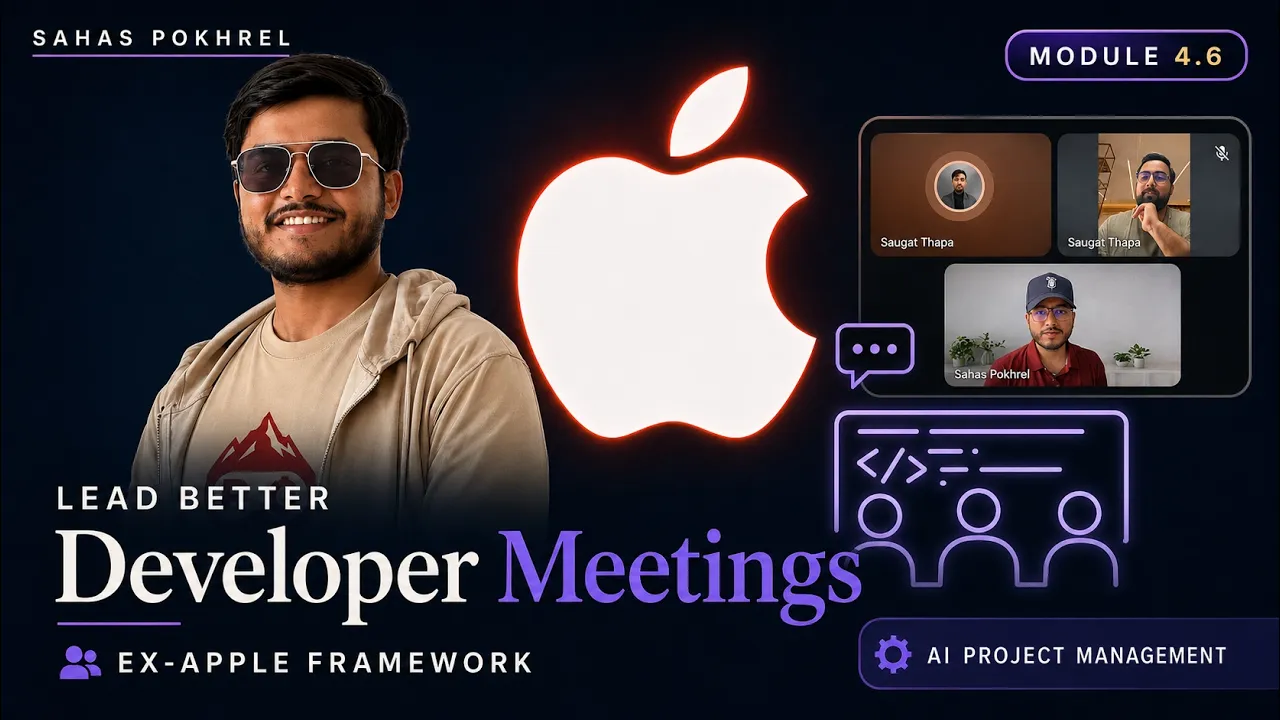
Sahas Pokhrel · @Sahas_Project_Management
Words
1,452
Runtime
9:32
Speaking pace
152wpm
Reading time
6min
152 words per minute, below the 160 25th percentile of 349 measured videos. That distribution comes from the 349-video hook study.
Opening (first 30 seconds)
One simple framework from my Apple [snorts] mentor completely changed how I lead developer meetings these days. I used to spend a lot of time chasing updates, and it frustrated both my team and me. But my mentor had a way of getting developers to openly say risk, doubt, and even ideas without being asked. That completely amazed me. Later, I realized the difference wasn't the developer. It was how safe they felt talking to the
76 words, the words spoken in the first 30 seconds at 152 words per minute.
Free, no signup. See how the first 30 seconds hold attention, with rewrites.
Sentence shape
| Measure | This transcript |
|---|---|
| Sentences | 141 |
| Average words per sentence | 10.3 |
| Longest sentence | 61 words |
| Questions asked | 15 |
| Sentences containing a number | 6 |
Most used terms
Filler phrases
69 in total: uh 48 · like 16 · right? 2 · um 2 · you know 1.
A literal whole-word count of the same phrase list the Prepublish browser extension uses, so a phrase inside another word is not counted and a phrase used in its ordinary sense still is. It is a count and not a judgement.
Run the check on the words above: where attention is likely to drop, with a rewrite for each weak line. The free check shows the scores and the one issue costing the most.
What this transcript is
Every word below is the caption track YouTube publishes for this video, pulled from the video itself and reproduced unchanged. It is not Prepublish's writing, not a summary, and not a re-transcription: it is the video's own published captions. English captions, generated automatically by YouTube, in the video’s original language. Source: the video on YouTube. A channel that would rather this page did not exist can ask for its removal through the contact page, and it is removed.
No Script X-ray for this video: YouTube shows a Most replayed graph only once a video has enough views.
One simple framework from my Apple [snorts] mentor completely changed how I lead developer meetings these days. I used to spend a lot of time chasing updates, and it frustrated both my team and me. But my mentor had a way of getting developers to openly say risk, doubt, and even ideas without being asked. That completely amazed me. Later, I realized the difference wasn't the developer. It was how safe they felt talking to the project manager.
Today, I'll show you the exact framework that I learned to build that same level of trust, one that helped me to create a productive team. Let's learn together. >> This is the agenda item for our meeting today, and this is the framework that we'll be opting for. >> Hi Sobat. Good afternoon. How are you? >> Good afternoon, Saaz. How are you doing? >> Yeah, I'm doing fine. How are you? >> Yeah, I'm I'm doing fine as well. >> Ah, I heard that you had a great weekend last time.
How was your weekend? >> Yeah, met up with some friends, uh hung out with them. Yeah. >> That sounds like fun. Hope you had a restful weekend. Good stuff. Uh so, I just uh did this call to discuss quickly about the findings from our research ticket. So, also one quick note, Sobat, that before we even start, uh I just want to talk about the real findings today, not the entire tidy version that uh you might come up with.
Rather, I would love to know if there are any risk, if there is any issue that you're sensing, uh all because I would rather like them knowing them now rather than finding them out after 6 weeks, right? Yeah. so yeah, if there's any finding from you, please feel free to share your screen. Yeah, let's talk about that. >> Okay, sure. Uh sharing my screen now. Is my screen visible now? >> Yes, and the document looks a lot tidy.
Did you do it yourself? >> Yeah, and a little help from our friend ChatGPT. >> Ah, yeah. So, that was the reason why it's looking so tidy. >> [laughter] >> Yeah, I gave it all the information and it really helped me put it into words. >> Wow, that's great. Yeah, let's roll this out. >> Yeah, sure. Uh so, starting with uh the budget, so budget is around $25,000. So, that's a hard limit for our budget. Um oh, sorry. Uh before even that, uh let's just talk about the platform that uh uh we're going to use or I recommend that we use.
So, it's a platform called Gorgeous and it provides an AI agent uh on the website itself. Uh so, we can connect our website, the client's website, to Gorgeous and it provides a tailored answer according to the user details, the customer details, uh what they bought, when they bought something, uh how many items they bought, and so on. So, it knows everything about the customer and it provides a tailored uh response according to that. >> Ah, but one quick question.
Why specifically Gorgeous though? Like, why not others? >> Uh so, I did look into other competing platforms as well, but uh the highest rating rated platform was Gorgeous. Uh so, I I think we should go for that. >> Ah, okay. Okay, so it has good testimonials then. >> Yep, the ratings and uh the reviews were really really good. >> Okay, that sounds okay then. Yep. >> Yeah, uh so now going into the budget, uh since we have a hard 25,000 uh budget uh for the entire project, so staying under that 25,000 budget uh is uh very possible and very doable inside of Gorgias.
Uh it takes around uh around 0.9 dollars for successful uh resolution of an issue with the customer. So, that's roughly >> That means so got like uh what if like if there's any unsuccessful query or what happens when there's a successful query? >> So, according to my uh primary findings, so it uh Gorgias, the platform, only charges for successful uh AI-only resolution. So, if it uh solves a particular uh customer issue all on its own without any uh help from human interaction, then uh only it charges us. >> I see.
So, if so, then we should be able to define what success criteria looks like for us. >> Yes, yes, we can. >> Okay, got it. And do you think is there any risk with this pricing and the like limit on the tokens that I should be aware of or I should inform my client about or like it's super fine? >> Uh so, we can have a hard cap every month of a certain amount. Uh so, if it goes beyond that, uh then it will automatically cap off the budget so that we don't uh lose uh money to unnecessary uh tickets or uh overwhelming number of uh tickets. >> Ah, I see.
But, for example, let's say there were like two cases and we burned all those number of tickets on those uh legit cases and we still have more legit cases and in that case if we place that hard cap would that disrupt our customer experience or like what would be a case where this type of situation would be handled? >> So we would get a notification from gorgeous saying that we are about to hit our limit and we can have a quick discussion with the client and increase the budget for that month.
So it is flexible in that way. >> Oh, I see. I see. So is it possible that you get back us with a notification ahead of like whenever we hit the cap. Let's say if the cap is on 3000 request. What if I start getting notification from 2000 request so that client and I myself are aware that okay the cap is going to be hit soon. >> Yes, exactly. That is what is going to happen. Yeah. John, what I've discussed right now these are some action items that I've come up with.
So understanding client database and architecture I've given that three story points. Implementing middleware to bridge the gorgeous and our platform. So that's another three story points. Then configuring chatbot agent on our platform. That's another three story points and lastly the proof of concept and demo showcase. That's going to be two story points. >> Ah, yes now that clarifies a lot. So I think the first one I will use that is going to be blocked for you.
One for the rest of those things I think yeah, I'm happy for you to take a lead here and start working on those tickets. >> Yes, so would it help if I used dummy data to you know the create a proof of concept. >> That would be lovely Sougat. I think that way even we wouldn't be blocked. I really love working with you for this reason. So, that way we can even progress from here, right? >> Mhm. Yep. Yep. We can proceed moving with the dummy data.
Yeah. >> Yes. Yep. Absolutely. The way I am connecting the dots is like later once we integrate the actual platform it would just be the integration because all the dummy data has been tested. >> Mhm. Yes. [clears throat] You're right. >> Okay. Yeah. Perfect. Makes sense. That is why I always like working with you. >> The same from my side. >> [laughter] >> Okay then. I think yeah, that's pretty much. Is there anything else Sougat like that you still feel like risk or that you still feel like okay I should be aware of?
Any of open items, any of those risks then please let me know. >> Um so the only risks right now that I can clearly see is the is regarding the regional restrictions and data privacy laws and such. >> Okay. That perfectly makes sense. Sure. Sure Sougat. Please feel free to inform me about the updates from here. And yeah, I think then we're pretty much done. Isn't it? >> Yeah. Yeah. [clears throat] I think I covered everything.
I'm going to send over this document over to you and we can discuss further if you have any more questions. >> Perfect then. Thank you so much. I'll talk to you next week then Sougat. Have a lovely day. >> You too. Take care. >> Take care. Bye-bye. In the next video we talk about the concept of backlog and how to plan work for your team.
The words are the caption track's own and nothing is reworded or re-transcribed. Paragraph breaks are placed between sentences so the text reads as prose.
Free tools for your own script: paste a draft and see where it stands before you record it.
Paste your draft and see where viewers are likely to drop off, with a rewrite for each weak line.
Paste the first 30 seconds of your own draft for a hook score and rewrites.
Check your draft against YouTube's advertiser-friendly guidelines before you record it.
Read this channel's public videos and transcripts, and download a writing brief for it.