Getting the transcript
Reading the captions from YouTube. A video nobody has opened here before takes 10 to 30 seconds; this page fills in on its own.
Getting the transcript
Reading the captions from YouTube. A video nobody has opened here before takes 10 to 30 seconds; this page fills in on its own.
Edwin Chen | AI Automation · @EddieTheChenster
Words
2,427
Runtime
11:24
Speaking pace
213wpm
Reading time
10min
213 words per minute, above the 201 75th percentile of 349 measured videos. That distribution comes from the 349-video hook study.
Opening (first 30 seconds)
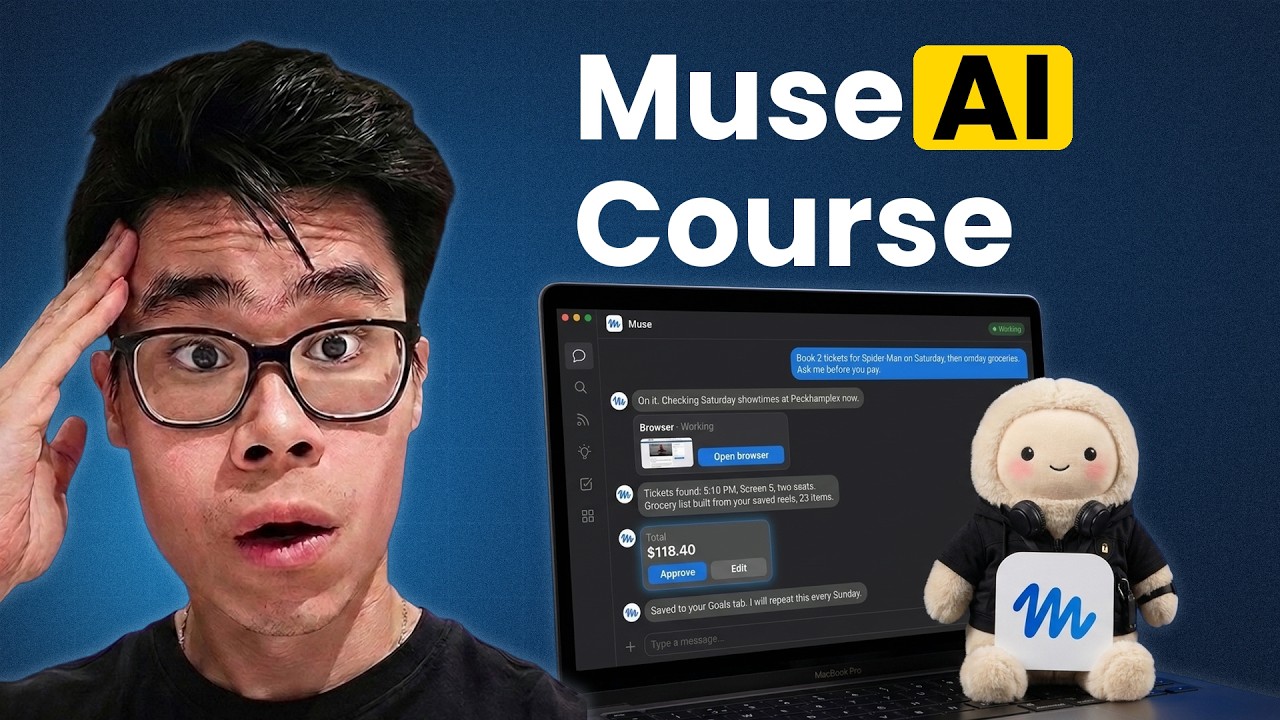
Meta just released Muse, a personal AI agent that can actually get things done for you, and it's completely insane. So, in this video, I'm going to explain what Muse actually is, what it can actually do, how you can set it up right now, and I'm going to be showing you use cases that you can do right now, including buying things for you in Amazon or Walmart on your behalf, laying out an entire day, and actually booking restaurants and movies in advance, and so much more. So, let's go. So, what is Muse? So, Muse, as they claim, is a new personal AI agent,
107 words, the words spoken in the first 30 seconds at 213 words per minute.
Free, no signup. See how the first 30 seconds hold attention, with rewrites.
Sentence shape
| Measure | This transcript |
|---|---|
| Sentences | 202 |
| Average words per sentence | 12.0 |
| Longest sentence | 69 words |
| Questions asked | 8 |
| Sentences containing a number | 10 |
Most used terms
Filler phrases
136 in total: actually 47 · like 26 · um 21 · uh 16 · kind of 9 · literally 6 · basically 4 · right? 4 · you know 3.
A literal whole-word count of the same phrase list the Prepublish browser extension uses, so a phrase inside another word is not counted and a phrase used in its ordinary sense still is. It is a count and not a judgement.
Run the check on the words above: where attention is likely to drop, with a rewrite for each weak line. The free check shows the scores and the one issue costing the most.
What this transcript is
Every word below is the caption track YouTube publishes for this video, pulled from the video itself and reproduced unchanged. It is not Prepublish's writing, not a summary, and not a re-transcription: it is the video's own published captions. English captions, generated automatically by YouTube, in the video’s original language. Source: the video on YouTube. A channel that would rather this page did not exist can ask for its removal through the contact page, and it is removed.
No Script X-ray for this video: YouTube shows a Most replayed graph only once a video has enough views.
Meta just released Muse, a personal AI agent that can actually get things done for you, and it's completely insane. So, in this video, I'm going to explain what Muse actually is, what it can actually do, how you can set it up right now, and I'm going to be showing you use cases that you can do right now, including buying things for you in Amazon or Walmart on your behalf, laying out an entire day, and actually booking restaurants and movies in advance, and so much more.
So, let's go. So, what is Muse? So, Muse, as they claim, is a new personal AI agent, kind of like Rockbot in the sense if you know what that is. Would you say a gentle personal AI agent that can actually do things instead of just instead of instead of just like ChatGPT, which is a chatbot, but it can actually perform tasks on its own. >> [snorts] >> So, as you can see, it can actually reply to emails on its own. Um it can also book an entire day, for example, it can actually book movies, select seats, and actually pay for all the movies as well.
It can actually remind you on field trip on like tasks that you need to do, helping you to shop and buy for things online. So, let me actually just quickly do the setup now. I'm just going to create my email and click continue. Just so you know, Muse is only available in the US right now, so if you're from any where else, you would need to use a VPN in order to help access Muse AI. So, I'll just say get started, and now you will be taken into the dashboard of Muse AI.
This also works on mobile, so it works on both Google Play and Apple App Store as well, so you can use your iPhone or your Android phone in order to access Muse AI as well. But, I'm just doing it in the browser just to show you guys. So, as you can see, this is kind of like the uh chat interface, kind of like if you've been using ChatGPT or Claude, this is actually how you would um talk to it. Um you also have like a function called feeds.
Basically, it's kind of like your routines, so for example, kind of reminders, or kind of like you you even know frets, like when you scroll, you will see like um the AI basically reminds you to do things. So, you can say, "Um make me a feed about my interests, keep the tone clear, and show it's cute." Quick to screen, try to avoid clickbait, right? So, I'm going just click generate and it will just be writing a fresh edition and it will just appear here shortly.
There are also ideas. So, for example, you can tell Muse about literally anything. It can be like got with relationships. You can tell Muse about your pet. Um you can tell Muse about your family. Um yeah, you can also tell tell it about your personality so that it can build you a fresh personality quiz every day. Um you can tell the what's what you're trying to buy if you're shopping and then you can do a side-by-side comparison.
Um you can also help with financial management like uh saving money, saving goals, health and fitness, productivity, etc. So, you can literally do whatever you want to do with it. Uh and then there are goals as well which you can set. So, for example, it is in different categories. So, for example, if your goal is health, you can create a health goal. And you can just talk to you I want to set a health goal. What's the one thing you want to change or improve health-wise?
So, uh first thing I would say is um I would like to gain weight and gain more muscles over over long term and sleep better as well. So, now Muse is actually planning program and gathering research and then creating the goals. So, this is saved in the goals app. So, you can see it's it's saved like the first goal in here. So, you can So, you can see there's like a big star here. Um big logo here which is quite cute. Um so, the goal weight is weight here.
So, good first milestone. Log your starting weight and your typical bedtime for one week. No changes yet. You can also put together a simple starter plan. So, I'll say yes, build my starter plan. And the goal will get saved here. So, each of these categories in your life so like relationships, finance, career, interest, productivity, etc. Um you can literally create a custom goal if you want and you will get saved and Muse will have literally like memory of like what your goals are.
There's also a library where you can save everything so you can create uh an artifact if you want. You can create document, web artifact, images, videos, and podcasts you can also save uh within here as well. But, the thing that I want you to do so I will just um chat to um Muse. I'll just say my name is Edwin and actually today I actually want to ask you to I've been looking I've been wanting to look at cameras for my filming for my YouTube videos.
So, I was wondering which cameras is actually the best option. Can you do some research and compare different options on different websites? And before you buy anything though, just let me know. So, it will first check in the site. So, it's on it I'm looking for YouTube cameras across the few UK retailers right now comparing prices, specs, and what um, reviews are saying. I'll come back with proper comparison. So, actually if you look at the browser, you can see what Muse is actually trying to do.
So, he's actually uh connecting to it has its own Linux machine, right? So, the AI agent Muse is actually opening its own browser. You can see here it's own browser. He's actually looking at I think wex uh topvideo.com. Oh, he's actually going for verification and trying to look at different options to see uh which camera is actually best options, right? So, you also have the ability to take control of the browser. So, where you can just literally look things up if you want to.
But, for now I'm just going to let uh Muse do its research and do its own tasks. Now, while I'm waiting, you can also click on Muse to see what it's doing. So, you can see that it's uh currently doing two different tasks. One of them is researching YouTube camera options one is building the health starter plan simultaneously. Within Muse, there are also by the way just uh kind of two options. There's also like soul and memory.
Soul is basically soul.md. If you want to think about it, it's literally like cloud.md if you want. You're not a chatbot, you can become someone. This is your persona. And you can definitely change all of that as well if you want to. As well as memory.md so that you can actually save your long-term memory here. So, like for example durable facts, preference, commitment. So, you could So, you can save facts about me, preference about me, and commitments about me all in this memory.md.
If you actually want to skip the chat the back and forth chat, you can straight away just have a soul.md ready and a memory.md ready right here. So, I'll actually just say uh you're not a chatbot, you're becoming someone. So I'll just say uh who So in my soul.md I'll actually say who you work for. So I'll say Any runs like AI. I'll just say a small AI agency that builds voice agents, chatbots, and automation for clients, right?
YouTube channel he co-hosts the show. He has more ideas than hours. How you carry yourself, you have taste. You prefer the simple version. You think the title of the show is first five words. Last week tell you something right from you say so. You're resourceful for your curious. You're honest about what you know. So don't just like blindly agree with me. How you write plain English, short sentences, etc. Yeah. So this looks good.
I'm just going to save it. And now this is kind of the soul of Muse. While we were creating the soul.md now it actually came back with all the options. So I'll say, "Okay, these are the options that it's researched. The short list is done." My takeaway is that Osmo Pocket 3 is $29 on sale right now. Sony used to say for around $20. Quick question, do you mostly filming talking head videos at the desk or vlogging out and about?
So I can just view all the options that it has here. I'll just say, "I think the Osmo Pocket 3 is actually my favorite. I'm just doing talking head videos. So go ahead and buy it." Warn me before you actually make any purchase. So now you can see if you load the browse task. You can see it's actually added it into the basket. You can see it's uh added in the basket. And I'm assuming it would try to view the basket as well.
Yep. It clicked on the basket page. Now it's the basket page and then it will go to the checkout page. See, it clicks on the go checkout. Now it's in the checkout page. And now it will ask me to create an account. Oh, it actually checkouts guest as well, which is very, very cool. How I'd like it delivered. Let's see if it asks me or it will just say deliver to me. Okay, we'll just say deliver to me. That's fair enough.
It's really fun to always watch like the AI agents working in progress. Oh, now it's waiting for me. See, now it stops. So, it's basically saying to check out ready, nothing purchased yet. It would know my UK delivery address, my email and phone number, my standard free delivery, and my payment method. And you can actually connect my payment method with Stripe. So, you can just click connect link by Stripe. Obviously, I'm not going to connect it to here now because I don't want to actually buy it.
But, if you want to, you can just put your card in here, your details here, and then you will automatically buy these things for you. Right, it's waiting for me right now in the browser. Um for now, if I just click back on the chats, if you go back to the Health Goal, it actually put me the entire starter plan with a full PDF for now. So, let's see what it created for me. So, it actually gave me a 4-week starter plan.
So, it says steady strength, body discovery. This is pretty good graphics, by the way. This better than what Claude gave me. >> [laughter] >> Just saying. Um let's see. Ooh, it build a So, it would say my weekly rhythm is Monday strength training, Wednesday strength training, Friday strength training. 7-day space line morning weight two to three times comfortable for quality. The two strength sessions in the busy week.
One extra snack or meal upgrade each day, a consistent wake-up time plus a 30-minute wind-down. Okay. Don't alternate two full body full body sessions. Okay, extreme four. Squats. Oh, it actually gives me the entire exercise plan. Horizontal push, horizontal pull, 82 reps, hinge. Dumbbell remaining deadlift. Cool. Interesting. See what's with it. Protein. It asked me to have more protein. Yeah, Greek yogurt, oats, milk, cheese, milk.
Hummus, butter, olive oil. Mediterranean food is generally quite healthy. Um change one level at a time. Yeah, this is pretty good. It actually quote its sources well. This is a really excellent PDF. I'm just going to Actually, I'm going to use it. Funny enough, I'm just going to download this. This is actually useful. Thank you. See how useful this is. Um and now it finishes the the goal. Uh Let me go back to the main chat.
So I'm just going to stop the task for now um because I don't actually want to buy it. But now you can see that Muse can actually be used to buy things for me as well. So now you can see by the way because it created the artifact if you close it you can see that in the library you can see the document is being saved permanently here as well. I'm planning out a day with my friend out on the weekend. Me and I are in London right now and we want to go see a movie that's total cost should be under 20 pounds and we're trying to go for a restaurant.
I love Mediterranean food. Just plan me out the weekend essentially. And if there's any movie tickets we watch we like Marvel movies so if you can go ahead and book the movie tickets for us as well that would be great. So it says simple as weekend to fit your budget. Movie Spider-Man brand new day is playing in London right now. It's 22 5 minutes. It actually researched the cost. I'll just say book Saturday 12. So now it actually again created a browser and actually opened the filming page.
I'm going to check in the Saturday showtimes for Spider-Man brand new day at Peckham now and we'll get the booking ready to the payment step. Let me just see what it's doing now. Oh it's actually in the ticketing right now and actually go ahead and book the tickets in the movie which is very very interesting. I created two. Okay. Okay. So I created two tickets. Cool. So yeah this is just a quick overview of the latest Muse AI agent what it can do.
I might just do a longer masterclass on this if if you guys want to. Let me know in the comments if you want it. If you enjoy this kind of content remember to remember to subscribe as it really really help out the channel. And yeah I will see you in the next video.
The words are the caption track's own and nothing is reworded or re-transcribed. Paragraph breaks are placed between sentences so the text reads as prose.
Free tools for your own script: paste a draft and see where it stands before you record it.
Paste your draft and see where viewers are likely to drop off, with a rewrite for each weak line.
Paste the first 30 seconds of your own draft for a hook score and rewrites.
Check your draft against YouTube's advertiser-friendly guidelines before you record it.
Read this channel's public videos and transcripts, and download a writing brief for it.