Getting the transcript
Reading the captions from YouTube. A video nobody has opened here before takes 10 to 30 seconds; this page fills in on its own.
Getting the transcript
Reading the captions from YouTube. A video nobody has opened here before takes 10 to 30 seconds; this page fills in on its own.
WorldofAI · @intheworldofai
Words
1,918
Runtime
10:48
Speaking pace
178wpm
Reading time
8min
178 words per minute, just under the 181 median of 349 measured videos. That distribution comes from the 349-video hook study.
Opening (first 30 seconds)
I've showcased Hermes's agent multiple times on this channel, one of the most interesting open-source AI projects right now. Now, it's designed as a persistent autonomous system that continuously evolves over time, which is why many people are going crazy over it. It's built by News Research under the MIT license, and it's an agent that can run 24/7 on your own infrastructure while building long-term memory, reusable skills, and even a deeper understanding of its user itself. Yesterday, I showcased a way for you to easily use Hermes's
89 words, the words spoken in the first 30 seconds at 178 words per minute.
Free, no signup. See how the first 30 seconds hold attention, with rewrites.
Sentence shape
| Measure | This transcript |
|---|---|
| Sentences | 86 |
| Average words per sentence | 22.3 |
| Longest sentence | 68 words |
| Questions asked | 3 |
| Sentences containing a number | 4 |
Most used terms
Filler phrases
22 in total: like 15 · actually 3 · basically 1 · kind of 1 · uh 1 · you know 1.
A literal whole-word count of the same phrase list the Prepublish browser extension uses, so a phrase inside another word is not counted and a phrase used in its ordinary sense still is. It is a count and not a judgement.
Run the check on the words above: where attention is likely to drop, with a rewrite for each weak line. The free check shows the scores and the one issue costing the most.
What this transcript is
Every word below is the caption track YouTube publishes for this video, pulled from the video itself and reproduced unchanged. It is not Prepublish's writing, not a summary, and not a re-transcription: it is the video's own published captions. English captions, generated automatically by YouTube, in the video’s original language. Source: the video on YouTube. A channel that would rather this page did not exist can ask for its removal through the contact page, and it is removed.
No Script X-ray for this video: YouTube shows a Most replayed graph only once a video has enough views.
I've showcased Hermes's agent multiple times on this channel, one of the most interesting open-source AI projects right now. Now, it's designed as a persistent autonomous system that continuously evolves over time, which is why many people are going crazy over it. It's built by News Research under the MIT license, and it's an agent that can run 24/7 on your own infrastructure while building long-term memory, reusable skills, and even a deeper understanding of its user itself.
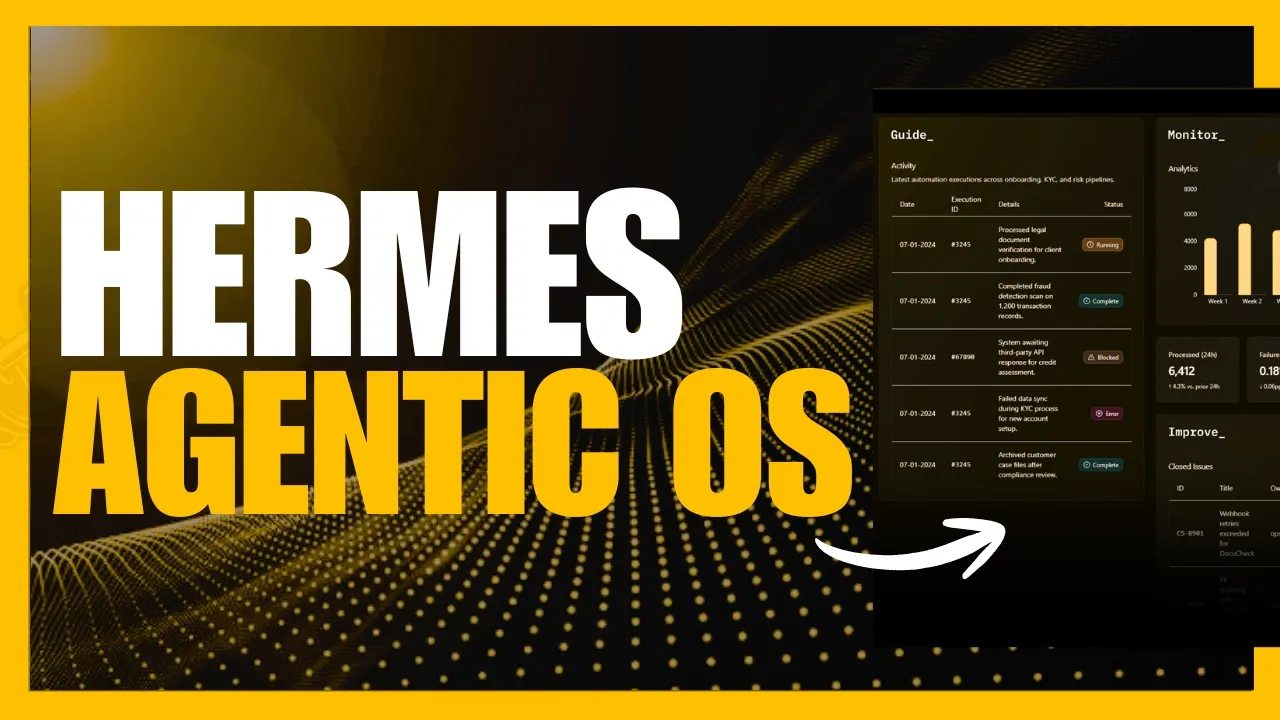
Yesterday, I showcased a way for you to easily use Hermes's agent inside a desktop app with a pre-configured app development environment, making the entire setup process dramatically easier. But, did you know that you can take it even further? You can essentially turn Hermes's agent into an agentic OS, an infrastructure layer that manages multiple autonomous AI agents capable of handling complex multi-step tasks without constant human oversight.
And honestly, it's pretty insane what you can do with it. From the Excel data processing and AI-powered analysis, where you can deeply analyze spreadsheets, automatically generate beautiful reports, generate summaries, and even extract insights, all powered by autonomous AI agents. The smart file management and automated file operations with batch renaming, automatic organization, intelligent classification, file merging, and workflow automation, all handled autonomously by a co-work agent.
You even have browser use, application creation, coding workflows, automation pipelines, and much more, all powered by Hermes's self-improving systems that continuously evolve your agentic OS the more you use it. This is all possible by combining Hermes with IonUI. For those who do not know what Ion is, it is a free open-source co-work platform that allows AI agents like Hermes to work alongside you directly on your computer, essentially creating a fully autonomous agentic AI operating system.
Ion is much more than a normal AI chat client cuz it allows you to essentially have your AI agent read and manage files, write and execute code, browse the web, automate workflows, and operate directly alongside you as a user. And the best part is is that you can visually see everything the AI agent is doing in real time while still remaining fully in control by deploying all of these multiple AI agents within your OS.
If you want the best AI tools, workflows, and drops before everyone else, join my free newsletter with the link in the description below, which is completely free. Before we get started, what you'll need to do is make sure you obviously have Hermes agent installed. And if you do not have it installed, you can easily go through their GitHub repo, which showcases how you can set it up. Once you have fulfilled this, you have to also fulfill a couple of the system requirements for Ion UI.
If you're on macOS, you want to make sure you're on 10.15 or above. For Linux, you have these requirements. For memory, just make sure you have 4 GB and above, as well as having 500 MB of available storage. Now, once you have fulfilled all of these requirements, click on this install button, which will take you to the latest release page. And what you can do is you can scroll down to the assets tab, and from here you can install it for whatever operating system you have.
Just make sure you read through properly before installing it cuz you don't want to install the DMG file for Windows operating systems. Just simply install it based off your system requirements. So, I've installed the installer. I can double-click it, and you can proceed forward at your own discretion. I personally used this before, so I'm going to be going forward with it. And there you go. Just like that, we have IonUI installed on our computer.
Now, what you want to do is you will see all of these different AI agents cuz Ion is going to be able to detect all of them locally. Now, this is why I had mentioned make sure you have Hermes agent installed cuz when you select it, this is going to be the primary agent that will be powering this AIOS. You can also discover more agents that you may have locally. Now, if you want to connect this server that is hosted on another platform or server, you can add in and connect your first agent through a URL as well as adding in the identification.
You have the ability to add in different models as well with different providers and you can set this directly within the model page. You can also tweak and add in different assistants. This is where you can build task-specific assistants by combining AI agents with custom rules and skills. You can have the ones that are already on your system enabled to work with Ion itself. You can implement custom agents or assistant, sorry.
And then in this case, there's already a couple of different assistants that have been enabled. They have already specialized many other assistants like 3D Morph PPT to turn GLB 3D models into cinematic morph presentations. These are different specialized skills that would assist you with generations. You have capabilities where you have the ability to implement skills and MCPs as well. So, this is another functionality to add in to IonUI, your Gensec UI, to inject these different additional benefits to make your overall operating system for Hermes to work with to generate and do anything.
Now, the application is where you have the ability to use different presets like the theme, the scale, as well as the CSS settings to select a preset or custom theme. You can change it to whatever you would like. I personally prefer the default one. Now, remote is where you can connect it to web UI and different channels as well. So, in this case, if you want to have Ion operated from your phone, you can essentially use WhatsApp on your phone or Telegram and then interact with it directly from your phone and have it control Ion UI, your Gentic OS.
You even have a desktop pet like the one that we previously saw with Codex. And then, system is basically where you can configure certain things like your cache, your work directory, your logs, and a couple of other things. So, let's just test it out. This is where we can tell it to do almost anything powered by the Hermes agent. So, in this case, we can create an Excel file. So, we can say, "Can you build out something like a three-sheet financial dashboard with income statements, revenue breakdown, with charts, as well as conditional formatting, and different variances?" Now, you can send in this request, but I'd recommend you chat in a folder in a specified directory.
You can select your default model, but in this case, we are having it powered by Hermes, so it should be functioning through Hermes, and then you can set the permissions to whatever you'd like. Yolo is where it's going to do automacy or auto edit where you review through every additional change. And on the top right, just make sure you select Hermes agent cuz I almost went ahead and used Gemini for this task. So, let's now go ahead and send in this request and have it execute upon it.
And the main functionality of an AI OS is so that you can deploy multiple autonomous agents to do anything. So, right now we have one agent working on the spreadsheet task making it work upon doing financial analysis. Or we can have another agent that we can create that is powered by Hermes to execute something else where it can work upon, I don't know, maybe doing analysis on a report, like creating a white paper for a rural e- rural EV charging infrastructure.
This is like some simple task that you can have powered by the Hermes agent and you can have multiple agents being deployed simultaneously to do different things off of your computer. So, looks like it has built out our financial dashboard where it has provided us data on the specific requirements that we had asked for, income statement and a revenue breakdown which has bar charts, pie charts, whatever you name it and it even created a dashboard as well that we can visualize and that is the capability of what you can do with Ion.
This is the beauty of this cuz it's an AIOS powered by Hermes that can execute any task. Whether that is constant creation, AI research, it can even be a smart desktop automation tool where it can even run schedule tasks for you. Another task that it could do is have it operate your desktop, your home environment and this is where on my desktop I currently have many different files. It is a bit too much and it could be more organized by having it placed into a new folder and this is why I said to the Hermes agent that on my desktop I have a bunch of thumbnails of my YouTube channel and I want you to organize them all in a numerical format and have it create a new folder to have it organized into.
So, let's see what it actually executes. You can see right now that it is able to use its browser use feature where it's able to actually view our desktop. And just like that, you can see that it was able to organize my desktop and add in all these thumbnails and format it numerically. Remember that task I gave it on rural EV charging infrastructure and creating a full on report? Well, it actually did that in a couple of minutes and you can see how well structured and how detailed it is.
Next up, I had requested it to work on a game and this is where it used one of its skills that I had preconfigured within Ion and it was able to execute this task by writing the code for it and you can see that it is a fun little game where I have the ability to collect all of these different coins. It is pretty cool and it's uh pretty basic, but it's still it's nice that a model is able to create this, which is kind of insane.
But, if you think about it, we now have an agentic OS that is running autonomously powered by Hermes agent that is able to work with us to do anything like managing apps, creating automation pipelines. We have it working on coding, browser tasks, research, and any workflow that is operational on a computer with minimal human input. And that is all possible by combining these two different outlets. This is why I highly recommend it and I'll leave all the links that I use in today's video in the description below.
But, with that thought, guys, thank you guys so much for watching. I hope you enjoyed today's video. Please make sure you take a look at our second channel, join the newsletter, join the Discord, follow me on Twitter. And lastly, make sure you guys subscribe, turn on the notification bell, like this video, and please take a look at our previous video so that you can stay up-to-date with the latest AI news. But, with that thought, guys, have an amazing day, spread positivity, and I'll see you guys really shortly.
Peace out, fellas.
The words are the caption track's own and nothing is reworded or re-transcribed. Paragraph breaks are placed between sentences so the text reads as prose.
Free tools for your own script: paste a draft and see where it stands before you record it.
Paste your draft and see where viewers are likely to drop off, with a rewrite for each weak line.
Paste the first 30 seconds of your own draft for a hook score and rewrites.
Check your draft against YouTube's advertiser-friendly guidelines before you record it.
Read this channel's public videos and transcripts, and download a writing brief for it.