Getting the transcript
Reading the captions from YouTube. A video nobody has opened here before takes 10 to 30 seconds; this page fills in on its own.
Getting the transcript
Reading the captions from YouTube. A video nobody has opened here before takes 10 to 30 seconds; this page fills in on its own.
Winter AI Solutions · @WinterAISolutions
Words
1,560
Runtime
9:47
Speaking pace
159wpm
Reading time
7min
159 words per minute, below the 160 25th percentile of 349 measured videos. That distribution comes from the 349-video hook study.
Opening (first 30 seconds)
Everybody's out there trying to tell you to like build a Jarvis. I know it looks cool and everybody wants one, but we're going to do something different, okay? I'm making my own and there's so much more to it than just some flashy UI. We're going to start and we're going to do several videos on this because there's a lot to this. The first part, we're going to sit there and create a web-based UI, but we're going
80 words, the words spoken in the first 30 seconds at 159 words per minute.
Free, no signup. See how the first 30 seconds hold attention, with rewrites.
Sentence shape
| Measure | This transcript |
|---|---|
| Sentences | 134 |
| Average words per sentence | 11.6 |
| Longest sentence | 52 words |
| Questions asked | 8 |
| Sentences containing a number | 1 |
Most used terms
Filler phrases
38 in total: um 13 · like 10 · actually 5 · uh 5 · kind of 2 · I mean 1 · literally 1 · you know 1.
A literal whole-word count of the same phrase list the Prepublish browser extension uses, so a phrase inside another word is not counted and a phrase used in its ordinary sense still is. It is a count and not a judgement.
Run the check on the words above: where attention is likely to drop, with a rewrite for each weak line. The free check shows the scores and the one issue costing the most.
What this transcript is
Every word below is the caption track YouTube publishes for this video, pulled from the video itself and reproduced unchanged. It is not Prepublish's writing, not a summary, and not a re-transcription: it is the video's own published captions. English captions, generated automatically by YouTube, in the video’s original language. Source: the video on YouTube. A channel that would rather this page did not exist can ask for its removal through the contact page, and it is removed.
No Script X-ray for this video: YouTube shows a Most replayed graph only once a video has enough views.
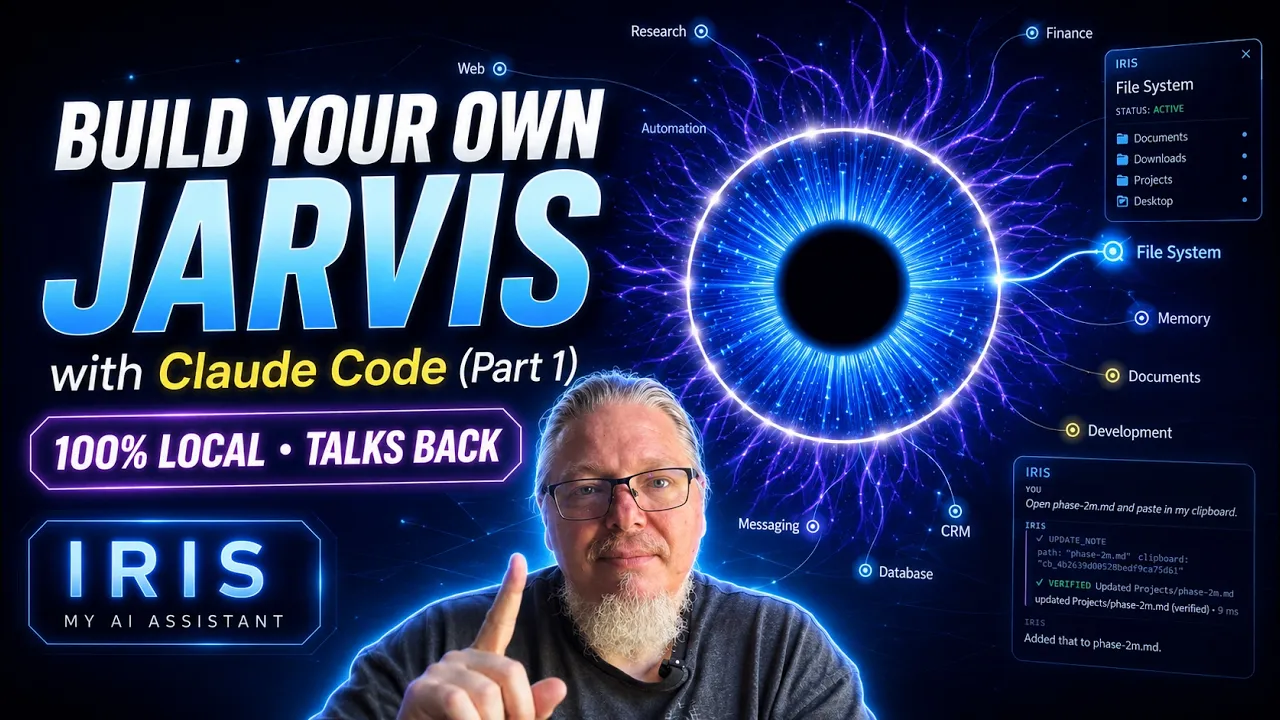
Everybody's out there trying to tell you to like build a Jarvis. I know it looks cool and everybody wants one, but we're going to do something different, okay? I'm making my own and there's so much more to it than just some flashy UI. We're going to start and we're going to do several videos on this because there's a lot to this. The first part, we're going to sit there and create a web-based UI, but we're going to put it in a desktop because we're going to want to be able to do stuff on our local machine and it's going to be so much easier if it's on a Windows desktop app.
We're going to use Hermes. We're going to use Llama and we're going to use Whisper Flow. And we're going to get it in this video to the point where you can talk back and forth with Hermes. Ask it questions, it replies. And we're going to get to that point. And then after we're going to do several other videos, we're going to let it deal with the file system, work with Obsidian, then get into your Gmail or get into your mail accounts and your calendars.
So, follow along. Go ahead and like and subscribe because we're going to have a lot going on with this and it's not just about being cool. It's about having a awesome awesome product that looks good and does a ton of good stuff. All right, follow along. All right, we're going to start off here. You can see Iris. It looks good. Um there are warps there and you can see that you can click on these different uh statuses and it will do something different.
This is what's going to happen when you go to talk. So, we're going to Visual Studio Code. We're going to add Claude. This takes just a few seconds. Just open a folder with Iris. I already put a folder together with the Iris, which has just the HTML, JavaScript, everything that we got from Claude for the Iris JavaScript. You can see it right here. And then um from there, we're going to put our first prompt in. Again, if you want the prompts for any of these, um just comment on the particular video.
I will give all the prompts for this that I went through to build this out. It's asking me now if I want to run this through PowerShell. This is typical. I will say yes, but I always sit here and I will go and change it afterwards. I don't want to keep on doing this. It'll ask you over and over and over every time there's an issue. I just say always go through, always do it. All right, so it's running through right now.
Um it's just cooking. It literally trying to It's trying to create the whole space where it's using Whisper Flow um from our end speaking. And then uh Karuko, I think on the back end, where it speaks back to me. Now, we could have used 11 Labs. Uh there's a monthly payment subscription that goes along with this. Um another big thing that I decided not to do, you see I'm saving off some of the prompts. I want to do this so that I can give to people afterwards.
But some of these prompts that I have, um I've created them. I'm saving them off. And then I'll give them to uh Claude to use so you can, you know, kind of kind of see it run through. But just like Alexis and or like Siri, I didn't want to have Iris be completely open and listening at all times. Um I have kids that come in here. I have the wife that comes in here. I mean, there's noise going on. I don't want to You've been on sitting there with your iPhone or something like that and then Siri just goes off and you're like, "I'm not even talking to you, Siri." I don't want the same thing to happen.
It can easily happen here. So, I've set this up so that Iris actually gets initialized through me hitting the space bar. I hit the space bar. I speak. Everything comes through. Works perfect, okay? And that's the way I want to handle it. You want to do it differently? That's perfectly fine. That can be removed from the prompts or use the prompts I have. Have it go through and build this and then have it remove the space bar so it listens.
And maybe there's a key term like um "Hey Iris" and it opens up and it starts listening to you. Um I just didn't really want to go through the hassle of this. I thought the space bar was good enough. That's all I really needed. Now, it's going to open it up. You can see Iris open here. A lot of this is Claude. I'm sitting here clicking some stuff. But Claude's going to be doing some tests. So, as Claude goes through and needs to like um it'll go through a phase and it'll do something and it it it's writing a hundred [snorts] of tests.
It It's like there's so many tests in the background and they're all inside the folders which I can show you later. And so, when it's running these tests, it it'll go ahead and run Iris. Iris will pop up. I'll even see it. And it will do a bunch of tests in the background. So, it's going through. It's running some tests. I was actually right here. I could not get the space bar to work for me, no matter what I tried. So, one of my next prompts is it's it Yeah, you'll see in a second, but it was it's mostly because I was debugging it.
I tried something. It did not work. I gave it a new prompt. This was all about uh I couldn't get it really pick up the space bar and it wasn't picking up my my spoken word through the headphone. And to be honest, it ended up being that it was the headphone I was using was actually broken. I can hear perfectly fine with it, but I couldn't speak with it. So, I switched over to a new headphone and that was what really really showed me that yeah, it's working fine.
It's actually okay. Um I think This is one of the last prompts that I put in. And again, like I said, if you want the prompts, you want to subscribe, get all of the information because we're going to be doing more than just doing talking back and forth to um Iris. There's a hell of a lot more we'll be doing. But if you want the prompts, I will absolutely give them. Oh, I've no problem doing that. That'll be all absolutely free.
So, it's finishing up with its last endeavor here. And we're going to do a test right now. Hello Iris, how are you? >> Yes, I can hear you clearly. Speech recognition is running locally through Whisper and this reply is being spoken by Kokoro entirely on your machine. No audio leaves this computer. There is no reasoning model connected yet. That arrives in phase three. >> Can you hear me well? >> Yes, I can hear you clearly.
Speech recognition is running locally through Whisper. And this reply is being spoken by Kokoro entirely on your machine. No audio leaves this computer. There is no reasoning model connected yet. That arrives in phase three. We're not using Claude. We're not using chat GBT to send stuff in and out. It's all Hermes and it's all local. So, nothing is leaving the computer. Here we go. >> Iris, what is a DSRC loan? >> A DSRC loan stands for digital signature retail credit loan.
It is a type of personal loan in India that can be availed by individuals using the digital signature certificate as collateral. The loan amount and interest rates are determined based on the value of the digital signature provided. This lending option aims to provide credit facilities to those who may not have traditional collaterals, such as property or gold. >> Can you tell me the difference between me starting an LLC or a C-corp? >> Certainly, there are some key differences between forming an LLC, limited liability company, and a C-corporation.
An LLC is typically a simpler legal structure compared to a corporation. It offers pass-through taxation, meaning the business's profits or losses flow through directly to the owner's personal tax returns. >> Okay, we're going to end it here. We're at the point where we can actually sit here and talk back and forth with our new Iris, and we can ask it a question, and it can give it back to us. This is all completely free.
We could hook this up to Claude or ChatGPT, but that's going to cost us money and tokens. Hermes is free. I'm not paying anything to do this. So, in our next video, go ahead, come along, because we're going to start working on adding the file system in Obsidian to it, okay? We'll see you in the next one.
The words are the caption track's own and nothing is reworded or re-transcribed. Paragraph breaks are placed between sentences so the text reads as prose.
Free tools for your own script: paste a draft and see where it stands before you record it.
Paste your draft and see where viewers are likely to drop off, with a rewrite for each weak line.
Paste the first 30 seconds of your own draft for a hook score and rewrites.
Check your draft against YouTube's advertiser-friendly guidelines before you record it.
Read this channel's public videos and transcripts, and download a writing brief for it.