Getting the transcript
Reading the captions from YouTube. A video nobody has opened here before takes 10 to 30 seconds; this page fills in on its own.
Getting the transcript
Reading the captions from YouTube. A video nobody has opened here before takes 10 to 30 seconds; this page fills in on its own.
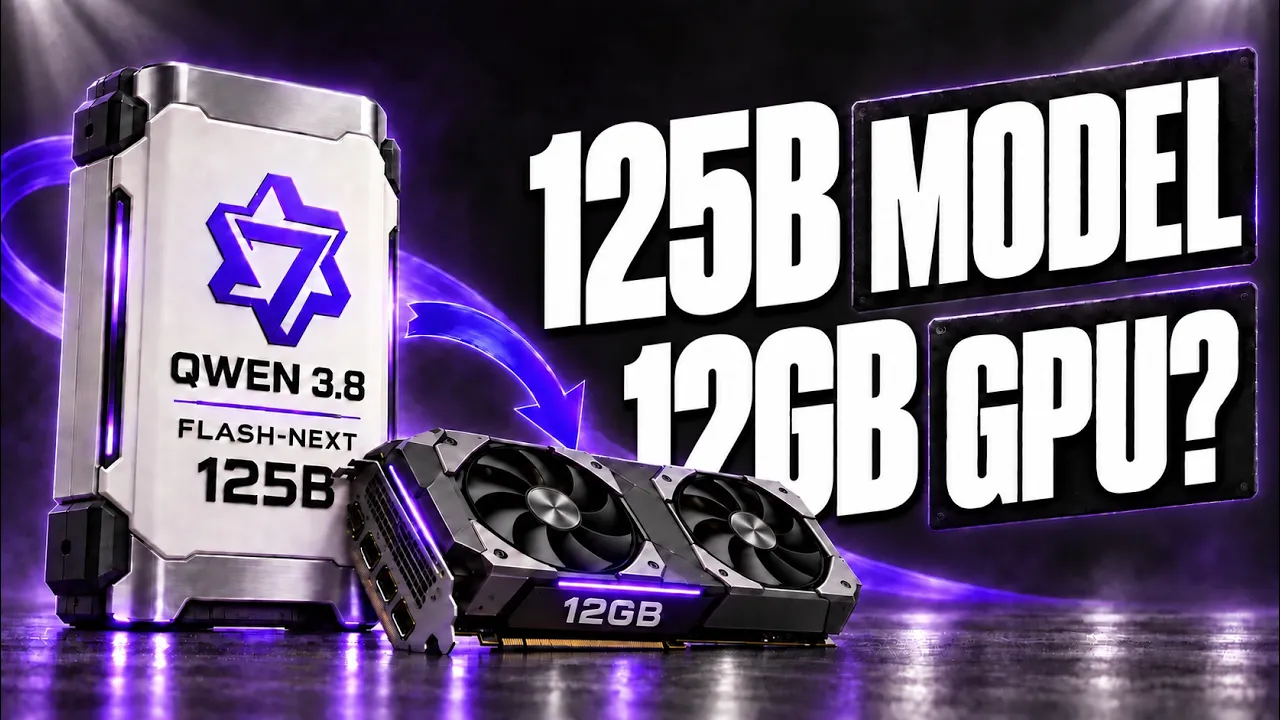
Morgans Code · @MorgansCode
Words
1,711
Runtime
10:19
Speaking pace
166wpm
Reading time
7min
166 words per minute, between the 160 25th percentile and the 181 median of 349 measured videos. That distribution comes from the 349-video hook study.
Opening (first 30 seconds)
A 125-billion-parameter model normally needs a server. Now it's running at close to 95 tokens per second on a PC with a 12-gigabyte gaming graphics card. The model is Qwen 3.8 Flash-Next. At full precision, its files take around 354 gigabytes. That's more than eleven RTX 5090s' worth of VRAM. The engine is Strata, a free project that appeared on GitHub on September 24 and shipped thirteen versions in its first four days. How does a model that big run with a card
83 words, the words spoken in the first 30 seconds at 166 words per minute.
Free, no signup. See how the first 30 seconds hold attention, with rewrites.
Sentence shape
| Measure | This transcript |
|---|---|
| Sentences | 146 |
| Average words per sentence | 11.7 |
| Longest sentence | 38 words |
| Questions asked | 7 |
| Sentences containing a number | 50 |
Most used terms
Filler phrases
4 in total: actually 2 · like 2.
A literal whole-word count of the same phrase list the Prepublish browser extension uses, so a phrase inside another word is not counted and a phrase used in its ordinary sense still is. It is a count and not a judgement.
Run the check on the words above: where attention is likely to drop, with a rewrite for each weak line. The free check shows the scores and the one issue costing the most.
What this transcript is
Every word below is the caption track YouTube publishes for this video, pulled from the video itself and reproduced unchanged. It is not Prepublish's writing, not a summary, and not a re-transcription: it is the video's own published captions. English captions, published by the channel, in the video’s original language. Source: the video on YouTube. A channel that would rather this page did not exist can ask for its removal through the contact page, and it is removed.
No Script X-ray for this video: YouTube shows a Most replayed graph only once a video has enough views.
A 125-billion-parameter model normally needs a server. Now it's running at close to 95 tokens per second on a PC with a 12-gigabyte gaming graphics card. The model is Qwen 3.8 Flash-Next. At full precision, its files take around 354 gigabytes. That's more than eleven RTX 5090s' worth of VRAM. The engine is Strata, a free project that appeared on GitHub on September 24 and shipped thirteen versions in its first four days.
How does a model that big run with a card that small? And what does your PC actually need? So in this video, we'll look at how the engine splits the model across your GPU, RAM and SSD. Then, what the speed numbers really mean, and the three catches that don't fit in a headline. By the end, you'll know whether your PC can run it, and which version you should pick. But first, we need to see where 354 gigabytes actually go when your card only has 12.
Part of the answer starts before the engine even runs, with the model itself. It's Qwen's preview of the architecture behind Qwen 4. It has 125 billion parameters, but only around 6 billion are active for each token. It also carries a separate 51-billion-parameter lookup table of short word sequences, called an n-gram embedding. In Qwen's own tests, it scored above Claude Opus 4.6 Max on SWE-bench Pro, a real-world coding benchmark.
We covered those results in their own video, linked above. That's why so many people want to run it at home. What stops them is the size. To make it smaller, the engine uses compressed versions made by a research lab in Austria. The smallest one is more than five times smaller, a 66-gigabyte download. That's still far bigger than any gaming card. So the engine answers a different question: where should each piece of the model live?
The engine splits the model across three parts of your PC. The graphics card keeps the parts used for every single token: attention, the routing layers and a few shared experts. It also holds your conversation's memory, called the KV cache. The system RAM holds the big part. The model itself is a Mixture-of-Experts model. It's split into thousands of small specialist blocks called experts. Across its 48 layers, there are 24,576 of them.
Only a handful work on each token. But all of them still need to be stored somewhere. The SSD holds that n-gram lookup table, around 29 gigabytes. The model only reads a few rows of it per token, so it can stay on disk. So the model runs with a 12-gigabyte GPU. It doesn't fit inside one. Most of the weights sit in system RAM. That makes one number more important than your VRAM. How much RAM is in your PC right now, and what graphics card is it paired with?
Tell me in the comments. That solves storage. But RAM is much slower than VRAM. So why isn't this painfully slow? The first trick is an expert cache. Whatever VRAM is left gets filled with the experts the model uses most often. That cache adapts while you chat. The second trick is that the CPU doesn't wait. It computes the missing experts at the same time as the GPU works on the cached ones. The third trick is built into the model.
The model ships with a Multi-Token Prediction layer, a small helper that guesses up to three tokens ahead. The engine checks those guesses in one pass. The developer says that alone makes it 1.6 to 1.8 times faster than going word by word. And the final answer stays exactly the same. Put it together, and the developer's test PC reached close to 95 tokens per second in short chats with the smallest build. That's an RTX 5070, a six-core Ryzen 5 and 64 gigabytes of DDR5.
Here's why that number stands out. The developer says the same PC ran the same 3-bit build at around 15 tokens per second with llama.cpp. With Strata, it runs at around 65. Now, 95 is the best case. And the first catch isn't about speed at all. It's about memory. The graphics card is only part of what this setup needs. The bigger part is system RAM. Depending on the build you pick, the engine keeps between 35 and 55 gigabytes of the model in RAM.
That's why the developer recommends 64 gigabytes. With 48, only the two smallest builds may fit. With 32, none of them do. If you already have 64 gigabytes, that's good news. If you don't, this is where the cost shows up. One price tracker lists a 64-gigabyte DDR5 kit at around 1,100 dollars right now, roughly four to five times what memory cost in mid-2025. Most of that increase comes from AI data centers buying up the supply.
The rest of the list is simpler. You'll need an NVIDIA RTX card from the 30, 40 or 50 series, and Windows or Linux. So it won't run on Macs or AMD cards. You'll also need around 70 to 80 gigabytes of free space on a fast SSD. Expect the first launch to take a while. The engine loads tens of gigabytes into RAM, and the README says your mouse may freeze for a few minutes. After that, it starts much faster. A bigger graphics card still helps, just in a different way.
Every extra gigabyte of VRAM holds around 700 more experts, so the CPU has less work to do. The developer estimates an RTX 3090 could reach around 140 tokens per second, though RTX 30 and 40 cards haven't been tested yet. So if you're planning an upgrade for this model, more RAM will matter more than a new graphics card. Once it's running, though, the next catch shows up when you give it real work. Output speed drops as the conversation grows.
The fastest build goes from about 95 tokens per second in a short chat to around 65 at 128,000 tokens. That's still usable. The bigger problem is waiting for the first word. Before it answers, the model has to read your whole prompt. At 4,000 tokens, that takes about seven seconds. At 32,000, close to a minute. At 128,000 tokens, around four minutes. That matters for coding agents. Their first request often carries tens of thousands of tokens of instructions and code, so the first answer can take close to a minute.
The good news is that the engine keeps the conversation in memory. After the first message, it only reads what's new, so follow-ups start in seconds. But it holds one conversation at a time, and it answers one request at a time. Switch to another chat, and it has to read that one again from the start. This is a personal engine, not a server for your whole team. So speed comes with conditions. But the question that decides everything is still open: how much of the model survives this much compression?
This is the part that decides whether this setup is worth a 66-gigabyte download. The same lab tested every build against the full model on three hard tests: math, science questions and competitive coding. The 3-bit build kept over 99% of the full model's average score. That's close to lossless. The 2-bit builds kept around 96%. Those are the fast ones behind the 95 tokens per second headline. That sounds close. But the loss isn't spread evenly.
On LiveCodeBench, the coding test, the fastest build lands about six points below the full model. So you have a real choice. The 2-bit build gives you the speed in the headline. The 3-bit build gives you almost the full model at around 65 tokens per second, and it uses more of your RAM. These are the lab's own results on three benchmarks, not independent tests of long agent sessions. But they show clearly where the trade-off is.
And there's another option in the installer that changes how long you wait for an answer. The installer can also set up Swift 1.5, a fine-tune of the same model. It's trained to think less before answering. Its makers say it uses 63% fewer thinking tokens, with less than 1% accuracy loss. The developer ran a small check with eight reasoning questions. Both models got all eight right. Swift used fewer than half the tokens and finished in 28 seconds instead of 46.
That's not a benchmark, but it matches the claim. Swift does come with its own license, so read it first. Then there's a setting called Experimental Speed Projection. The name sounds like a performance boost. It isn't. The project's own documentation describes it as a refusal-removal vector. With it on, the model declines far fewer requests. It doesn't make the model any faster, and on code it made the model's predictions noticeably less accurate.
It's off by default. Read the documentation before you turn it on. That setting is also a reminder of how young this project is. If you saw an early review say it ignores your temperature setting, that was fixed in version 0.1.7. On day four, it was still fixing a bug that made answers hang on large-VRAM cards. And when we checked, the repository had no license file, even though the README calls it free and open source.
The model files have their own licenses too. So, can a 12-gigabyte gaming card run a 125-billion-parameter model at usable speed? Yes, as long as the rest of your PC does the heavy lifting. If you already have an RTX card with 12 gigabytes or more, 64 gigabytes of RAM, a fast SSD and Windows or Linux, Strata is one of the most capable local coding setups you can try right now. Pick the 3-bit build if quality matters more than speed.
If you'd have to buy that RAM at today's prices, or you have a Mac, or you need several requests at once, this isn't for you yet. A smaller model like Qwen 3.8 27B is the better fit. The idea to remember is simple: for big Mixture-of-Experts models, VRAM is no longer the hard limit. RAM is. Subscribe if you want to see how Qwen 4 27B compares when it arrives.
The words are the caption track's own and nothing is reworded or re-transcribed. Paragraph breaks are placed between sentences so the text reads as prose.
Free tools for your own script: paste a draft and see where it stands before you record it.
Paste your draft and see where viewers are likely to drop off, with a rewrite for each weak line.
Paste the first 30 seconds of your own draft for a hook score and rewrites.
Check your draft against YouTube's advertiser-friendly guidelines before you record it.
Read this channel's public videos and transcripts, and download a writing brief for it.