Getting the transcript
Reading the captions from YouTube. A video nobody has opened here before takes 10 to 30 seconds; this page fills in on its own.
Getting the transcript
Reading the captions from YouTube. A video nobody has opened here before takes 10 to 30 seconds; this page fills in on its own.
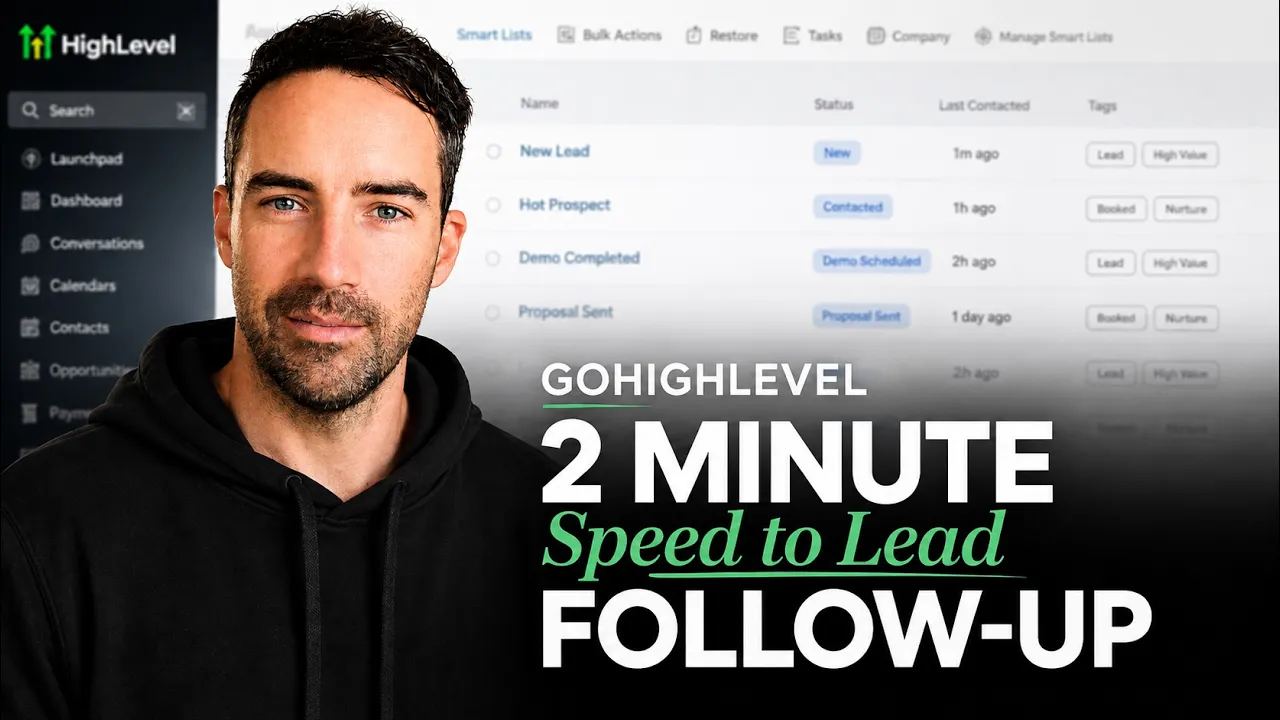
Mitch Lamb · @Mitch-Lamb
Words
1,770
Runtime
11:35
Speaking pace
153wpm
Reading time
7min
153 words per minute, below the 160 25th percentile of 349 measured videos. That distribution comes from the 349-video hook study.
Opening (first 30 seconds)
Hey, Mitch here. Welcome back. On this channel, we talk about all things web development and lead generation for tradies. And today, we're going to go through a speed tole follow-up system. Now, this is designed for inquiry forms. So, if you got forms on your website or maybe you got Facebook lead forms where you're generating some leads coming through, this is all automations off the back of that. So, for this, we're going to be
77 words, the words spoken in the first 30 seconds at 153 words per minute.
Free, no signup. See how the first 30 seconds hold attention, with rewrites.
Sentence shape
| Measure | This transcript |
|---|---|
| Sentences | 122 |
| Average words per sentence | 14.5 |
| Longest sentence | 100 words |
| Questions asked | 4 |
| Sentences containing a number | 1 |
Most used terms
Filler phrases
32 in total: basically 9 · uh 6 · you know 6 · like 4 · actually 3 · kind of 2 · sort of 1 · um 1.
A literal whole-word count of the same phrase list the Prepublish browser extension uses, so a phrase inside another word is not counted and a phrase used in its ordinary sense still is. It is a count and not a judgement.
Run the check on the words above: where attention is likely to drop, with a rewrite for each weak line. The free check shows the scores and the one issue costing the most.
What this transcript is
Every word below is the caption track YouTube publishes for this video, pulled from the video itself and reproduced unchanged. It is not Prepublish's writing, not a summary, and not a re-transcription: it is the video's own published captions. English captions, generated automatically by YouTube, in the video’s original language. Source: the video on YouTube. A channel that would rather this page did not exist can ask for its removal through the contact page, and it is removed.
No Script X-ray for this video: YouTube shows a Most replayed graph only once a video has enough views.
Hey, Mitch here. Welcome back. On this channel, we talk about all things web development and lead generation for tradies. And today, we're going to go through a speed tole follow-up system. Now, this is designed for inquiry forms. So, if you got forms on your website or maybe you got Facebook lead forms where you're generating some leads coming through, this is all automations off the back of that. So, for this, we're going to be using go high level.
I did a video earlier where I talked about how to set this up for yourself. So, if you don't know anything about this, you probably want to go watch that video first and get yourself set up so then you can follow along and actually do these things. Now, in automations here, I'll show you what this looks like real quick and then we'll just go through it all. So, what you want coming in is see I got a website lead form or I got a website uh Facebook lead form.
So, you're going to have to connect your Facebook and then you're also going to have to create a form in here that you can put on your website or if you know how to get your current form and send it to here using a web hook. So, I'll just show you what that looks like for example. inbound web hook and then you can send it to this and they'll do the same thing. But it's probably easier for you guys if you're not technical to just create a form.
So if I go back, we'll just go do the Facebook one first. So for Facebook, you want to go down to settings, come down to integrations. And then you're going want to connect your Facebook and follow the things. I'm not going to connect it on that account because I'm already connected. But as you can see here, I've also got my Instagram connected. I go update, continue, configure mapping, and it's going to have whatever instant form you created on Facebook pop up here.
So, I created one on another video which I hadn't connected. And if I go map, I'm just going they're going to these ones are automatically going map. But then this one I'm going to have to create a custom field for if I haven't already. So, if I close that, I can come over to custom fields, add a custom field in here, which I already have a ton of stuff, which you guys probably won't. Just go create a field, single line or whatever it is, give it a name, just save it to contact placeholder, don't worry about, and then just create the field.
Go back, connect the Facebook, connect all the different paths and then come back to your automations. You go create Facebook lead form and then you can No, not any. Uh, so what's going on here? Page. Ah, sorry. I don't have mine connected on here. But basically, it's going to come up with what's your Facebook page, which form you connecting, and then you can connect it through there. But this is just my demo account, so I don't I'm not actually connected.
Now, what else you can do to test this form is you can come over to developer.fas tools lead ads testing and it's going to have a thing like this and pretty much you can select your form go there preview form which this is just a demo from another video don't want to show you that and then you can submit it and it is going to trigger this when you have it live. So you'll want to come back and test that later. So that's your Facebook form connected.
Now for your website form, how you would build this is you'd go back, come down to sites, come to forms, you create a form here, which I have a couple example ones, which I'll just go inspection. And this is the most basic way to do this. So you can create a form there. Save. Sorry. What you'll have to do is come back to funnels. Create new funnel. Let's just go form or website form add. I'm just going to speedun this a little.
Edit. And then we're going to come down. Grab a form. Put it there. Click on that. Select your form. Inspection. That's that. Publish. Oh, doesn't want me to do it. So, what you can do is go preview. You take this, embed in your site. Does look a bit uglier. It's not my preferred way of doing it, but it's the fastest way to do it. You're honestly probably better to find out whatever form you're using at the moment and basically have it send whatever it is here through uh inbound web hook.
But now you've got data coming in. So now what happens every time someone fills out an inquiry form, this is the sort of workflow you're going to be going through. You can see here I've got wait one minute, which basically it's just giving someone a second to finish doing whatever they're doing because they might be going to a landing page or they could be going to other things. Sometimes I'll even have this as a couple minutes.
Then I have a if else or condition and if website form workflow trigger is website lead form Facebook uh workflow trigger is Facebook lead form and that's basically just splitting them up so I can create an opportunity and tag them with wherever they came from. And that if I just open up two tabs here is going to add them into the lead pipeline. So, new lead, I come in here. You can see new lead. They get the tag and then it's going to then it's going to go through this condition where it determines what time of day it is or is it the weekend?
Is it during office hours? And you can see here weekend, before office hours, after office hours, during office hours, and depending on which one of these it is, it's going to perform a different action. So you can see here, current day of week is weekend. Current day of week is weekend. Oh, sorry, weekend, weekday. We weekday and before 9:00 a.m. Because you' be surprised, you have a few people kind of inquire uh sometimes through Facebook ads in early morning.
And then here after office hours, current day of week is weekday after office hours. And then basically because you're just waiting a minute and you can send a custom message, hey, first name, thanks for reaching out to D. The crew's off for the weekend. Is there anything I'd help you with? And then I would have this connected to an AI assistant, which that's where that goes. And basically, this is a wait to see if the person responds.
If they do respond, it'll just engage the AI assistant. If they don't respond, it'll just wait a couple hours and another workflow will begin. But then, so these all kind of variations of each other, sending them a custom message depending on what time of day it is. And then you can do different things off the back of that. Basically, if they reply and it's out of office hours, the AI agent will be engaged. This one, if they are within office hours, see it's got wait another minute here.
What it's going to do here is it's going to automatically connect you via phone. So you'll get a phone ring and you'll hear a voice go. You have one new contact from source. The name is this. Press any key to connect. And you can always add a couple extra details in there being like, all right, they're interested in A, B, or C. And then it's going to call them. And then that gives you the ability to, you know, you don't have to follow up with them.
So, oh, a new lead came in, but they didn't book or they didn't um call straight away. And then you're just straight on to them. Then, if you or them can't take the phone at the moment, it's going to just go to another postphone call workflow, which you have to jump to this just in order to capture these. So, you can see here I've got different actions. I've got call success, call successful, call cancelled, call no answer.
So if you cancel the call, this will happen. If the call was successful, another uh this will happen if there was no answer. This will happen. And then there's basically a few different things going on there. Call canled. You cancel the call, sends a message anyway. No answer sends a message. You can also add in a voicemail in here. Then if they respond, the AI agent is going to engage them. Additionally, the call success is successful.
It's just going to update opportunity and then send internal notification. And then here, if nothing happened and this is triggered for some reason, it's just got a little notification to tell you what's going on. But another thing you can do which I don't think I have set up in these ones is if you have a direct booking link which a lot of trade services won't because you know they got to do quotes or estimates or you know it's all different for everyone but you can actually set up a booking link and you can just send that to them in all these things hoping you know in the hopes that they'll just go through and book themselves in rather than you having to do the full chase up and engage the AIA. agents and, you know, get on the phone with them and all these other things.
But this is basically how the speed to lead system works. If they're out of office hours, send them a custom message and get the AI to engage with them. If they're within office hours, tries to get them on the phone straight away. And then if it and then if there's no answer or you still can't take the call, same thing. AI agent engages and tries to bring them in. But if this is something that you think could work for you and your business, you can always book a call with us and we can have a chat and see how this might help you
The words are the caption track's own and nothing is reworded or re-transcribed. Paragraph breaks are placed between sentences so the text reads as prose.
Free tools for your own script: paste a draft and see where it stands before you record it.
Paste your draft and see where viewers are likely to drop off, with a rewrite for each weak line.
Paste the first 30 seconds of your own draft for a hook score and rewrites.
Check your draft against YouTube's advertiser-friendly guidelines before you record it.
Read this channel's public videos and transcripts, and download a writing brief for it.