Getting the transcript
Reading the captions from YouTube. A video nobody has opened here before takes 10 to 30 seconds; this page fills in on its own.
Getting the transcript
Reading the captions from YouTube. A video nobody has opened here before takes 10 to 30 seconds; this page fills in on its own.
Words
138
Runtime
4:14
Speaking pace
33wpm
Reading time
1min
33 words per minute, below the 160 25th percentile of 349 measured videos. That distribution comes from the 349-video hook study.
Opening (first 30 seconds)
안녕하세요 스마트셀업 입니다. 상세 페이지 매번 사진 찍고 글 쓰느라 머리 아프셨죠? 이번 시간에는 아동복 상품을 예시로.
17 words, the words spoken in the first 30 seconds at 33 words per minute.
Free, no signup. See how the first 30 seconds hold attention, with rewrites.
Sentence shape
| Measure | This transcript |
|---|---|
| Sentences | 19 |
| Average words per sentence | 7.3 |
| Longest sentence | 14 words |
| Questions asked | 1 |
| Sentences containing a number | 0 |
Most used terms
Run the check on the words above: where attention is likely to drop, with a rewrite for each weak line. The free check shows the scores and the one issue costing the most.
This transcript is under 300 words, so the page is marked noindex and does not appear in search results. The words stay here to read and to copy.
What this transcript is
Every word below is the caption track YouTube publishes for this video, pulled from the video itself and reproduced unchanged. It is not Prepublish's writing, not a summary, and not a re-transcription: it is the video's own published captions. Korean captions, published by the channel, in the video’s original language. Source: the video on YouTube. A channel that would rather this page did not exist can ask for its removal through the contact page, and it is removed.
No Script X-ray for this video: YouTube shows a Most replayed graph only once a video has enough views.
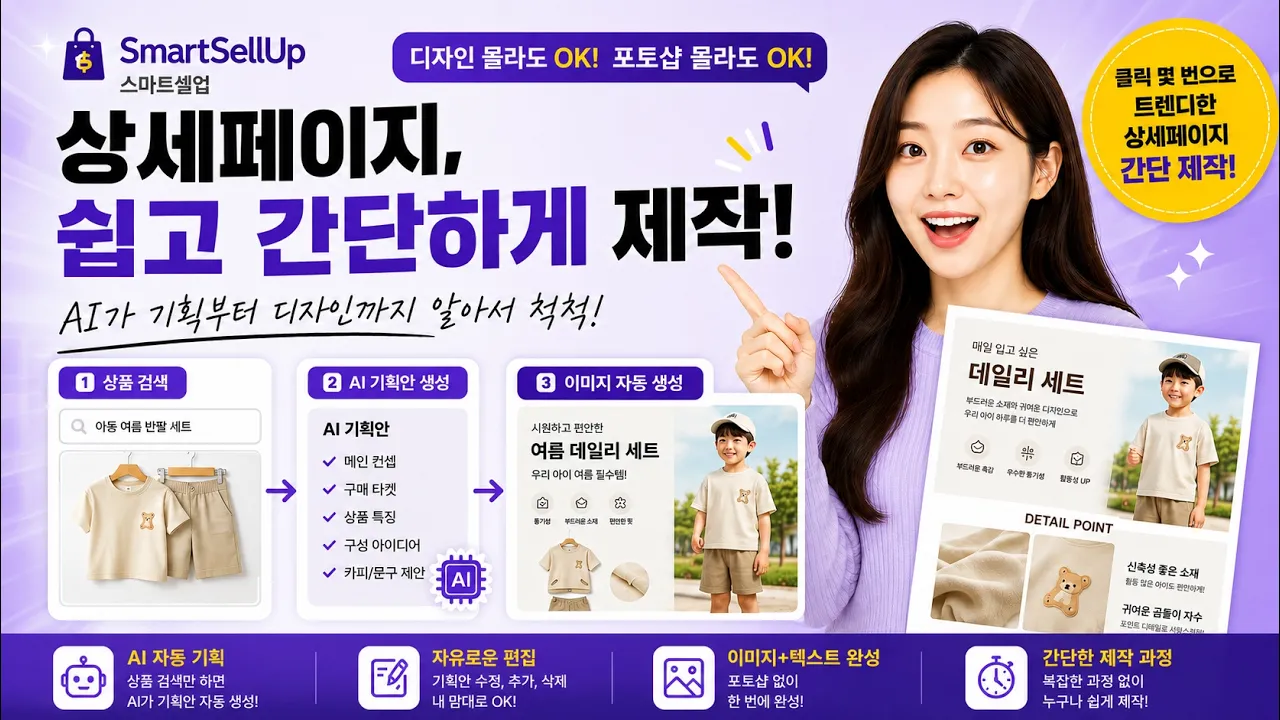
안녕하세요 스마트셀업 입니다. 상세 페이지 매번 사진 찍고 글 쓰느라 머리 아프셨죠? 이번 시간에는 아동복 상품을 예시로. Ai 를 활용한 상세 이미지 자동 생성 기능을 소개해 드리겠습니다. 기존 상세 정보가 있더라도 AI 를 통해 더 트렌디하게 다시 만들어 볼 수 있는데요. 먼저 캔버스 메뉴로 이동하여 AI로 만들기를 선택합니다. 상품 검색창에 상품명을 입력한 뒤 상품을 클릭하고. 상황에 맞는 옵션을 체크해주시면 AI가 자동으로 기획안을 생성합니다. 기획안부터 디자인소스까지 AI가 다 알아서 해주니까 우리는 검토만 하면 끝입니다. 생성된 기획안은 수정이나 추가 삭제가 자유로워. 원하시는 방향으로 유연하게 편집할 수 있습니다. 편집이 완료되면 이대로 만들기로 카드와 이미지를 생성해 줍니다. 이번 테스트에서는 편의상 GEMINI웹을 활용해 이미지를 생성해 보았습니다. 결과물이 마음에 들지 않을 때는 언제든지 재생성할 수 있으며. 마지막으로 이미지로 내보내기만 하면 완성. 텍스트 역시 자유롭게 수정 가능합니다. 디자인 감각이 없어도 포토샵을 몰라도 상세페이지가 뚝딱 완성됩니다. 지금 바로 스마트셀업 캔버스에서 여러분의 상품으로 직접 테스트 해보세요. 감사합니다.
The words are the caption track's own and nothing is reworded or re-transcribed. Paragraph breaks are placed between sentences so the text reads as prose.
Free tools for your own script: paste a draft and see where it stands before you record it.
Paste your draft and see where viewers are likely to drop off, with a rewrite for each weak line.
Paste the first 30 seconds of your own draft for a hook score and rewrites.
Check your draft against YouTube's advertiser-friendly guidelines before you record it.
Read this channel's public videos and transcripts, and download a writing brief for it.