Getting the transcript
Reading the captions from YouTube. A video nobody has opened here before takes 10 to 30 seconds; this page fills in on its own.
Getting the transcript
Reading the captions from YouTube. A video nobody has opened here before takes 10 to 30 seconds; this page fills in on its own.
Jay E | RoboNuggets · @RoboNuggets
Words
1,406
Runtime
7:03
Speaking pace
199wpm
Reading time
6min
199 words per minute, between the 181 median and the 201 75th percentile of 349 measured videos. That distribution comes from the 349-video hook study.
Opening (first 30 seconds)
So, Opus 5.5 just came out, and Anthropic just published an official comprehensive guide on how to prompt it. And it seems like a lot of what worked on previous models is now either costing you more or slowing you down. So, I went through their whole documentation and pulled out the 12 tips that actually matter, which can make your setup faster and your assistance cheaper when using this new model. So, let's get into it. Number one, start at medium effort. So, effort is basically the setting that controls how hard Claude thinks before it answers. And on
100 words, the words spoken in the first 30 seconds at 199 words per minute.
Free, no signup. See how the first 30 seconds hold attention, with rewrites.
Sentence shape
| Measure | This transcript |
|---|---|
| Sentences | 71 |
| Average words per sentence | 19.8 |
| Longest sentence | 55 words |
| Questions asked | 0 |
| Sentences containing a number | 20 |
Most used terms
Filler phrases
15 in total: like 7 · actually 6 · basically 2.
A literal whole-word count of the same phrase list the Prepublish browser extension uses, so a phrase inside another word is not counted and a phrase used in its ordinary sense still is. It is a count and not a judgement.
Run the check on the words above: where attention is likely to drop, with a rewrite for each weak line. The free check shows the scores and the one issue costing the most.
What this transcript is
Every word below is the caption track YouTube publishes for this video, pulled from the video itself and reproduced unchanged. It is not Prepublish's writing, not a summary, and not a re-transcription: it is the video's own published captions. English captions, generated automatically by YouTube, in the video’s original language. Source: the video on YouTube. A channel that would rather this page did not exist can ask for its removal through the contact page, and it is removed.
No Script X-ray for this video: YouTube shows a Most replayed graph only once a video has enough views.
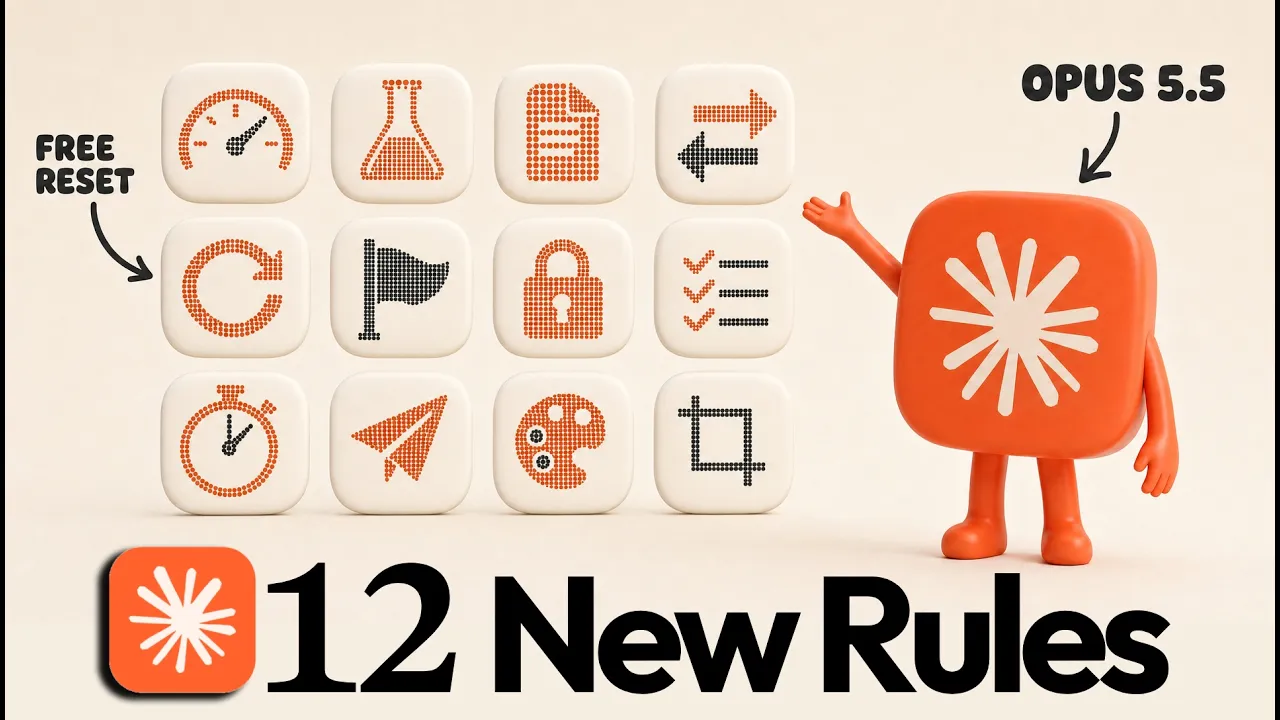
So, Opus 5.5 just came out, and Anthropic just published an official comprehensive guide on how to prompt it. And it seems like a lot of what worked on previous models is now either costing you more or slowing you down. So, I went through their whole documentation and pulled out the 12 tips that actually matter, which can make your setup faster and your assistance cheaper when using this new model. So, let's get into it.
Number one, start at medium effort. So, effort is basically the setting that controls how hard Claude thinks before it answers. And on 5.5, the recommended default is now medium. In Anthropic's testing, medium on Opus is the effort level that hits that sweet spot of performance and speed. So, what you can do is to set it to medium by default, run your normal work for some time, and just go up in effort level if you're finding the need for better performance.
Number two, test your effort levels. Now, if you want your default effort level to be more specific to you, you can actually ask Opus to test it. Because even though medium is the recommended default, it might actually be different for you depending on the work that you do. So, a more specific way to know your default level is to test it on your own work. A good way to start is to give Opus a prompt like this, where it picks a real task from how you use Claude daily, runs it at every effort level using 5.5, and puts the results side by side.
And from there, you can just decide which effort level is best to mark as your default. Number three is that you can now use agents.md in Claude code. Claude code now reads agents.md, which is the instructions file that tools like Codex use. So, if you update to the latest version and you connect Claude to a folder that has no Claude.md, it will check for an agents.md and use that instead. So, if you use more than one coding agent, you can keep one agents.md as your single instructions file now instead of keeping a Claude.md and an agents.md in sync.
And by the way, I've put every one of these tips into a detailed PDF guide with all of the prompts and resources that you'll see in this video, and you can just send that straight to Claude and ask it which tips apply to your setup, and it will help you set them up. The link for that is just in the description below if you need it. Number four, switch effort without wiping your cache. So, when you talk to your agent, it keeps what's called a cache, which is basically this short-term memory that keeps your usage low.
Because previously, when you change effort settings mid-conversation, Claude had to reread that entire conversation, and the cache gets wiped, which costs you tokens. With Opus 5.5's release, they've now fixed that. So, even if you switch effort levels mid-conversation, your cache is kept, and your agent doesn't have to read through the whole conversation again. Just note that Anthropic says that this is still in beta, so test it out on your setup first if it's live.
Number five is to use your banked usage resets. So, Claude now banks usage resets for you. So, if you go to settings, then usage, you should see a resets box, and with 5.5's launch, you likely got one that you can trigger for free. So, the best tip here is to save it for when you actually run out, then hit reset for free to get your allowance back straight away. Just make sure to check back on the expiry date on it because the one that we got from the 5.5 launch runs out on the 23rd of October.
Number six is that Opus now flags requests to show its reasoning. If your prompts or your application's system prompt ask Claude to write out its reasoning before it answers, that might actually get flagged now with Opus 5.5. In fact, if you try this with a simple prompt like this, you'll get this type of error where the refusal reason simply states as reasoning extraction. Now, very clearly, Anthropic is doing this to prevent other companies from distilling Opus 5.5.
So, if you had a legitimate use case for this before, unfortunately, that feature is now not available for us in this newer class of models. Number seven is to tell it that earlier answers are settled. In long-running chats, Anthropic observed that Opus 5.5 sometimes goes back over its earlier answers while it's thinking, which can be annoying for a short simple follow-up questions. So, if you're seeing this, a better way is to just add, let's say, two sentences to the end of your claw.md telling it to treat earlier answers as done unless you ask about them.
Or if you just want to trigger this on demand, then you can just make a simple skill for it that you can call whenever. Number eight is to keep a task checklist. Now, according to Anthropic, when it comes to really long-running tasks, 5.5 has sometimes been observed to stop working even when the whole task technically isn't 100% complete yet. This is because it now posts progress updates while it works, and sometimes one of those updates ends its turn, which can lead to it thinking that the job is finished.
Now, if you're seeing this, it's really simple to prevent. Just have Opus keep a checklist that it ticks off as it works, which you can just ask from it as part of your prompt. Then, at the end of each turn, it checks that list, which makes it more likely to fully complete the work that you have assigned to it. Number nine is to set a time budget. Opus 5.5 can pay really close attention to how much time has passed per task.
So, what to do if you need something done within certain time period is to just give Opus a time budget. You can say to finish the task in 3 minutes, and it would pace itself to hit that time limit. Number 10, if you don't have a time budget, just send it these two words. Now, if you can't guess a sensible time budget, you can still speed up your agent. As per Anthropic, one of the best things to do is to add the words time matters into your prompt, and that will improve 5.5's speed to completing the task.
In their testing, that alone made agent teams finish sooner if time is of the essence. Number 11, Opus still has design defaults. So, when you ask Opus 5.5 for a website with no design direction, it would fall back on the same default looks, and Anthropic even says that this is as intended. So, you get those screen backgrounds, you get those italic words in the copy of the text, and prompting Opus to make it look less generic just swaps one default for another.
So, a better tip is to give it a design system, or even list the exact styles you don't want. Then the result actually looks like your brand. And I talk about this in other videos on our platform, so have a look at those to get started. Number 12 is to give it crop and zoom tools. Opus 5.5 already reads charts and screenshots really well, but on really dense stuff like technical drawings, it helps to let it zoom in. This not only lets your agent focus on what matters, but it also keeps token usage lower by feeding it smaller images than the whole high-res picture.
What you should do then is to give your agent access to tools that Anthropic themselves recommend, like PIL and OpenCV, which are these free Python libraries for cropping and zooming. And just send the highest resolution image that you've got, then it can crop into the exact part that it needs by itself. So, that's all of them. As usual, thanks for watching until the end, and I hope that was useful. Opus 5.5 is pretty great so far, and we'll be definitely testing it more in the next few days.
I'll see you next time. Cheers.
The words are the caption track's own and nothing is reworded or re-transcribed. Paragraph breaks are placed between sentences so the text reads as prose.
Free tools for your own script: paste a draft and see where it stands before you record it.
Paste your draft and see where viewers are likely to drop off, with a rewrite for each weak line.
Paste the first 30 seconds of your own draft for a hook score and rewrites.
Check your draft against YouTube's advertiser-friendly guidelines before you record it.
Read this channel's public videos and transcripts, and download a writing brief for it.