Getting the transcript
Reading the captions from YouTube. A video nobody has opened here before takes 10 to 30 seconds; this page fills in on its own.
Getting the transcript
Reading the captions from YouTube. A video nobody has opened here before takes 10 to 30 seconds; this page fills in on its own.
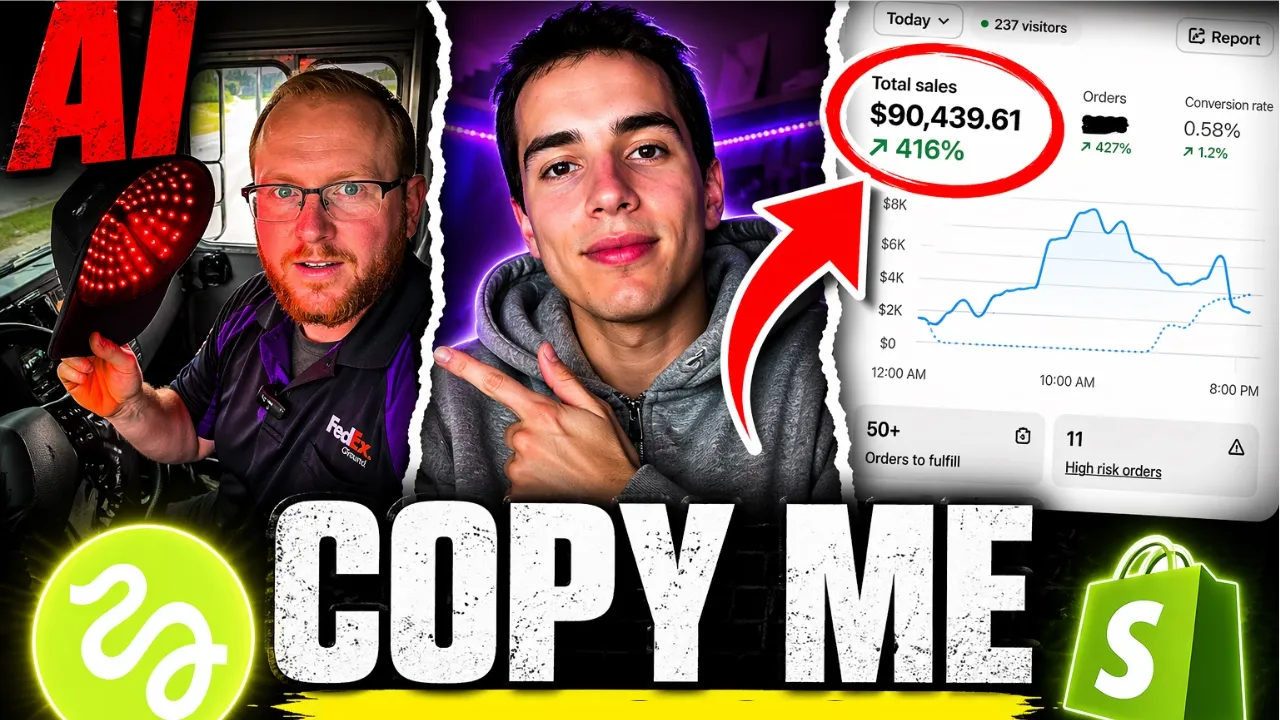
RunUpJeremy · @RunUpJeremyy
Words
1,702
Runtime
8:30
Speaking pace
200wpm
Reading time
7min
200 words per minute, between the 181 median and the 201 75th percentile of 349 measured videos. That distribution comes from the 349-video hook study.
Opening (first 30 seconds)
Guys, organic drop shipping has never been easier to make thousands of dollars or even to just get started. As you guys can see, these videos are 100% AI and they are going viral. 40 million views, 100, 200, 700k, 500k views. This is absolutely insane. It's so easy to create a viral AI content now. It takes less than 30 minutes. And if you know what you're doing, it takes literally like 10 to 15 minutes to film viral videos. And I'm going to show you guys exactly step-by-step what to do. And I made it so easy, you
100 words, the words spoken in the first 30 seconds at 200 words per minute.
Free, no signup. See how the first 30 seconds hold attention, with rewrites.
Sentence shape
| Measure | This transcript |
|---|---|
| Sentences | 137 |
| Average words per sentence | 12.4 |
| Longest sentence | 33 words |
| Questions asked | 13 |
| Sentences containing a number | 18 |
Most used terms
Filler phrases
56 in total: right? 12 · like 11 · you know 9 · literally 8 · um 7 · basically 5 · kind of 4.
A literal whole-word count of the same phrase list the Prepublish browser extension uses, so a phrase inside another word is not counted and a phrase used in its ordinary sense still is. It is a count and not a judgement.
Free, no account. See where attention is likely to drop, with a rewrite for each weak line. The free check shows the scores and the one issue costing the most. Or run it on the words above first.
Free · No login · See a sample audit first if you prefer.
What this transcript is
Every word below is the caption track YouTube publishes for this video, pulled from the video itself and reproduced unchanged. It is not Prepublish's writing, not a summary, and not a re-transcription: it is the video's own published captions. English captions, generated automatically by YouTube, in the video’s original language. Source: the video on YouTube. A channel that would rather this page did not exist can ask for its removal through the contact page, and it is removed.
No Script X-ray for this video: YouTube shows a Most replayed graph only once a video has enough views.
Guys, organic drop shipping has never been easier to make thousands of dollars or even to just get started. As you guys can see, these videos are 100% AI and they are going viral. 40 million views, 100, 200, 700k, 500k views. This is absolutely insane. It's so easy to create a viral AI content now. It takes less than 30 minutes. And if you know what you're doing, it takes literally like 10 to 15 minutes to film viral videos.
And I'm going to show you guys exactly step-by-step what to do. And I made it so easy, you guys can literally copy paste me right here. I have my entire document of all the prompts and everything I've used. So, you guys can literally copy the exact same thing into your Claude and get the same results as me. I've made it as easy as possible. So, let's go to the document here. So, number one, the first step you want to do is find a product on AliExpress that solves a problem and an insecurity and it has a transformation potential.
So, if we go over to our AliExpress, this is the product that I'm using. Obviously, you've seen it go viral. Now, we want to take a screenshot of this. So, I took a screenshot of this, right? It has a good, you know, you can see the front of the product and you can also see the underneath, which is super important for AI. Obviously, you want it to know kind of what your product looks like and the, you know, different angles of it.
So, once we have this photo, we're then going to get our avatar. And our avatar is basically the person that we want to be playing in the video. So, for this product, right? We're targeting hair loss. We're targeting men in their 30s to like late 20s, 30s, 40s, even 50s if you want. Right? So, I found this dude, perfect demographic. He's literally the target audience, right? This dude's like 40 years old, let's say 35.
Um, and he's balding and I like this photo a lot cuz he still had a little bit of hair over here. So, he's like, you know, you could kind of save him, maybe not. Um, but you get the point, right? You could take a bunch of other photos. You can find whatever your target audience is, find that exact person, your ICP, your ideal customer profile. That's what you want to find. And basically, I screenshotted this guy. Um, that's why I have a bunch of screenshots of men in my files.
I promise you guys. Anyways, once you screenshot those two things, right? We're going to head right over to Claude. So, as you guys can see, I input the dude's screenshot and I put the hat. So, then I said, "Generate me a hyperrealistic reference photo for Nano Banana 2 where this man is holding his red light therapy hat in a fitting environment of your choice." So, obviously, you guys can come up with your own, but I said, you know, we can come up with the idea for whatever um, location this guy's in.
And then, obviously, use 9:16 aspect ratio, which is which is going to be the short-form TikTok ratio, with good lighting and natural UGC, which is a user-generated content, right? Like TikTok Shop style, you know, just handheld kind of whatever, talking to the phone. So, once we gave it this prompt, um, it gave us this right here. So, with this, we copy paste this and we bring this right into here and we're going to throw it right into Nano Banana 2.
So, we throw this into Nano Banana 2 with these two photos as well. And then, boom, guess what this gives us? That gives us this photo right here. So, boom, this is our reference photo. This is the photo we're going to start the first video with. So, the sequence that I made, I'll show you guys this video later. So, I have the video right here, but I used three different clips. So, in this case, you can use three clips, you can use four, you can use five, depending on how many you want.
That's up to you. But just for this example, I made three different clips that I all stitched together. So, once you get the reference photo, you're going to say, "Give me a prompt for Higgsfield Cling 3.0, a hyperrealistic video." And then, you're going to tell it what it wants, you're going to say what it you want in the video to happen. So, for example, in this one, I want him to say, "Day one, let's see how it comes out." As he puts the cap on, etc., etc., right?
All of these prompts are literally in this document. If you guys want the document, the link is in the description of this video. I've made it as easy as possible for you guys to literally start making money as soon as possible without even spending a dime on a product, on anything. So, once you guys get the video prompt, obviously, you're going to throw it right into here, right into Cling. You're going to throw your prompt right here and you're going to put your reference photo right up here in the start frame.
So, once we did all that, this was our starting frame video. Day one, let's see how it comes out. Boom, just like that. 4K perfect viral high-quality looking AI video that you can't even tell it's AI. Right? So, once we got that first video, then we're going to make the second reference photo. So, as you guys can see here, I made the first reference photo with the first reference photo, I then used it to make the first video prompt.
Then, after I got the first video, we're going to go back to make the second reference photo for the second video. So, you're always going to make the reference photo before you make the video. So, onto the second one, right? "Give me a prompt for Higgsfield Nano Banana 2." Once again. So, then we go back to Higgsfield Nano Banana 2, which is right here. And we're going to throw in, you know, the prompt. So, basically, it gave me this photo.
This was our second reference photo. With this photo, once again, we're going to go back to Claude and we're going to say, "Make this reference photo into a video." You know, we give all of our explanations. Once again, all of my prompts are right here. So, "Generate me a prompt for Higgsfield Cling 3.0." You guys can literally copy paste this into Claude yourself and get the same results as me. Then, once you get that, obviously, it's going to create your video.
So, this was our second video. I don't know. So, I think you guys get the point. I'm not going to keep going for the last video and the last photo. But you have all of the prompts right here. You guys know exactly what you need to do. Just follow this step-by-step. Find a product on AliExpress that solves a problem. Screenshot the photo of your target audience and your product. Input this into Claude. Oh, my bad. Input this into Claude and ask for prompts for reference photos.
And then, with the reference photos, you're going to make the videos on Higgsfield. Once you have all of that, literally, look, all of this is here. Just copy paste it right into Claude. Copy paste all into Claude and you're good. Now, once you have all of your videos that you need and your entire concept is done, um, basically, all you have to do is go into CapCut, edit all the clips together. You're going to add a text hook, you're going to add an audio on TikTok, you're going to add whatever you want to make the video your video, right?
You're just going to be editing it. And basically, here is my final video. So, you obviously see there's the three clips right here. And I added the text on top, whatever, day one. So, I'll just play this for you guys. Day one, let's see how it comes out. I don't know. Oh my god. So, as you guys can see, this is such a high-quality video. I made it in less than like 20 minutes. It's super, super easy to do. As you can see, you know, AI looks super, super good now.
And all you need to do is kind of copy paste what I did. So, if you guys want the literal document that I used and copy paste me, the link is going to be in the description for the document, completely free, obviously. It's just a Google Doc and you guys will have access to this complete step-by-step guide on how to make these high-converting AI videos. Super, super simple. Like, guys, it's never been easier than now to get into organic drop shipping and make thousands and thousands of dollars.
Right? All you have to do is copy paste me. Find a product that solves a problem with the transformation and then make an AI video showing that transformation. And boom, within 4 hours, you can launch a brand new store, you can launch a new product, and you can go viral and make thousands of dollars just like that. I You don't even have to move. You can sit down and do this. It's never been easier. So, if you guys do want to take advantage of this, the link in the description will be, um, obviously, there for this document if you guys want it.
And if you do want to work one-on-one with me, if you don't make $5,000 in revenue, you will get your money back. You can apply at the first link in the description. Feel free to DM me on Instagram. Follow me there as well. And thank you guys for watching this video. Peace out.
The words are the caption track's own and nothing is reworded or re-transcribed. Paragraph breaks are placed between sentences so the text reads as prose.
Free tools for your own script: paste a draft and see where it stands before you record it.
Paste your draft and see where viewers are likely to drop off, with a rewrite for each weak line.
Paste the first 30 seconds of your own draft for a hook score and rewrites.
Check your draft against YouTube's advertiser-friendly guidelines before you record it.
Read this channel's public videos and transcripts, and download a writing brief for it.