Getting the transcript
Reading the captions from YouTube. A video nobody has opened here before takes 10 to 30 seconds; this page fills in on its own.
Getting the transcript
Reading the captions from YouTube. A video nobody has opened here before takes 10 to 30 seconds; this page fills in on its own.
Charlie Automates · @charlieautomates
Words
391
Runtime
1:36
Speaking pace
244wpm
Reading time
2min
244 words per minute, above the 201 75th percentile of 349 measured videos. That distribution comes from the 349-video hook study.
Opening (first 30 seconds)
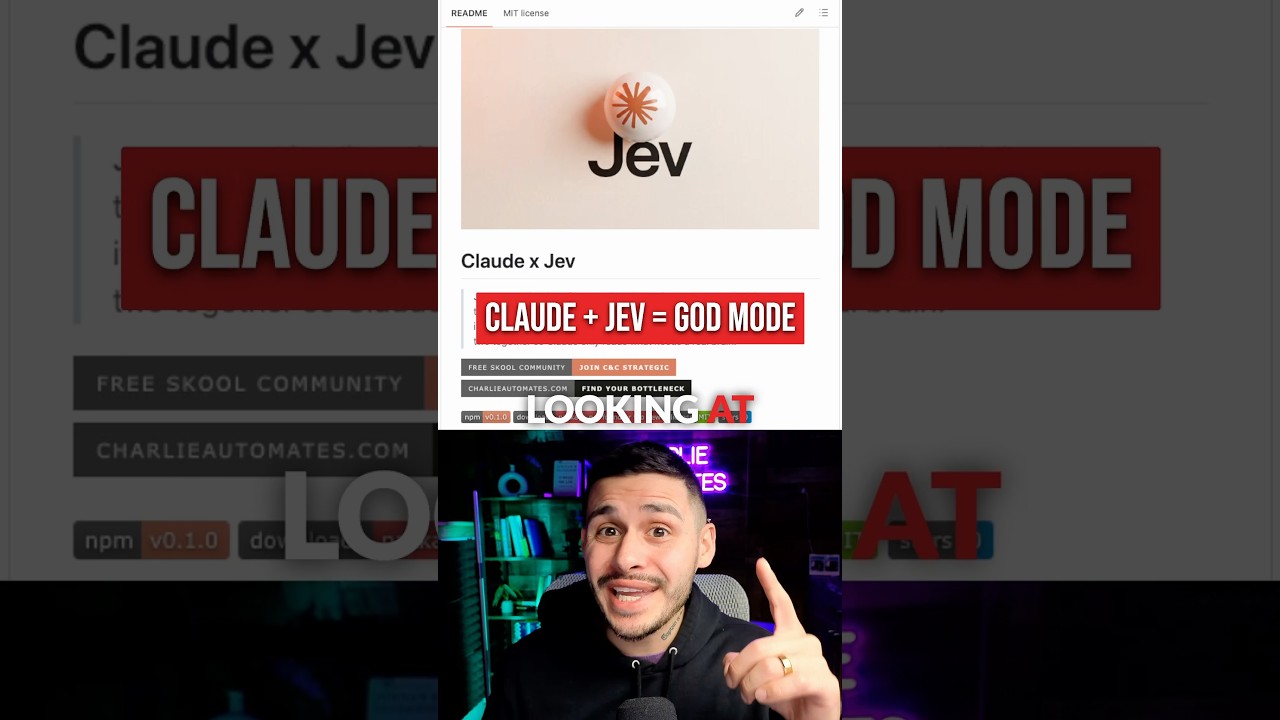
What we're looking at is the new Quad X Jev skill for Claude code. This gives you all the power of the new Jev model inside of all of your Claude sessions. And the craziest part is after putting Jev and Opus head-to-head to go through 216 emails, I found out that Jev was 408 times cheaper. If you don't already know what Jev is, it's made by Type-Safe and it's not a chat model. So, like Claude, it's not going to go back and forth and have a conversation. And in this case, I found out it was four times as fast as Opus. So, the best way that I could put it is Jev is more of a sorting tool
122 words, the words spoken in the first 30 seconds at 244 words per minute.
Free, no signup. See how the first 30 seconds hold attention, with rewrites.
Sentence shape
| Measure | This transcript |
|---|---|
| Sentences | 18 |
| Average words per sentence | 21.7 |
| Longest sentence | 39 words |
| Questions asked | 0 |
| Sentences containing a number | 2 |
Most used terms
Filler phrases
2 in total: actually 1 · like 1.
A literal whole-word count of the same phrase list the Prepublish browser extension uses, so a phrase inside another word is not counted and a phrase used in its ordinary sense still is. It is a count and not a judgement.
Free, no account. See where attention is likely to drop, with a rewrite for each weak line. The free check shows the scores and the one issue costing the most. Or run it on the words above first.
Free · No login · See a sample audit first if you prefer.
What this transcript is
Every word below is the caption track YouTube publishes for this video, pulled from the video itself and reproduced unchanged. It is not Prepublish's writing, not a summary, and not a re-transcription: it is the video's own published captions. English captions, generated automatically by YouTube, in the video’s original language. Source: the video on YouTube. A channel that would rather this page did not exist can ask for its removal through the contact page, and it is removed.
No Script X-ray for this video: YouTube shows a Most replayed graph only once a video has enough views.
What we're looking at is the new Quad X Jev skill for Claude code. This gives you all the power of the new Jev model inside of all of your Claude sessions. And the craziest part is after putting Jev and Opus head-to-head to go through 216 emails, I found out that Jev was 408 times cheaper. If you don't already know what Jev is, it's made by Type-Safe and it's not a chat model. So, like Claude, it's not going to go back and forth and have a conversation.
And in this case, I found out it was four times as fast as Opus. So, the best way that I could put it is Jev is more of a sorting tool while Claude is the brain that writes and gives you ultimate feedback. Now that we know that Jev is faster and cheaper, the output that Jev gives us every single time is a predetermined amount, which is what makes it cheaper and faster. It's essentially a model that helps you choose this or that, is it true, and then a confidence score.
So, here's how Jev is actually working inside of one of my workflows. If I wanted to go through my Gmail, Jev is going to be the first pass that's cheap and fast to give me a full update. It's going to split on confidence, and then Claude's going to be the brain that gets me the final decision, and then I make the final final decision of how we should respond and triage on all these emails. The workflow that was costing me almost $5 for every run now only cost me 85 cents.
And if you want access to this skill, just comment Jev, I'll send you the repo, but this is how you can set it up. Grab the install command, open a fresh terminal, and plug in the command. Then just open Claude, then run Jev set up to hook up your open router API key that'll give you access to Jev. And now you have a variety of ways to use Jev inside of your Claude code workspace. So, if you want access to the free repo and playbook that I put together that shows you how to tie in your skills with Jev, just comment Jev and follow me for more.
The words are the caption track's own and nothing is reworded or re-transcribed. Paragraph breaks are placed between sentences so the text reads as prose.
Free tools for your own script: paste a draft and see where it stands before you record it.
Paste your draft and see where viewers are likely to drop off, with a rewrite for each weak line.
Paste the first 30 seconds of your own draft for a hook score and rewrites.
Check your draft against YouTube's advertiser-friendly guidelines before you record it.
Read this channel's public videos and transcripts, and download a writing brief for it.