Getting the transcript
Reading the captions from YouTube. A video nobody has opened here before takes 10 to 30 seconds; this page fills in on its own.
Getting the transcript
Reading the captions from YouTube. A video nobody has opened here before takes 10 to 30 seconds; this page fills in on its own.
GamaWooDev · @gamawoodev
Words
734
Runtime
4:39
Speaking pace
158wpm
Reading time
3min
158 words per minute, below the 160 25th percentile of 349 measured videos. That distribution comes from the 349-video hook study.
Opening (first 30 seconds)
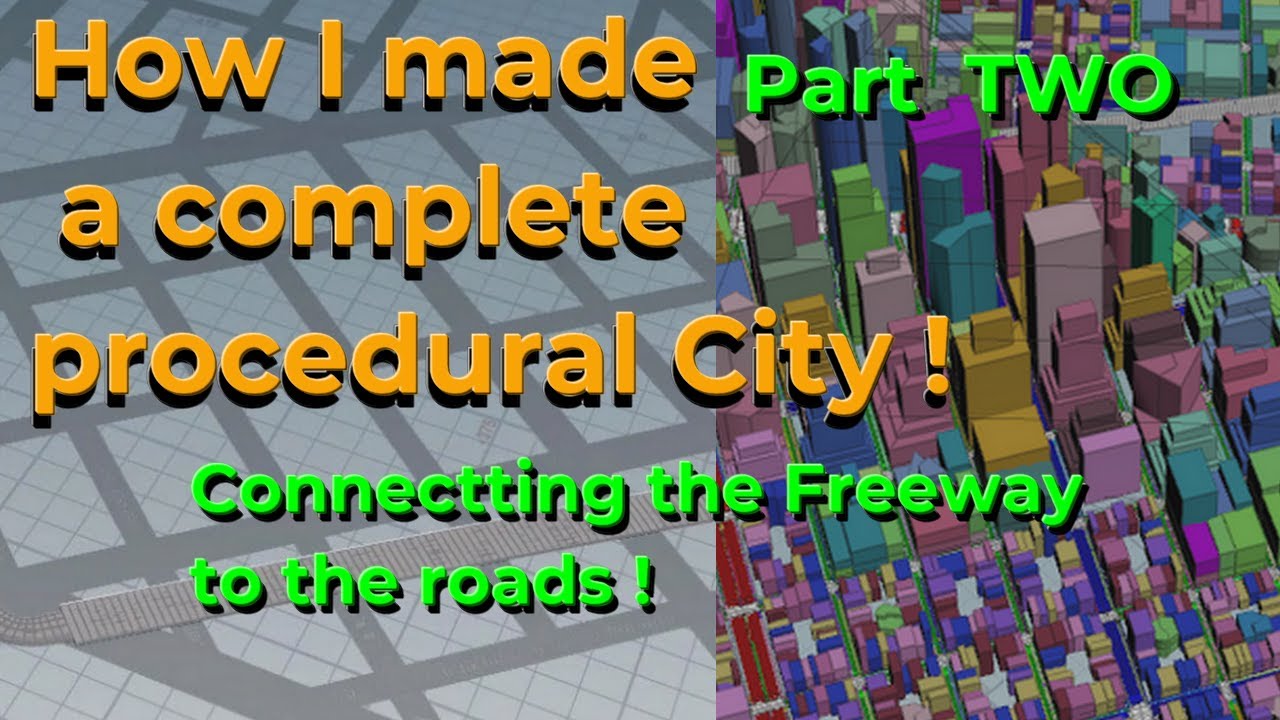
hi gamer here welcome to the channel this is part two of the playlist where we'll focus on how to connect the freeway to the roads of the city please make sure to see part 1 before watching this one the first part was a lengthy 18 minutes dance video tutorial and was exhausting to produce both for the amount of information it included and the editing work needed to complete it in the best quality possible with my
79 words, the words spoken in the first 30 seconds at 158 words per minute.
Free, no signup. See how the first 30 seconds hold attention, with rewrites.
Sentence shape
| Measure | This transcript |
|---|---|
| Sentences | 1 |
| Average words per sentence | 734.0 |
| Longest sentence | 734 words |
| Questions asked | 0 |
| Sentences containing a number | 1 |
Most used terms
Free, no account. See where attention is likely to drop, with a rewrite for each weak line. The free check shows the scores and the one issue costing the most. Or run it on the words above first.
Free · No login · See a sample audit first if you prefer.
What this transcript is
Every word below is the caption track YouTube publishes for this video, pulled from the video itself and reproduced unchanged. It is not Prepublish's writing, not a summary, and not a re-transcription: it is the video's own published captions. English captions, generated automatically by YouTube, in the video’s original language. Source: the video on YouTube. A channel that would rather this page did not exist can ask for its removal through the contact page, and it is removed.
No Script X-ray for this video: YouTube shows a Most replayed graph only once a video has enough views.
hi gamer here welcome to the channel this is part two of the playlist where we'll focus on how to connect the freeway to the roads of the city please make sure to see part 1 before watching this one the first part was a lengthy 18 minutes dance video tutorial and was exhausting to produce both for the amount of information it included and the editing work needed to complete it in the best quality possible with my current handball setup so I decided to make shorter ones so it would be easier for me to make a quality content and hopefully make it easier for you to follow before falling to sleep during the video it will help also to shorten the time between each video upload and about that I'm really sorry for taking too much time to upload new content as I have a busy schedule between my current job my family and my three kids my YouTube channel is for the time being a hobby more than a full-time job but who knows the future just being able to have you nearly 550 subscribers in a technical content channel is in itself a great joy for me and I'm blessed that my passion is so well received by you and the Houdini and real enjoying community please make sure to put on the comments what you found not clear as I always find the time to give you the most possible guidance about the issues you found and without further Ado let's get started now that the city has been processed and takes into account the various data from City operators the freeway needs to connect its parts to the city streets below in the network pane double click on the city processor node to open its Network graph then access the freeway part of the graph in the graph in the commented blue section name it freeway output look for the freeway node right click it and select a low editing of contents from the context menu double click to open the freeway node to see its network of nodes look to the left side under the Blue Notes called process freeway connections and ramp for the connection blank node double click the connection blank node to access its network of nodes locate all connections node and double click it to open its graph click display on the road reference node hold Ctrl and select the road reference and merge three-way nodes click display template you see it by the color pink on the nodes in the graph select the connection set 1 node and it its properties window enable preview mode for faster feedback while making edits in the properties window click the plus button next to the connections property this adds a curve used to connect the freeway part to the street click edit curve 0 with the handle tool enabled click two points one close to the freeway path and the second on the street you want to connect to you can make adjustments to the two points by holding Ctrl left click for streets connections or holding shift left click for three-way connections ensure the streets and the connections have the same number of lanes change this using the number of laid slider for the added connection curve when clicking the final point in place you should see a result similar to what you watch in the video repeat the steps above to add additional entry and exit ways to the freeway path as needed in the graph select the connection set 1 node and its properties window disable preview mode once you've completed connections to the freeway the connection set 1 properties provide various settings to adjust how the freeway connects to the streets below you can explore the available properties when adding a new connection element to the array look at interpolation elevation and banking properties to make adjustments to how the connection meets the street that's it this wraps up this part I hope you enjoyed watching this video as I enjoyed making it in the next video we will see how to generate city data from Houdini and why the generation process is an important one see you soon and thanks for watching again don't forget to subscribe to the channel as it helps effectively helping the channel thanks again
The words are the caption track's own and nothing is reworded or re-transcribed. Paragraph breaks are placed between sentences so the text reads as prose.
Free tools for your own script: paste a draft and see where it stands before you record it.
Paste your draft and see where viewers are likely to drop off, with a rewrite for each weak line.
Paste the first 30 seconds of your own draft for a hook score and rewrites.
Check your draft against YouTube's advertiser-friendly guidelines before you record it.
Read this channel's public videos and transcripts, and download a writing brief for it.