Getting the transcript
Reading the captions from YouTube. A video nobody has opened here before takes 10 to 30 seconds; this page fills in on its own.
Getting the transcript
Reading the captions from YouTube. A video nobody has opened here before takes 10 to 30 seconds; this page fills in on its own.
The AI Advantage · @aiadvantage
Where viewers went back to watch this video again, from YouTube's public Most replayed graph, lined up with what was said at that moment.
Most replayed moment #1
7:302.7x the video's typical replay level
ultra. We're just going to stick with high now cuz that's going to be relatable for most people. And I'm going to send this prompt. Oh, by the way, if you're wondering about this little character, that's a new thing inside Chat GPT work. It just changes the default loading icon of chatt. I'm a fireball type of guy.
Said at 7:24
Most replayed moment #2
4:042.4x the video's typical replay level
GPT. But hold on, do not hit send yet because there's one step right there that makes or breaks this whole thing. And I learned this the hard way so you don't have to. Before you send anything, you need to turn on the sides tool. Here's why this matters so much. Work can build all kinds of things. Documents,
Said at 3:57
Most replayed moment #3
7:532.2x the video's typical replay level
out there and experimented a bunch and collected what people did on the internet and I created a document for you with some of my favorite use cases. Some of it is just insane and impressive like giving it your camera roll and it designing a custom wardrobe for you. Other stuff is acutely applicable to
Said at 7:46
The graph counts replays. It does not show where viewers stopped watching.
Words
2,896
Runtime
12:42
Speaking pace
228wpm
Reading time
12min
228 words per minute, above the 201 75th percentile of 349 measured videos. That distribution comes from the 349-video hook study.
Opening (first 30 seconds)
So, if you heard people talking about the new chat GPT or chat GPT work, well, that's for a good reason. They reworked the entire product. It goes way deeper now. You can do so much more. You can have it work for you. And this video is going to explore exactly that. It's a complete beginners quick start tutorial for chat GPT work and you don't need any coding or technical knowledge whatsoever. By the end of this, you'll know exactly what chat GPT work is, how to find it, and how to give it your very first task where it actually does something for you, including the planning phase. And today, in
114 words, the words spoken in the first 30 seconds at 228 words per minute.
Free, no signup. See how the first 30 seconds hold attention, with rewrites.
Sentence shape
| Measure | This transcript |
|---|---|
| Sentences | 235 |
| Average words per sentence | 12.3 |
| Longest sentence | 56 words |
| Questions asked | 6 |
| Sentences containing a number | 2 |
Most used terms
Filler phrases
45 in total: like 28 · actually 6 · right? 4 · sort of 3 · kind of 2 · basically 1 · you know 1.
A literal whole-word count of the same phrase list the Prepublish browser extension uses, so a phrase inside another word is not counted and a phrase used in its ordinary sense still is. It is a count and not a judgement.
Free, no account. See where attention is likely to drop, with a rewrite for each weak line. The free check shows the scores and the one issue costing the most. Or run it on the words above first.
Free · No login · See a sample audit first if you prefer.
What this transcript is
Every word below is the caption track YouTube publishes for this video, pulled from the video itself and reproduced unchanged. It is not Prepublish's writing, not a summary, and not a re-transcription: it is the video's own published captions. English captions, generated automatically by YouTube, in the video’s original language. Source: the video on YouTube. A channel that would rather this page did not exist can ask for its removal through the contact page, and it is removed.
So, if you heard people talking about the new chat GPT or chat GPT work, well, that's for a good reason. They reworked the entire product. It goes way deeper now. You can do so much more. You can have it work for you. And this video is going to explore exactly that. It's a complete beginners quick start tutorial for chat GPT work and you don't need any coding or technical knowledge whatsoever. By the end of this, you'll know exactly what chat GPT work is, how to find it, and how to give it your very first task where it actually does something for you, including the planning phase.
And today, in just a few minutes, we'll be building a stunning website like this that is hosted on the web. And this idea can be transplanted into any other site or application that you want to make. It's really powerful and this particular thing works way better than what you could do with chatb before. So, here's the deal. Chatb work is a brand new mode inside of Chat GBT. basically toggle a switch up top and yeah, there it is.
You can give it your very first task. The core difference is that this is actually expect to do work for you rather than with you. Normal chat GP, you put in a prompt, you get a result, you do something [music] with that. You have to copy paste, move into a different app. That's the core experience you've been used to for years now. Chat GPT work well, it does way more planning as it executes the task. Matter of fact, it creates these multi-step plans on the right side that you can see right here.
And then the final result is something that you can use because it does it for you. It works, right? Whether that's a presentation, a website that is live or some other formats. Many people refer to this mode of working as agentic or chat work being really an agent that does work for you. But at the end of the day, it's just a fancy word for simple idea. Instead of you telling it what to do and then it helping you with the work, it does it.
What we'll explore today is you describing an outcome and it goes out and does the plan and the build and yeah, you end up with, for example, a site that is live on the internet right now. All right, this is going to be a fun one and it's a pleasure to have you in class today. Always fun to switch up the studio a little bit. So, what do you need to get started and to complete this tutorial? Well, first of all, I do recommend a paid plan.
Technically, Chachi Work is available on a free plan, but a lot of the features, especially the sites feature we'll be exploring today, where it just builds his full site for you, is gated behind the pro plan, which is $20 a month, which honestly for a website building and hosting service is a good deal. And on top of that, you obviously get to Chat GPT with all of its other functionality. Number two, well, you'll need some sort of computer, as I have right here, and a web browser, Chrome, Safari, whatever you've got.
Heck, technically you could be on a phone, too, and do this. But number three is the most important one because you need an idea, something you want to build, whether it's a project, a business, or just rebuilding your personal website. If you don't have one, you can just follow along with the examples that I'm going to be using today. Okay, let's start. Activating work is about as easy as it gets. You have to chatb.com.
You sign in. There's no installation process whatsoever. It's just there. And today we're talking about this work mode where you just flip this toggle up top. So, press that and we're in work mode already. It looks similar, but it behaves very differently. You'll see that in a second. But in order to do our demo today, I need you to meet somebody. Meet Dave. Dave just started a lawn care and landscaping business. He's good at the actual work, but he's got a problem.
He has no website and no technical ability to build one. He doesn't want to pay somebody a few thousand bucks to build him a site, and he doesn't even want to use the no code builders where he has to drag things around and do all of that. So, he figured he tried building it himself with AI where he just says, "Well, this is my vision and it's supposed to do the work." That's the point of this feature. No, I need to let you in on a secret.
Dave's not actually a real person. >> I don't know who you are. >> I know, right? We made him up for this demo, but Dave represents pretty much everybody who's getting started with chat work. Not a coder. He's a real thing. He wants to build and just needs someone to show him the ropes. And that's what we're doing here today. All right. So to give work a job, you just type what you want, just like with chat GPT. But hold on, do not hit send yet because there's one step right there that makes or breaks this whole thing.
And I learned this the hard way so you don't have to. Before you send anything, you need to turn on the sides tool. Here's why this matters so much. Work can build all kinds of things. Documents, spreadsheets, presentation, reports, and more. A live website, it's a specific job, and it's handled with a specific tool. And that tool is called sites. And here's the trap I fell into. first thought you could just type like build me a website, hit send, and work would figure it out.
It doesn't always do that. When I tried that, in some instances, Work didn't actually grab the sites tool. It just kind of winged it. One time it handed me a zip file. Another time a HTML page. It's the sites feature specifically that you want that hosted on the internet and just makes it complete. So, do yourself a favor and remove all doubt. Tell work exactly which tool to use before you hit send. So, for that, we'll go to the tool selection down here at the bottom.
I'll press plus and by typing sites I'll just select it and it will always be creating a site and that's the story with work. There's a lot of these tools built into it and often times you have to select a specific thing to use it. It will try to use it automatically and that's how I do it. Little pro tip on the side. If you type slash you can access a whole bunch of other presets and tools in here. That's a different tutorial though.
Okay, now we have site selected. Let's type. Now here's the deal. Most people go in and use it intuitively and they type in something like this. Here's what I need to build a website for my business. Include a homepage with a headline and a hero section, a services section, and a few more things on Dave's mind. This makes sense. And Dave would probably put some work into crafting this and being like, "Oh my god, that's a good prompt right there.
It's going to get this done." But I want to teach you a simple concept right now, which I call the context sandwich. And it's like the quickest win that you can have. And it works with building sites as it does with most other prompts. The idea is what you asked here is well it's the task that you wanted to do. Now that is fantastic. That would be like the middle part of the sandwich. But what I need you to do now is sandwich it with two buns.
On top you're going to share some information on you. In this case, it would be information on Dave. And then below you put in information on what good looks like. So this is very specific to, you know, what the website should include. But what does a good website in Dave's mind look like? Let's explore that. So, let's start with the first part where he just says, "I'm Dave. I own Dave's landscaping, local familyrun lawn care." And then a few more details on his journey with his landscaping business.
Below, I'll hit shift enter twice. And we'll add well the most important piece that people miss. Here's what good looks like. Few objectives like clean, professional, the look should be green, outdoorsy. And then here in the end, Dave added a little sentence. Make it so customer can find what they need in seconds while thinking, "Wow, Dave has an impressive website." So, this is always going to be individual, but it's really about turning on your visionary mode and expressing what a good result would look like for you.
I put the whole prompt in the description, but again, in the middle, you put the task above two, three sentences on who you are and below what good looks like. You could give examples. You could express your emotions. Heck, you could attach screenshots of other websites and that would describe what good looks like. Do not leave out this step. It makes all the difference in getting something really good right off the bat.
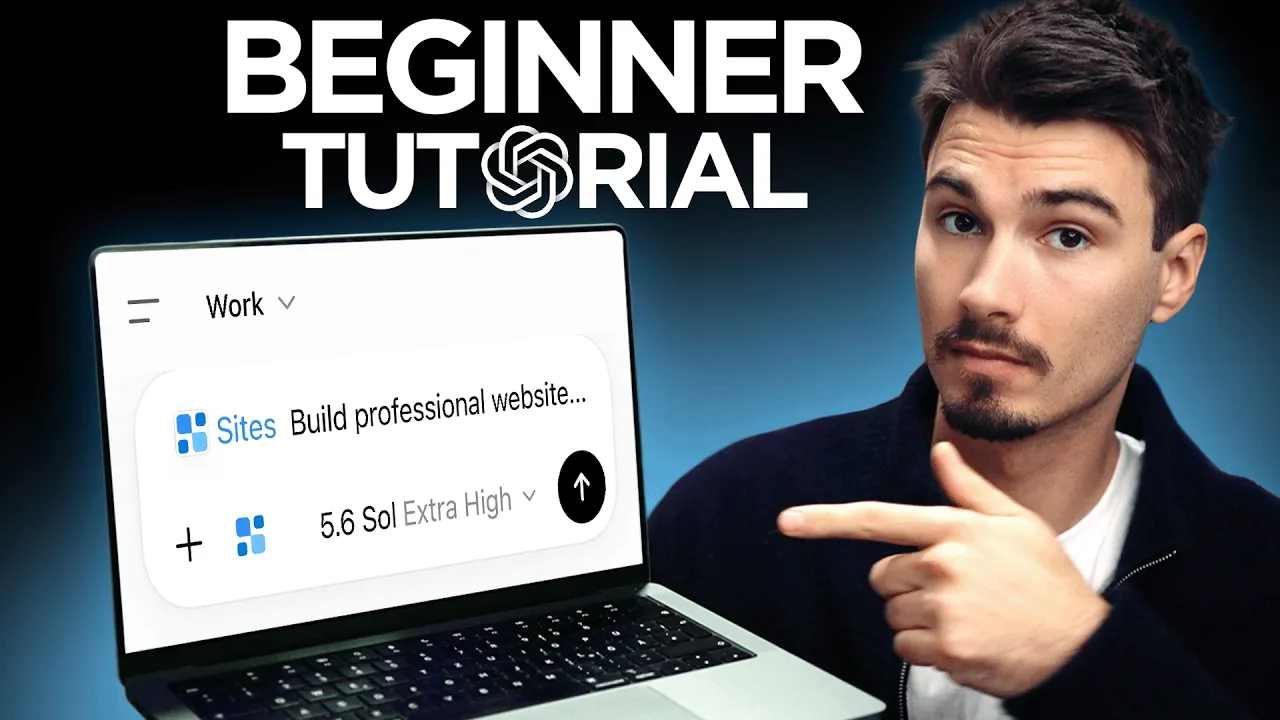
All right, last thing before we hit send. You go into the model selector here, and I would just recommend cranking this as far as you can. I personally on a $200 pro plan, so I could go all the way to extra high. And then in the advanced settings, I could go all the way to ultra. We're just going to stick with high now cuz that's going to be relatable for most people. And I'm going to send this prompt. Oh, by the way, if you're wondering about this little character, that's a new thing inside Chat GPT work.
It just changes the default loading icon of chatt. I'm a fireball type of guy. Hey, if you find this intriguing, but you have a feeling that there must be more with chat work, you're right. There's so many use cases out there. So, what we did is we went out there and experimented a bunch and collected what people did on the internet and I created a document for you with some of my favorite use cases. Some of it is just insane and impressive like giving it your camera roll and it designing a custom wardrobe for you.
Other stuff is acutely applicable to business use cases like building a site like this. All of it is in a PDF that you can get for free from the first link in the description below. So go check that out. Now let's move on with the tutorial. So let's look at what actually happens here because this is the crucial difference between chat work and the normal chatbt. First it'll start digging into its site building skills.
It has a whole suite of tools to actually build your site and then any second it should start making a plan. So at certain points it might ask you for permission like right here. So a few things to note about the interface here. Work has the sidebar where you can see one the output the final result. So this is the site that is being built. Two the sub aents that work. Sometimes you're going to see like a designer or a agent doing a specific task.
It's sort of just like a duplicate chat GPT doing a specific task for you. And the cool thing about sub agents is they can work in parallel. So it can get work done quicker and then it hands it off to each other. Just sort of keep an eye out for these and be like ah this thing did work for me. Great. In this case, it's a monitor checkpoint, which honestly I'm not even sure what that exactly means. And then the cloud browser is a preview of the site that is building right now.
It seems like we already have a first version here. I'm going to just hit preview and see what happens. You see Dave's-Landscaping.ai advantage. GPB to the site. And this is our first version of the site. Ayard, you're proud to come home to look at that. It can just make images. It's chat GPD. It's best at making images. So, it just builds that capability into it. You have all of his different services. You have a get a quote button.
The one thing I will say is this might take a few minutes. Heck, it's building an entire site. It's generating the images and it's just doing everything for you. I'm just commenting over it. And there it is. Without me clicking a single button. It did all of this, right? So, I'll just go ahead and click here. Or I could also click the site at the bottom. And here's the full website. Oh my god, look. Custom images. We looked at it as it was being built, but a this is gorgeous.
We have fake before after pictures. Hey, you could always upload your own images and add them in here, right? The real ones. Also, I don't understand how this is a before after. But I think you see the point. This is pretty complete with a contact form at the bottom. If I click the get a free quote button, I could type stuff in here, select a service, and then even send a request. And then now, if I'm kind of curious where do the requests go, I could ask and keep talking to it.
Just like with everything else on the site, I could just massage things in by talking to it. But as you can see, this is pretty complete. It wrote the copy. It made the images. It did the layout. And it does look impressive. When I talked to it about connecting it to something, it tells me what to do. I could connect it to a lead database or my email address and then route these things. And as per usual with AI, you can just talk it into changing or making anything work in here. that this is a usable site that if I wanted well I could fully download or I could just use it as is.
Here's a few recommendations on things you could do once you have your site. You could say something like, "Hey, the header background make it dark forest green instead of the current green." Or you could take a screenshot of that exact element, give that to chat GPT and then tell it, "Hey, remove this element completely." And it will do that. Or you could say something like, "Hey, add a contact form." or hey, the contact form is at the bottom of the page, move it higher up and work will go back in and make all of these changes to your live site.
So, even if the first draft doesn't get you all the way there, don't give up. Keep talking to it. And if complaints come up, just type them out and hit enter. See what happens. And before I let you go, here's some honest notes on my experience with this tool. One, this sites feature might not be available everywhere at launch. It's brand new and notably, if you live in the EU, Switzerland, or the UK, these things tend to arrive a few weeks later.
And two, this one is for everybody. Work runs on a usage allowance. If you're a normal person building a site and making some edits, you'll be fine. But if you go on an all day building spree, you could hit the limit and then you'll have to wait or top up your account with extra credits. Just know this meter exists in the background. And there you go. This is what breaking down the barriers to, I don't know, web development and creating custom sites and apps looks like.
Over the past years, it became easier and easier. You could do more and more. But right now, the power level of what you get in here with the ease of use being like next to nothing is just unbelievable. And it really just starts there with chat GBT work. There's a bunch of tools in there and also certain specialty prompts that unlock use cases that might not be obvious. So, as I mentioned before, go into the description, get the document with some of my favorite and most interesting use cases out there that you can try today.
And subscribe to the channel because we'll be making more videos like this. This thing is deeper than it seems. All right, my name is Eigor and I hope you have a wonderful day.
The words are the caption track's own and nothing is reworded or re-transcribed. Paragraph breaks are placed between sentences so the text reads as prose.
Free tools for your own script: paste a draft and see where it stands before you record it.
Paste your draft and see where viewers are likely to drop off, with a rewrite for each weak line.
Paste the first 30 seconds of your own draft for a hook score and rewrites.
Check your draft against YouTube's advertiser-friendly guidelines before you record it.
Read this channel's public videos and transcripts, and download a writing brief for it.