Getting the transcript
Reading the captions from YouTube. A video nobody has opened here before takes 10 to 30 seconds; this page fills in on its own.
Getting the transcript
Reading the captions from YouTube. A video nobody has opened here before takes 10 to 30 seconds; this page fills in on its own.
Roblox Learn · @RobloxLearn
Where viewers went back to watch this video again, from YouTube's public Most replayed graph, lined up with what was said at that moment.
Most replayed moment #1
2:447.7x the video's typical replay level
validation is unable to project landmarks from the cage or not detecting movement from the landmarks when testing animations. Let's dive into the first issue, unable to project landmarks. In this case, the validation tool is unable to use your cage to project all 18
Said at 2:38
Most replayed moment #2
3:426.8x the video's typical replay level
validation, try minor cage adjustments to change where the landmarks are positioned onto your head surface and try validating again. The second common issue is that the validation doesn't detect movement from the landmarks when testing animation. In this scenario, the landmarks are successfully applied, but
Said at 3:35
Most replayed moment #3
1:364.9x the video's typical replay level
validation to ensure that the head is dynamic, meaning that the head can animate and equip accessories and cosmetics correctly. How head validation works. So, how does Roblox confirm that a head is dynamic? The validation utilizes the head cage to
Said at 1:29
The graph counts replays. It does not show where viewers stopped watching.
Words
1,012
Runtime
5:41
Speaking pace
178wpm
Reading time
4min
178 words per minute, just under the 181 median of 349 measured videos. That distribution comes from the 349-video hook study.
Opening (first 30 seconds)
Hello. This video is a deep dive into head validation. Heads are the most complex avatar body part and understanding exactly how validation works can save you time in your creation workflow. This video will cover what is validation and why it's important. How validates dynamic heads, common issues and best practices when creating and troubleshooting your avatar head. Whether you're a seasoned creator or you just started working with Avatar Roblox items, it's important to understand the validation process for assets destined for the marketplace. This video is
89 words, the words spoken in the first 30 seconds at 178 words per minute.
Free, no signup. See how the first 30 seconds hold attention, with rewrites.
Sentence shape
| Measure | This transcript |
|---|---|
| Sentences | 59 |
| Average words per sentence | 17.2 |
| Longest sentence | 36 words |
| Questions asked | 2 |
| Sentences containing a number | 7 |
Most used terms
Filler phrases
4 in total: actually 2 · like 2.
A literal whole-word count of the same phrase list the Prepublish browser extension uses, so a phrase inside another word is not counted and a phrase used in its ordinary sense still is. It is a count and not a judgement.
Free, no account. See where attention is likely to drop, with a rewrite for each weak line. The free check shows the scores and the one issue costing the most. Or run it on the words above first.
Free · No login · See a sample audit first if you prefer.
What this transcript is
Every word below is the caption track YouTube publishes for this video, pulled from the video itself and reproduced unchanged. It is not Prepublish's writing, not a summary, and not a re-transcription: it is the video's own published captions. English captions, generated automatically by YouTube, in the video’s original language. Source: the video on YouTube. A channel that would rather this page did not exist can ask for its removal through the contact page, and it is removed.
Hello. This video is a deep dive into head validation. Heads are the most complex avatar body part and understanding exactly how validation works can save you time in your creation workflow. This video will cover what is validation and why it's important. How validates dynamic heads, common issues and best practices when creating and troubleshooting your avatar head. Whether you're a seasoned creator or you just started working with Avatar Roblox items, it's important to understand the validation process for assets destined for the marketplace.
This video is intended for viewers who are familiar with 3D avatar asset creation and already understand the fundamentals of various avatar components such as base meshes, [music] cages, rigging, facial animation, and more. If any of this is brand new to you, check out these other videos to get up to speed on creating Roblox UGC. Validation is the automated process Roblox uses to check your assets before it can be published to the marketplace.
It ensures that your model meets the technical specifications to behave correctly no matter what experience you're in, especially when it comes to animations and equipping other cosmetics. Why Roblox validates? Like all assets on Roblox's platformwide marketplace, Roblox heads must meet a set of general requirements just like any other avatar body parts. appropriate scale, no inverted geometry, meeting texture specifications, and more.
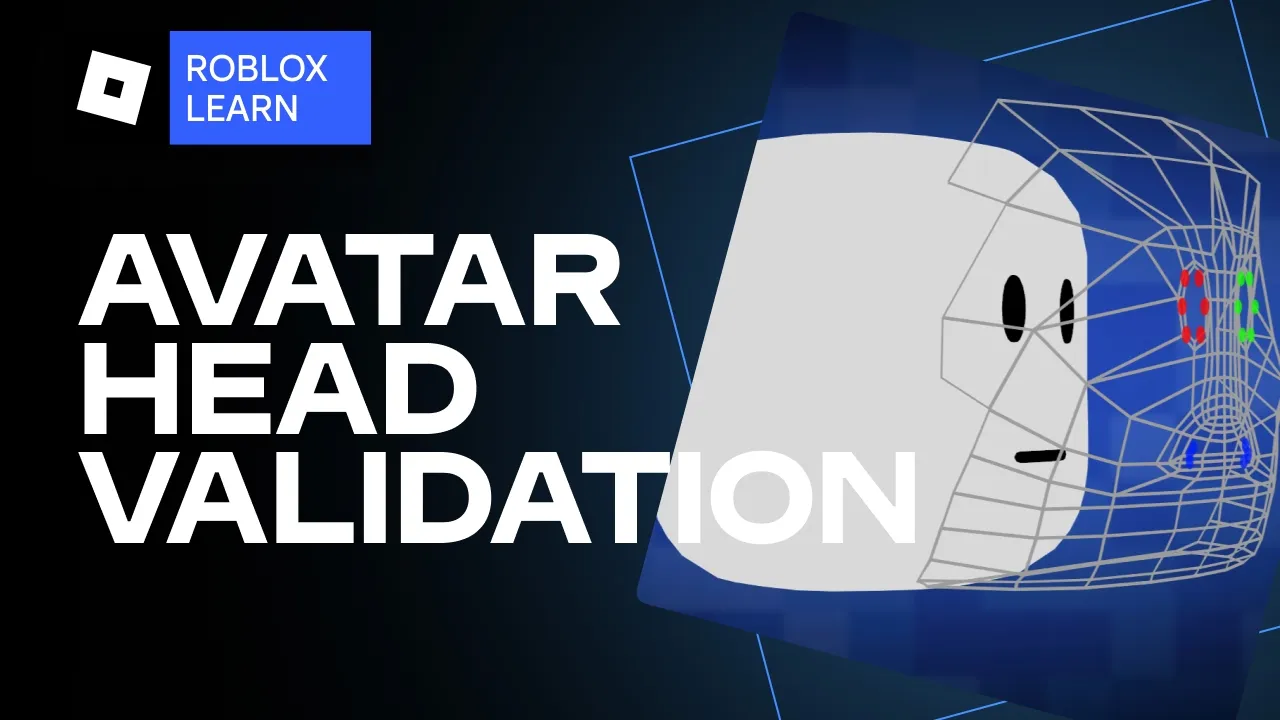
Check out the documentation for a comprehensive spec sheet. Since heads are complex creations, heads require additional validation to ensure that the head is dynamic, meaning that the head can animate and equip accessories and cosmetics correctly. How head validation works. So, how does Roblox confirm that a head is dynamic? The validation utilizes the head cage to project various points called landmarks onto the surface of the head.
Using these landmarks, the validation process can track how much of these key parts of your head surface moves during basic animations. Roblox only checks for five basic facial animations. Left eye closed, right eye closed, mouth open, and a happy and sad expression. These five actions are handled by a specific set of 17 facts poses. During these five animation checks, the validation verifies that these landmarks move expectedly when your character blinks, smiles, and frowns.
If all of your landmarks move as expected for each animation, then the validation for dynamic heads is successful. Common issues and best practices. If you see an error mentioning that the validation could not detect a substantial change in your dynamic head, you should verify that your landmarks and caging is correct. There are a few common issues with validation where the validation is unable to project landmarks from the cage or not detecting movement from the landmarks when testing animations.
Let's dive into the first issue, unable to project landmarks. In this case, the validation tool is unable to use your cage to project all 18 expected landmarks. This is commonly caused because the specific vertices of your cage aren't directly over the surface of your mesh. This can occur in the following ways. The head cage extends beyond the mesh of the head. The head has gaps or hollow shape where landmarks can't be projected.
The cage is below the surface of your head. And if you're using separate meshes for your eyeballs or using a mouth bag, the landmarks can apply unexpectedly onto those mesh objects. All in all, double check that your cage is kept close over the surface of your head mesh to ensure that all the landmarks can apply successfully. If you continue to have this issue with validation, try minor cage adjustments to change where the landmarks are positioned onto your head surface and try validating again.
The second common issue is that the validation doesn't detect movement from the landmarks when testing animation. In this scenario, the landmarks are successfully applied, but the tool can't detect movement when trying to animate. This can happen if your landmarks are projected onto an area that doesn't actually animate or maybe the animation doesn't move the landmark positions enough. In this situation, you should also double check that your cage vertices, especially the landmark projection points, are directly over the surface of the area of your head meshes that move the most in these animations.
It might be the case that these landmarks are in the correct spot anatomically, but that particular surface doesn't move all that much during the actual animations. You should also double check that your animations are complete. Maybe the model's blinking pose doesn't actually close the eyes all the way. Another thing I want to call out is that these actions are driven by a specific set of 17 fax poses. When you are creating and mapping your fax animations, prioritize these animations for the 17 poses to ensure that the proper movement is being applied to the model's face.
These would also be the first 17 fax poses that I check if I'm failing validation due to facial animation issues. During validation, you may run into other validation issues. Some of them might be more straightforward than others. For more information on these, check out the documentation. And for any sticky situations, feel free to post a bug report on the dev forum. Links for both are in the description. The documentation also has a slew of other best practices and tips, such as tips about positioning the mouth vertices or working with non-humanoids.
It's hard to keep a video up to date, so check out the docs and the dev forum if you run into any problems. That wraps up our video on the head validation process. Hopefully, this demystifies the validation steps for you creators out there and can help you better understand why and how 3D assets are validated before uploading to the marketplace. If you run into any issues with your creations that hasn't been covered here, reach out to the team with the links below.
As always, thanks for watching and let me know what you think in the comments. Catch you later.
The words are the caption track's own and nothing is reworded or re-transcribed. Paragraph breaks are placed between sentences so the text reads as prose.
Free tools for your own script: paste a draft and see where it stands before you record it.
Paste your draft and see where viewers are likely to drop off, with a rewrite for each weak line.
Paste the first 30 seconds of your own draft for a hook score and rewrites.
Check your draft against YouTube's advertiser-friendly guidelines before you record it.
Read this channel's public videos and transcripts, and download a writing brief for it.