Getting the transcript
Reading the captions from YouTube. A video nobody has opened here before takes 10 to 30 seconds; this page fills in on its own.
Getting the transcript
Reading the captions from YouTube. A video nobody has opened here before takes 10 to 30 seconds; this page fills in on its own.
Chase Chappell · @ChaseChappell
This video has no Most replayed graph yet: YouTube shows one only once a video has enough views. These are the moments viewers replayed most in Chase Chappell's most watched videos.
Most replayed moment at 4:41
1.7x that video's typical replay level
them. Because a strong founder story connects the pain that you once lived, the solution you created, and the mission you believe in, and the struggles that you overcame, and how that transformation now delivers to every customer out there. When you create the story with five key pillars,
Said at 4:35
Most replayed moment at 2:44
7.0x that video's typical replay level
downloaded on your computer so that way you can do this. And one of the first steps is we're going to copy that link. We're going to come in here and click the plus sign, go to connectors, manage connections, and we're going to hit add. We're going to add a custom connector. We'll paste this, and we'll name it Meta
Said at 2:37
Most replayed moment at 4:54
3.8x that video's typical replay level
can recreate it. We're going to go into chat GBT. We're going to start a new chat under chat GBT40. You're going to do the new updated create image option and you're going to paste this exact prompt that I've gone ahead and put together for you below this video that
Said at 4:48
The graph counts replays. It does not show where viewers stopped watching.
Words
2,315
Runtime
11:47
Speaking pace
196wpm
Reading time
10min
196 words per minute, between the 181 median and the 201 75th percentile of 349 measured videos. That distribution comes from the 349-video hook study.
Opening (first 30 seconds)
I put together aund Facebook ad creative templates that you can use to start getting more sales with your online e-commerce store right away and in today's video I'm going to be covering how you can set up five of these ad templates in your business showing you exactly how to structure each of them so that way you can get them live so let's get right into the video here we are inside of CA and I've gone ahead and Link those 100 AD creative templates below so that way you can get access and follow along
98 words, the words spoken in the first 30 seconds at 196 words per minute.
Free, no signup. See how the first 30 seconds hold attention, with rewrites.
Sentence shape
| Measure | This transcript |
|---|---|
| Sentences | 1 |
| Average words per sentence | 2315.0 |
| Longest sentence | 2,315 words |
| Questions asked | 0 |
| Sentences containing a number | 1 |
Most used terms
Filler phrases
33 in total: like 15 · actually 11 · you know 3 · literally 2 · basically 1 · uh 1.
A literal whole-word count of the same phrase list the Prepublish browser extension uses, so a phrase inside another word is not counted and a phrase used in its ordinary sense still is. It is a count and not a judgement.
Free, no account. See where attention is likely to drop, with a rewrite for each weak line. The free check shows the scores and the one issue costing the most. Or run it on the words above first.
Free · No login · See a sample audit first if you prefer.
What this transcript is
Every word below is the caption track YouTube publishes for this video, pulled from the video itself and reproduced unchanged. It is not Prepublish's writing, not a summary, and not a re-transcription: it is the video's own published captions. English captions, generated automatically by YouTube, in the video’s original language. Source: the video on YouTube. A channel that would rather this page did not exist can ask for its removal through the contact page, and it is removed.
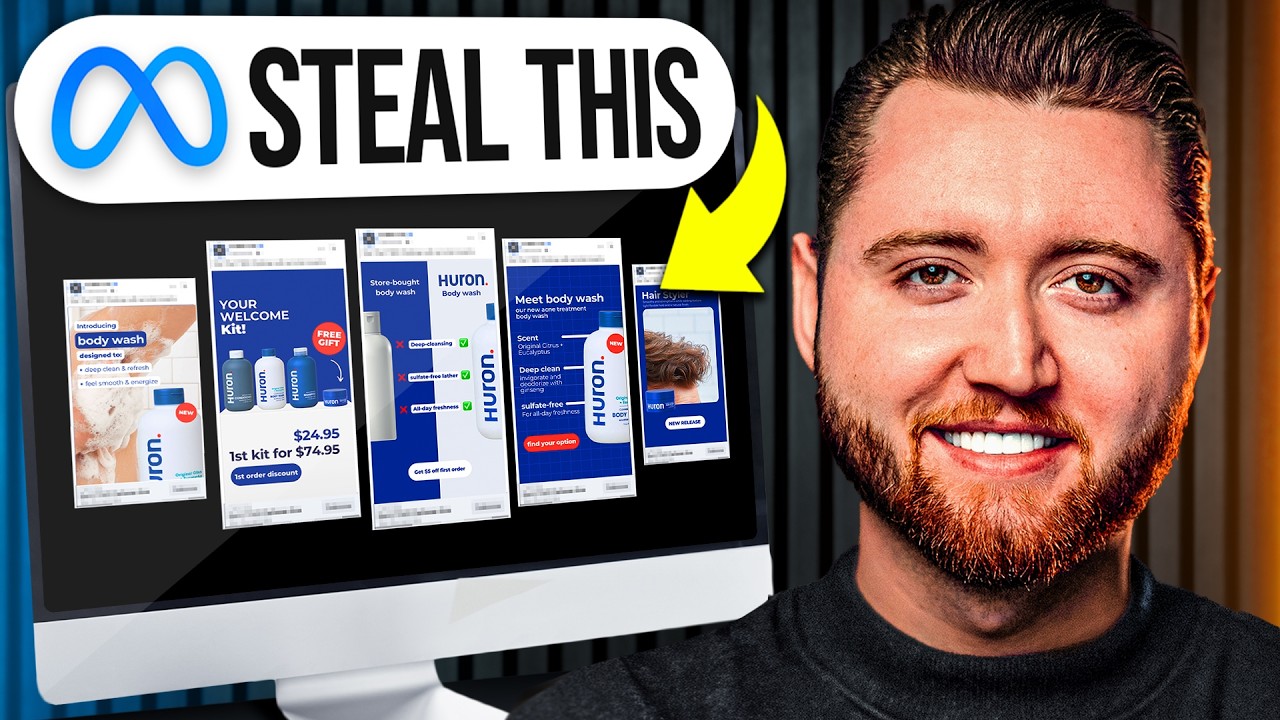
I put together aund Facebook ad creative templates that you can use to start getting more sales with your online e-commerce store right away and in today's video I'm going to be covering how you can set up five of these ad templates in your business showing you exactly how to structure each of them so that way you can get them live so let's get right into the video here we are inside of CA and I've gone ahead and Link those 100 AD creative templates below so that way you can get access and follow along the first one we have is an ad by curology which is a comparison-based ad this ad format is very consistent and it really draws the benefits to your product against the negatives of another product or comparing a routine that you do that other people shouldn't do and this is a great way to call out those strengths and weaknesses so that way you can get more sales and get people to understand why they should buy your product so I've gone ahead and put these templates together for you and we're going to build these out in real time one by one so I'm going to be using a different brand because I'm going to go ahead and assume that you don't own the brand curology and I'm going to show you how you can adjust the brand so that way it looks perfectly branded in your style so that way you can get these ad creatives up start testing getting more results and don't have to worry about having some crazy designer to do it so I'm going to use another example that is another body wash based company this is their branding very much different from curology and I'm going to show you how we can structure this so the first thing we need to do is get their product image I'm going to go ahead and come in here and then I'm going to remove the background and I'm actually going to flip these now that I look at this their logo is on the left hand side so I can actually adjust this to move this to the left this to the right and then I'm just going to move these over so the good thing about this template is it is very Universal there's lots of easy adjustments we can quickly make and right off the bat the first thing I noticed was the logo was on the left side for this brand so it's much easier just to structure it this way so there we go so now we're going to call out some of the key details here so that way we can see what the benefits are there we go so I went ahead and pulled in deep cleansing sulfate free lather and all day freshness now I'm just going to adjust this I'm actually going to Center this up and then I'm going to grab my color swatch here and adjust some of this background so that way I can test and see what color I'd like to use then I'm going to change this text to White so that way it stands out better and this text here is a little hard to read so I might even add a background here so that way it really stands out boom now it is starting to come together then I'm going to scoot these over and there we go we have our first ad and what's crazy is it doesn't even look like it had came from the curology ad because once we add in our branded asset colors our product at our own unique language and text what you'll see is all we're left with is the actual Facebook ad format and we know there's different formats that perform with Facebook ads we have our comparison we have our bundle ads we have our reviewbased ads I've covered this in the past in very extensive detail and this is where we really bring things to life and really curate our ads to be on brand and so that way we can maximize our overall results so here we have store bought skincare we could change this to body wash since that what it is and then we have our actual brand with our key call outs and we can even have something at the bottom here where they have some snippet which is for legal purposes we could have something different maybe we could include a button if we wanted to from something else here so we might even say like $5 off first order and boom we are done with our first ad so all you would do is literally just export this and this will be your first Facebook ad creative that you could launch which is your comparison based creative these are very simple they're easy to understand we have our brand we have the comparison we have the key call outs of what's really important about our product we have our special offer and now we can go to the next ad format which is a welcome box if you don't have a welcome box you could have a free gift that you include with one of your items you could create this as a bundle this could be your first time welcome kit if you were to put something together you could rename your sample pack pack there's lots of different angles to where you can combine products to sell them this could be your subscription where you call out subscription so we're going to go ahead and design this next one because this is a great way to get firsttime orders get people to get on auto subscriptions if you have a renewable product or just get people to opt in because you have a free item that you're including so here we are here's the next ad format that we can structure so we already have the body wash now we need to grab some additional products so maybe we can grab the shampoo and this is something where you would structure this on the back end if you don't already have this and you would design a special welcome offer to get people to subscribe and save so now we can start to adjust this so the first thing we're going to do is adjust it to be similar to our brand so I'm actually going to scoot this one down so that way I can see our colors to make this more simple and there we go we got the background boom all right now that we got our colors in here we can start to drop in some of our images you have to be careful with the sizing of this because if you make them bigger you need to adjust them at the same time otherwise your product sizing can look like it's some of them are much larger than they actually are so just keep that in mind so whenever you if you take your product shots and you've already done them in a certain perspective make sure to not size them differently if you are putting them in like this so that way they're actually too scale that's just something to think about on the back end all right so now we got got all of these we can now remove these template images here we're just going to move these in so they're side by side and then I'm actually going to flip this so what's cool about the templates you can literally adjust them however you would like there's still the same formats it doesn't matter where you place your arrow as long as the format is the same so there we have our free gift which is going to be our hair styler in this case so you get the conditioner body wash shampoo and then we're going to throw in the hair styler with this offer boom that looks really good your welcome box your welcome kit we could even adjust this to be more bold and then you would adjust your pricing to whatever it is right so if this is normally like 75 then you can show how this adjust and there we have it we have our next ad finished and as you can see here's the original and here's what it looks like now so this is our welcome kit this is a good way to get aovs up is a great way to increase you know your subscriptions to get people to opt in you're giving a special offer so your cpms are going to be lower because it's a better deal this can work for Holiday offers this is a great format to restructure now our next one is our before and after based image so that way we can see how it started versus how it's going now you might not have a before and after that necessarily makes sense or you might not have the images and it looks like for something like this they don't have an actual before and after this could be a great way for this brand to actually improve some of their conversion rates is actually showing what the hair looks like before they do it rather than just showing the actual end product that's okay though we can still you know find a way to structure this differently but essentially what you would want is you know hair that doesn't have any styling gel in it and then what it looks like after if you were to put this before and after together so all you would do is essentially drop in your images and since we don't have the before shot we're just going to take this out and that's the beauty of this template you can adjust it however you would like and then we're just going to add an attack so this would have been our before and after but sometimes we don't have all of the creative assets to make that happen as growing Brands we all know these are things that we have to work on so that doesn't mean we're going to leave out this format that just means we're going to adjust it in our own way so that way we still have a call out so there we go we've added our text Smo straightens while while adding texture light flexible so this is basically just the after in this case it would be better if we did have the before but this is still going to allow us to have some key call outs so that way we can get people to move forward we could say new release and have this product here we could even throw in the hair styler in this image so that way people can see it like that so there we have it we have our next ad we could even scoot this over to the right if we wanted to and adjust it and maybe even pull this down so there's our start next add format if you do have the before and after I would go ahead and structure it in that exact format because this is proven to convert if not you can just show the after and then we have our key benefit breakdowns and a new product release so let's go ahead and adjust this one and then we're just going to change all of our text color here to White so that way we can see it and then we'll change this out and then we'll scoot this in and I actually like the uh White Lines behind it in this case cuz this is a much bigger product and then we can fill this in we'll go to the body wash and then we'll put in the scent deep clean and then our final one sulfate free lather and then we can add in some additional key call outs here and there we have our next ad and then for our final one we have our two key call outs in introducing the new product so this is where we're going to call out our key two features that we want to mention or benefits with our product and the product in use you want to show the use cases because that matters so people can have a visual understanding of how it works then we can get our product shot of somebody using it drag that in perfect and then we could adjust this right here we might even add an effect to this potentially and adjust this so that way we can see it better and there we go we then have our final app and now we can download these five ad formats and upload them into our Facebook ad testing audience to start seeing which one's going to perform and allow us to scale up and these are all branded assets that you can use from these templates in fact I've gone ahead and put together a hundred of these templates that you can actually start using today to start getting better results with your Facebook ads so if you want these templates that I designed in this video that you can use too plus hundreds of other creatives be sure to click the link below because I'm running a 50% off Black Friday Cyber Monday discount and it won't last long so if you want to leverage all of these different ad creative formats then be sure to get that right away and once again it's your favorite digital marketer here Chase Chapel cheers and bye all
The words are the caption track's own and nothing is reworded or re-transcribed. Paragraph breaks are placed between sentences so the text reads as prose.
Free tools for your own script: paste a draft and see where it stands before you record it.
Paste your draft and see where viewers are likely to drop off, with a rewrite for each weak line.
Paste the first 30 seconds of your own draft for a hook score and rewrites.
Check your draft against YouTube's advertiser-friendly guidelines before you record it.
Read this channel's public videos and transcripts, and download a writing brief for it.