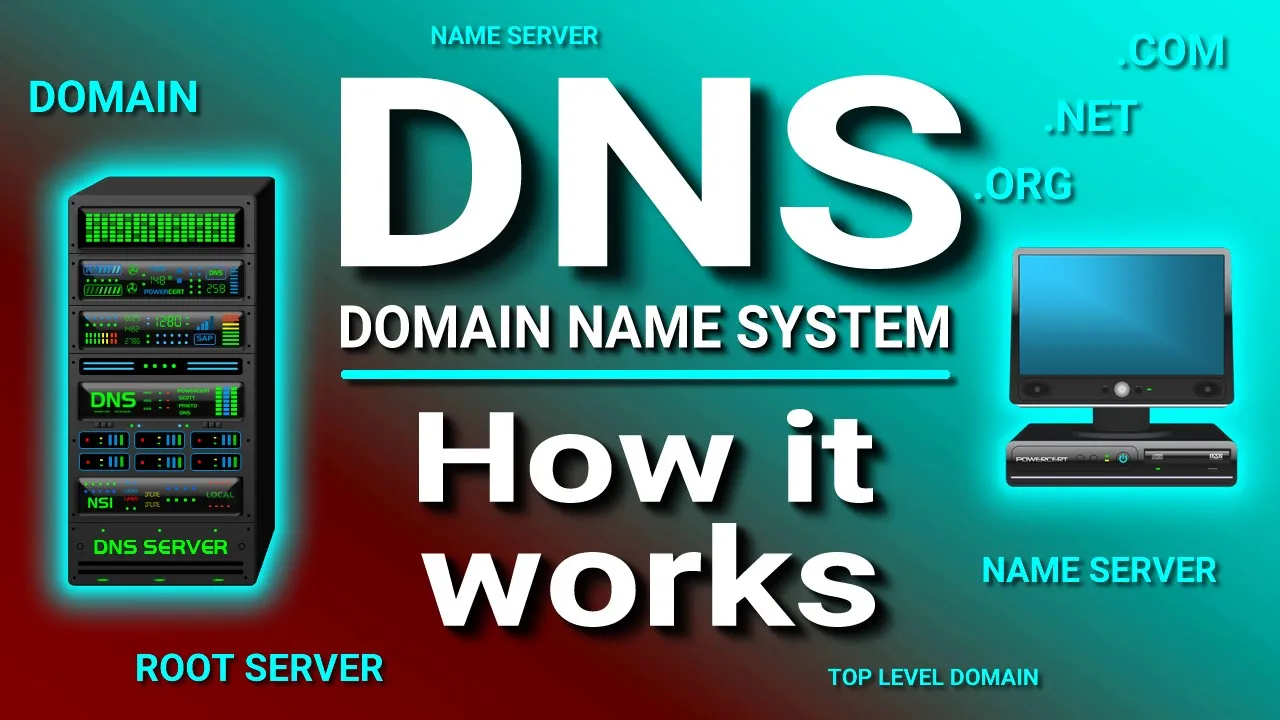
How a DNS Server (Domain Name System) works. transcript
PowerCert Animated Videos · @PowerCertAnimatedVideos
Words
824
Runtime
6:04
Speaking pace
136wpm
Reading time
3min
136 words per minute, below the 160 25th percentile of 349 measured videos. That distribution comes from the 349-video hook study.
Opening (first 30 seconds)
In the world of networking, computers don't go by names like humans do, they go by numbers, because that's how computers and other similar devices talk and identify with each other over a network, which is by using numbers such as IP addresses. Humans on the other hand are accustomed to using names instead of numbers, whether is talking directly to another person or identifying a country, place,
68 words, the words spoken in the first 30 seconds at 136 words per minute.
Sentence shape
| Measure | This transcript |
|---|---|
| Sentences | 27 |
| Average words per sentence | 30.5 |
| Longest sentence | 76 words |
| Questions asked | 0 |
| Sentences containing a number | 1 |
Most used terms
- ip21
- address20
- server19
- ip address18
- yahoo18
- com17
- yahoo com14
- name12
- domain11
- resolver11
- web10
- dns9
Filler phrases
4 in total: basically 2 · like 2.
A literal whole-word count of the same phrase list the Prepublish browser extension uses, so a phrase inside another word is not counted and a phrase used in its ordinary sense still is. It is a count and not a judgement.
What this transcript is
Every word below is the caption track YouTube publishes for this video, pulled from the video itself and reproduced unchanged. It is not Prepublish's writing, not a summary, and not a re-transcription: it is the video's own published captions. English captions, published by the channel, in the video’s original language. Source: the video on YouTube. A channel that would rather this page did not exist can ask for its removal through the contact page, and it is removed.
Transcript
In the world of networking, computers don't go by names like humans do, they go by numbers, because that's how computers and other similar devices talk and identify with each other over a network, which is by using numbers such as IP addresses. Humans on the other hand are accustomed to using names instead of numbers, whether is talking directly to another person or identifying a country, place, or thing, humans identify with names instead of numbers.
So in order to bridge the communication gap between computers and humans and make the communication of a lot easier, networking engineers developed DNS, and DNS stands for a domain name system. And DNS resolves names to numbers, to be more specific it resolves domain names to IP addresses. So if you type in a web address in your web browser, DNS will resolve the name to a number because the only thing computers know are numbers.
So for example if you wanted to go to a certain website you would open up your web browser and type in the domain name of that website, so for example let's use yahoo.com. Now technically you really don't have to type in yahoo.com to retrieve the Yahoo web page, you can just type in the IP address instead if you already knew what the IP address was, but since we are not accustomed to memorizing and dealing with numbers, especially when there are millions of websites on the internet, we can just type in the domain name instead and let DNS convert it to an IP address for us.
So back to our example, when you type in yahoo.com your web browser the DNS server with search through its database to find a matching IP address for that domain name, and when it finds it it will resolve that domain name to the IP address of the Yahoo web site, and once that is done then your computer is able to communicate with a Yahoo web server and retrieve the webpage. So DNS basically works like a phone book, when you want to find a number, you don't look up the number first, you look up the name first, then it will give you the number.
So to break this down into further detail let's examine the steps that DNS takes. So when you type in yahoo.com in your web browser and if your web browser or operating system can't find the IP address in its own cache memory, it will send the query to the next level to what is called the resolver server. The resolver server is basically your ISP or Internet service provider, so when the resolver receives the query, it will check its own cache memory to find an IP address for yahoo.com, and if it can't find it it will send the query to the next level which is the root server.
The root servers are the top or the root of a DNS hierarchy. There are 13 sets of these root servers and they are strategically placed around the world, and they are operated by 12 different organizations and each set of these root servers has their own unique IP address. So when the root server receives the query for the IP address for yahoo.com, the root server is not going to know what the IP address is, but the root server does know where to send the resolver to help it find the IP address.
So the root server will direct the resolver to the TLD or top level domain server for the dot com domain. So the resolver will now ask the TLD server for the IP address for yahoo.com. The top level domain server stores the address information for a top level domains, such as .com, .net, .org and so on. This particular TLD server manages the dot-com domain which yahoo.com is a part of. So when a TLD server receives the query for the IP address for yahoo.com, the TLD server is not going to know what the IP addresses for yahoo.com.
So the TLD will direct the resolver to the next and final level, which are the authoritative name servers. So once again the resolver will now ask the authoritative name server for the IP address for yahoo.com. The authoritative name server or servers are responsible for knowing everything about the domain which includes the IP address. They are the final authority. So when the authoritative name server receives the query from the resolver, the name server will respond with the IP address for yahoo.com.
And finally the resolver will tell your computer the IP address for yahoo.com and then your computer can now retrieve the Yahoo web page. It's important to note that once the resolver receives the IP address, it will store it in its cache memory in case it receives another query for yahoo.com so it doesn't have to go through all those steps again.
The words are the caption track's own and nothing is reworded or re-transcribed. Paragraph breaks are placed between sentences so the text reads as prose.
Use this transcript
Three free tools that work on the material around a video like this one. No signup, no login.
Hook Analyzer
Paste the first 30 seconds of your own draft for a hook score and rewrites.
Policy Pre-Flight
Check your draft against YouTube's advertiser-friendly guidelines before you record it.
Channel Skill Generator
Read this channel's public videos and transcripts, and download a writing brief for it.